
Install Docker on Ubuntu: Complete Step-by-Step Guide
Install Docker on Ubuntu from the official apt repository, verify it with a test container, then configure Compose, firewall rules, and rootless mode.
Editor and lead writer
Jonah Pelletier is a backend developer who has used Linux as his only desktop for fourteen years and has kept his dotfiles in a public repository for most of them. He went from Openbox to i3 to Hyprland, and broke his config often enough along the way to start writing down what fixed it.
As editor he writes the Desktops, Terminal, Editors, Dotfiles and Linux sections and looks after the Generator’s config templates. Every guide shows the config, the version it was written against and what breaks it.
Install Docker on Ubuntu from the official apt repository, verify it with a test container, then configure Compose, firewall rules, and rootless mode.
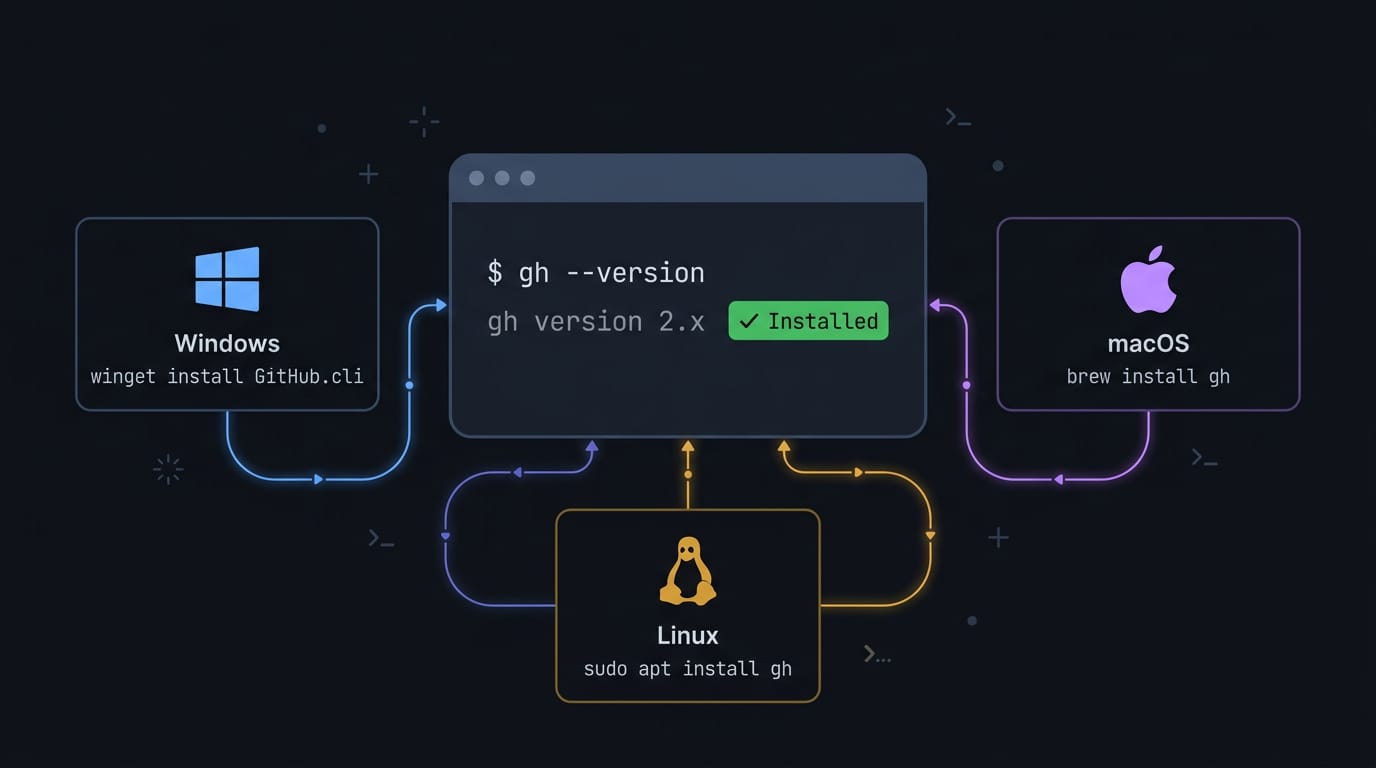
Install gh CLI on your platform with the right package manager, then verify the setup and sign in before bringing GitHub work into your terminal.
Install VLC media player on Ubuntu with APT, Snap, Software, or a PPA, then verify the setup and add codecs to play videos that would not open.