Install gh CLI on Any Platform: Complete Guide
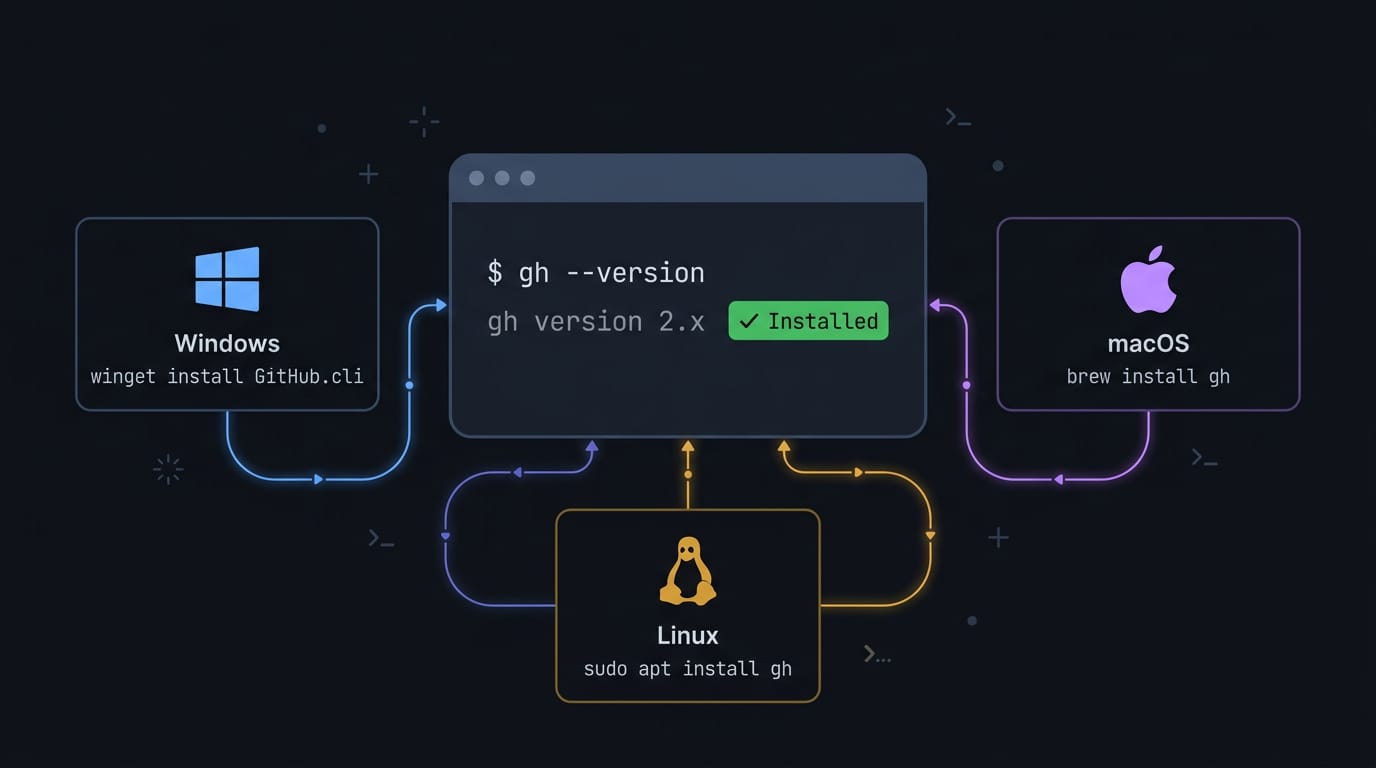
Install gh CLI on your platform with the right package manager, then verify the setup and sign in before bringing GitHub work into your terminal.
Keeping a setup in files you can version, share and rebuild, for anyone who has lost a config once and would rather not do it twice.
8 guides9 topics insideworkspace 5 of 7
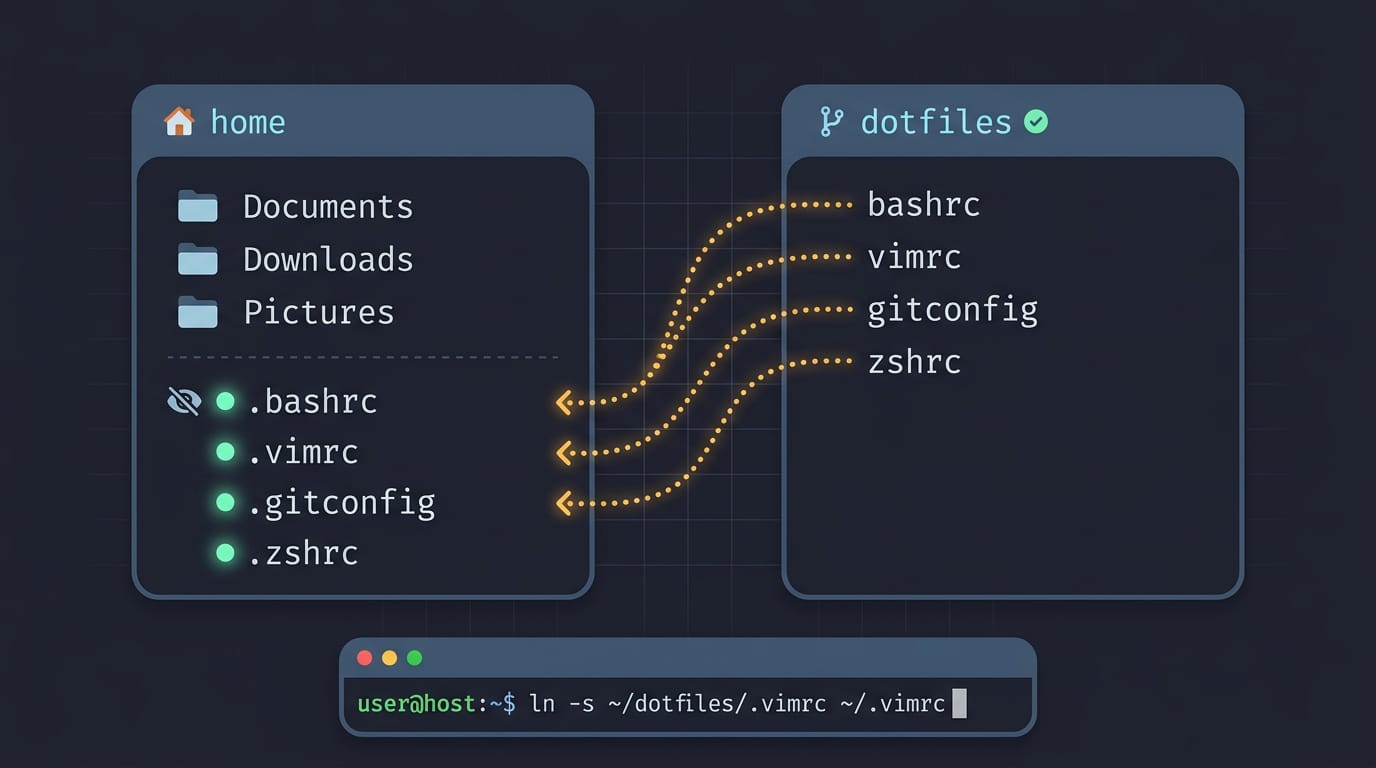
Dotfiles help you rebuild shell aliases, editor settings, and tmux layouts on a new laptop, with practical ways to organize and manage them.
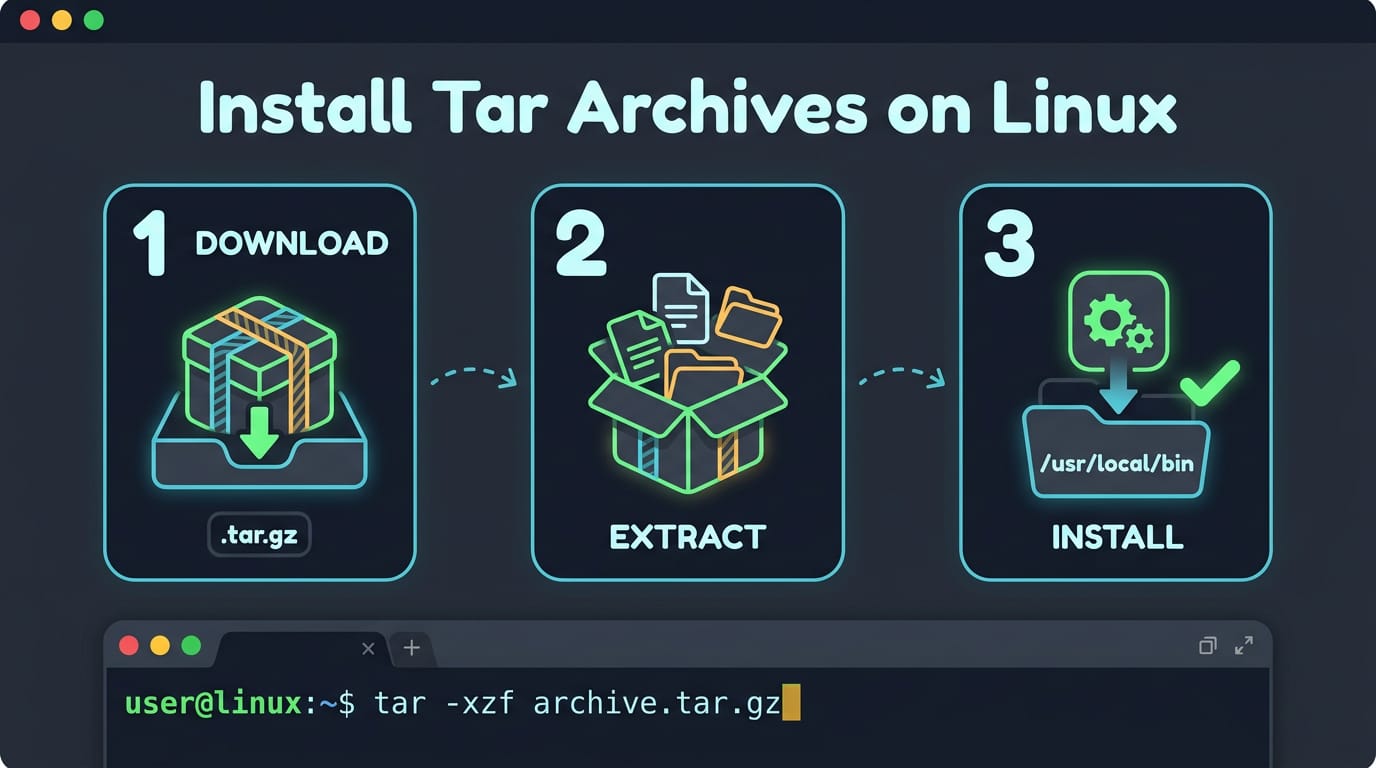
Install tar.gz software by extracting it, following its instructions, and building or running it from the unpacked folder; keep installs easy to undo.
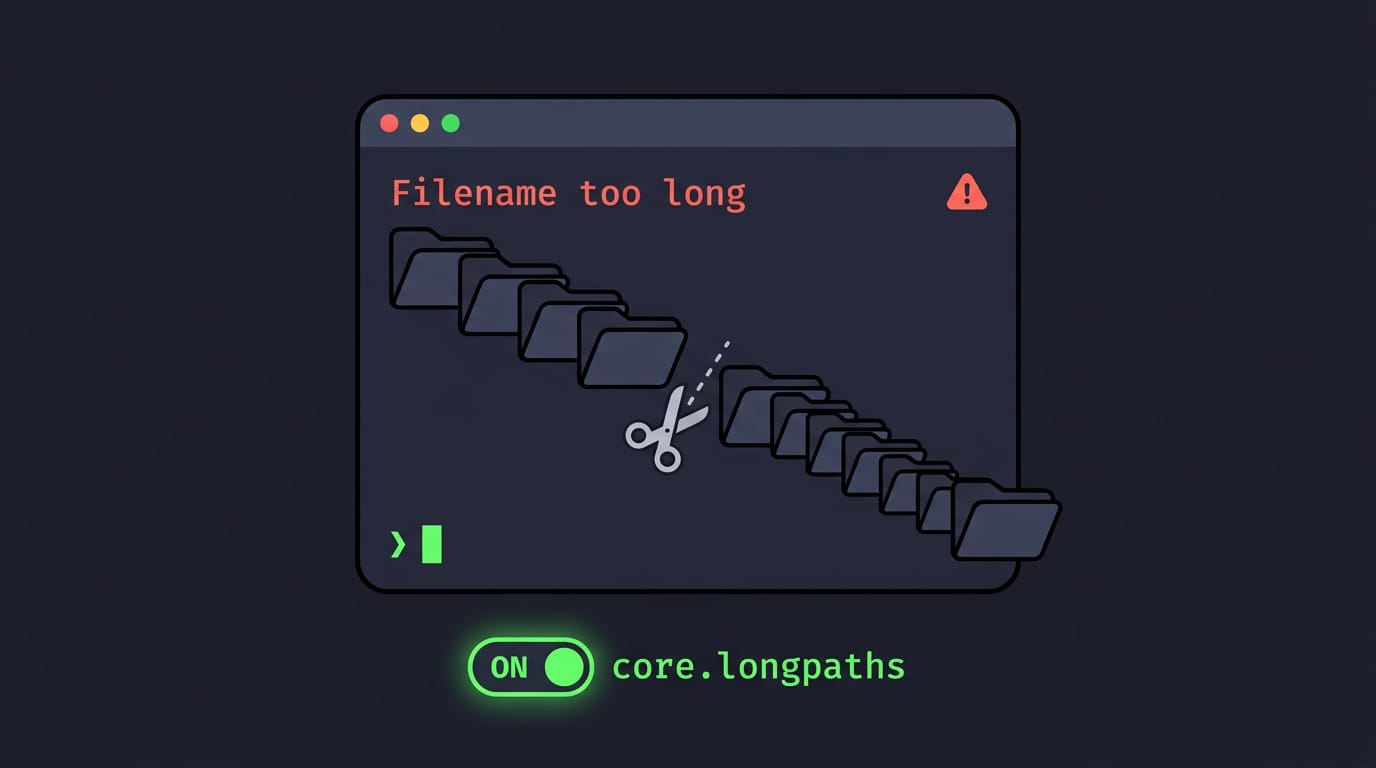
The GitHub filename too long error can stop a clone cold. Fix it with Windows long-path settings, plus WSL and dotfiles cases many guides miss.
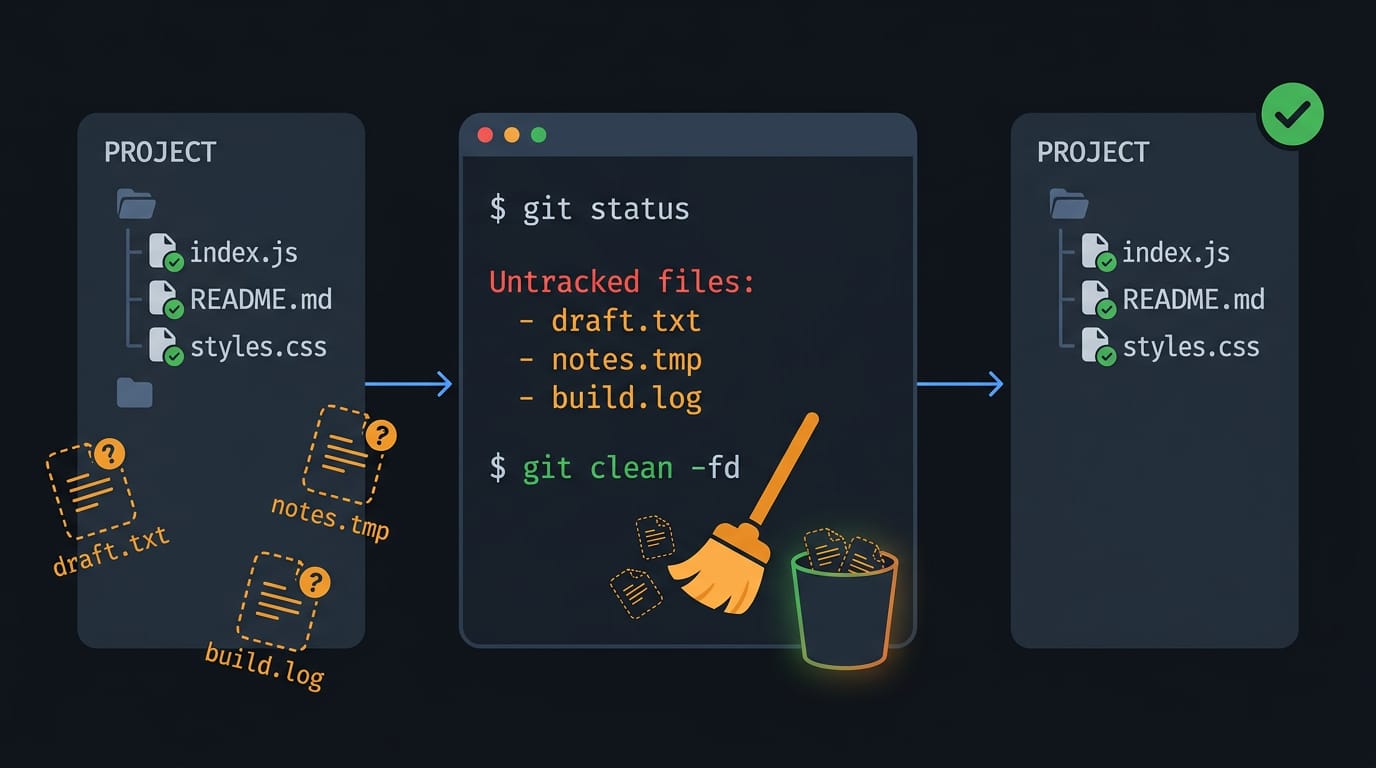
GitHub untracked files clutter project folders. Find, ignore, stash, or safely delete them with git clean, including ignored files and dotfile pitfalls.
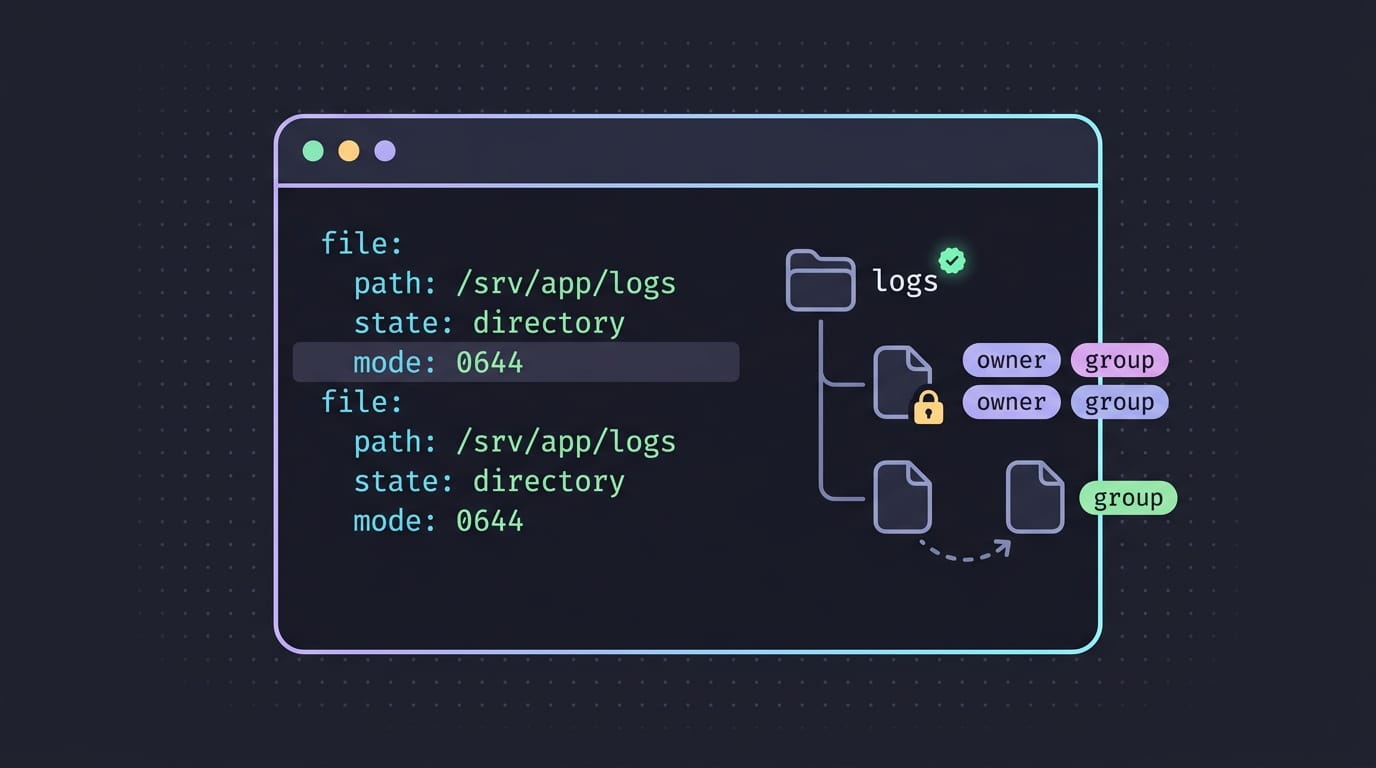
Ansible file module keeps dotfiles consistent across laptops by managing files, symlinks, and permissions. See states and repeat-safe examples.
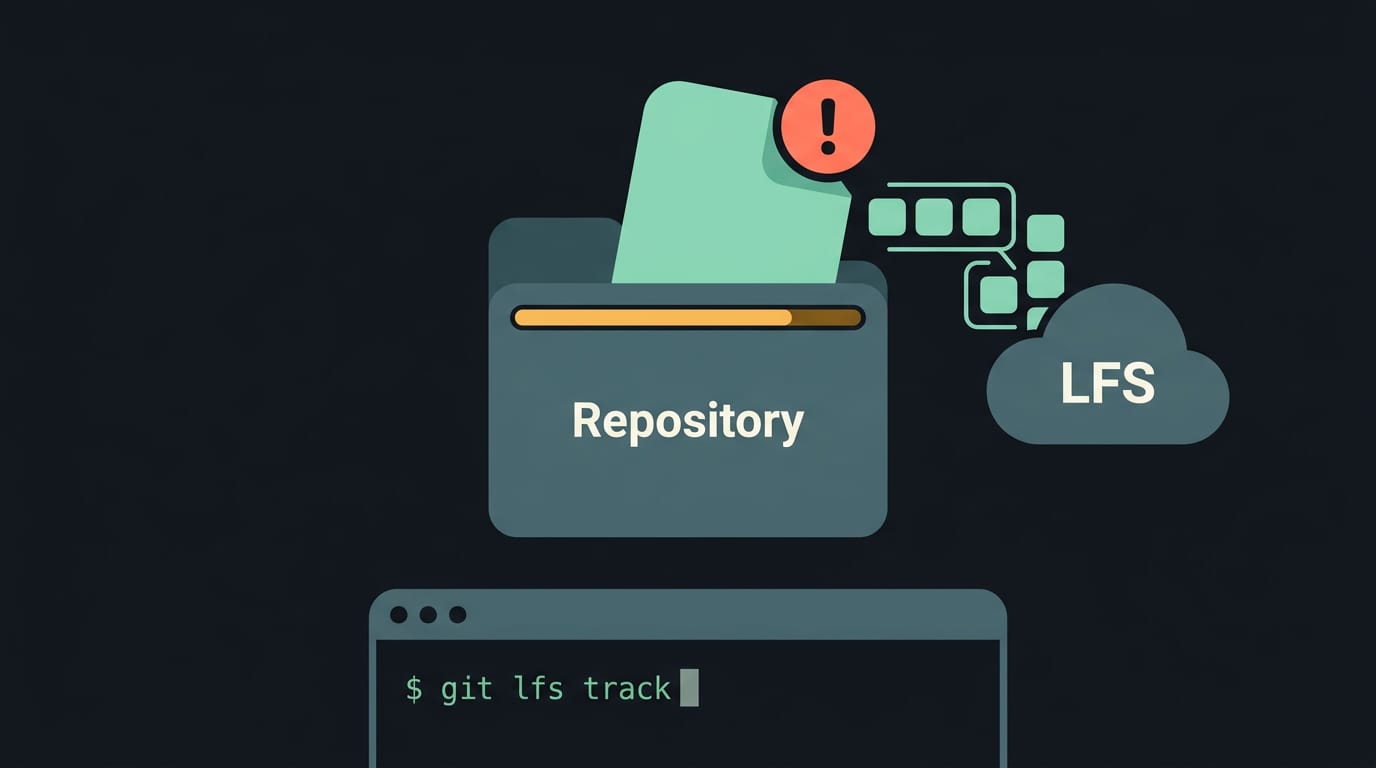
GitHub max file size can block a whole push over one oversized file. See how Git LFS and media hosts keep big files out of your repo history.
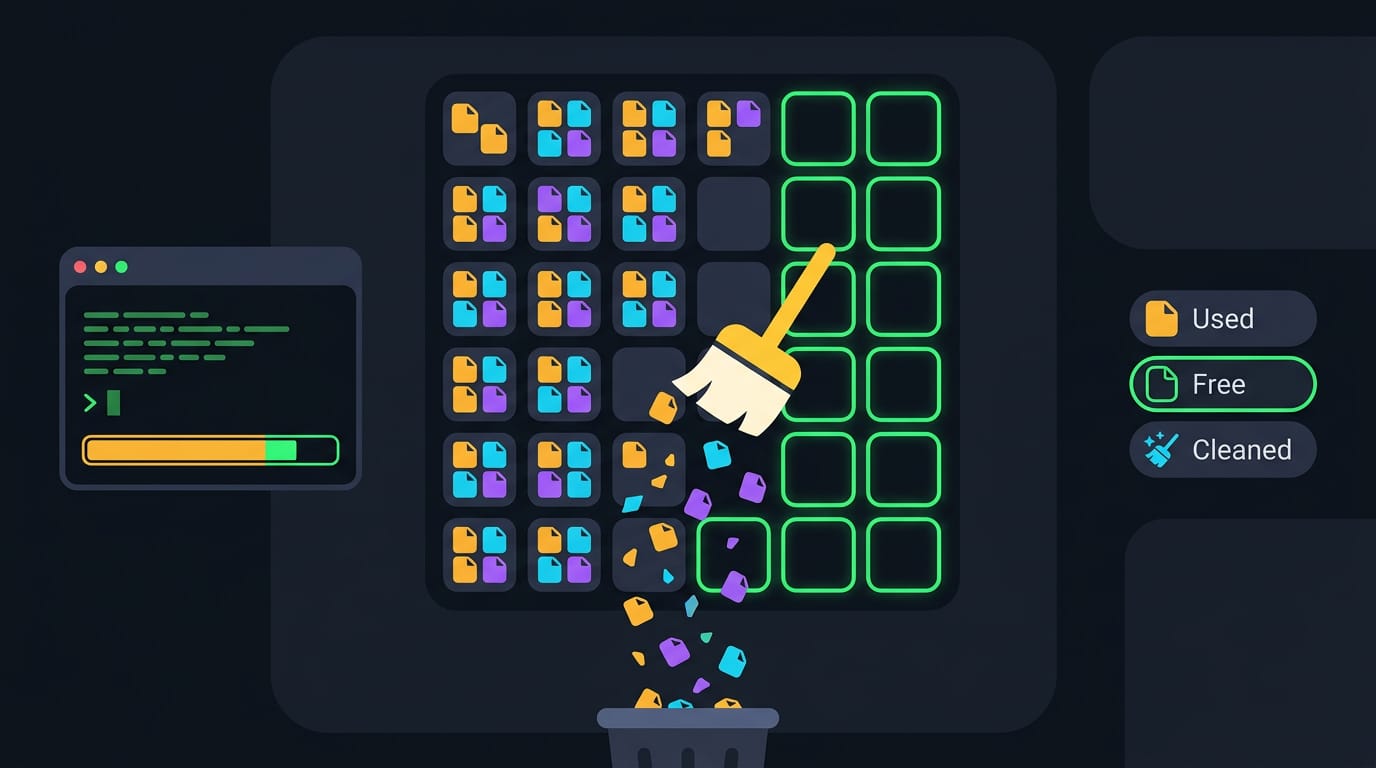
Ubuntu clean file and block counts: understand the boot message, fix a stall on the clean line, and free disk space without risking saved configs.
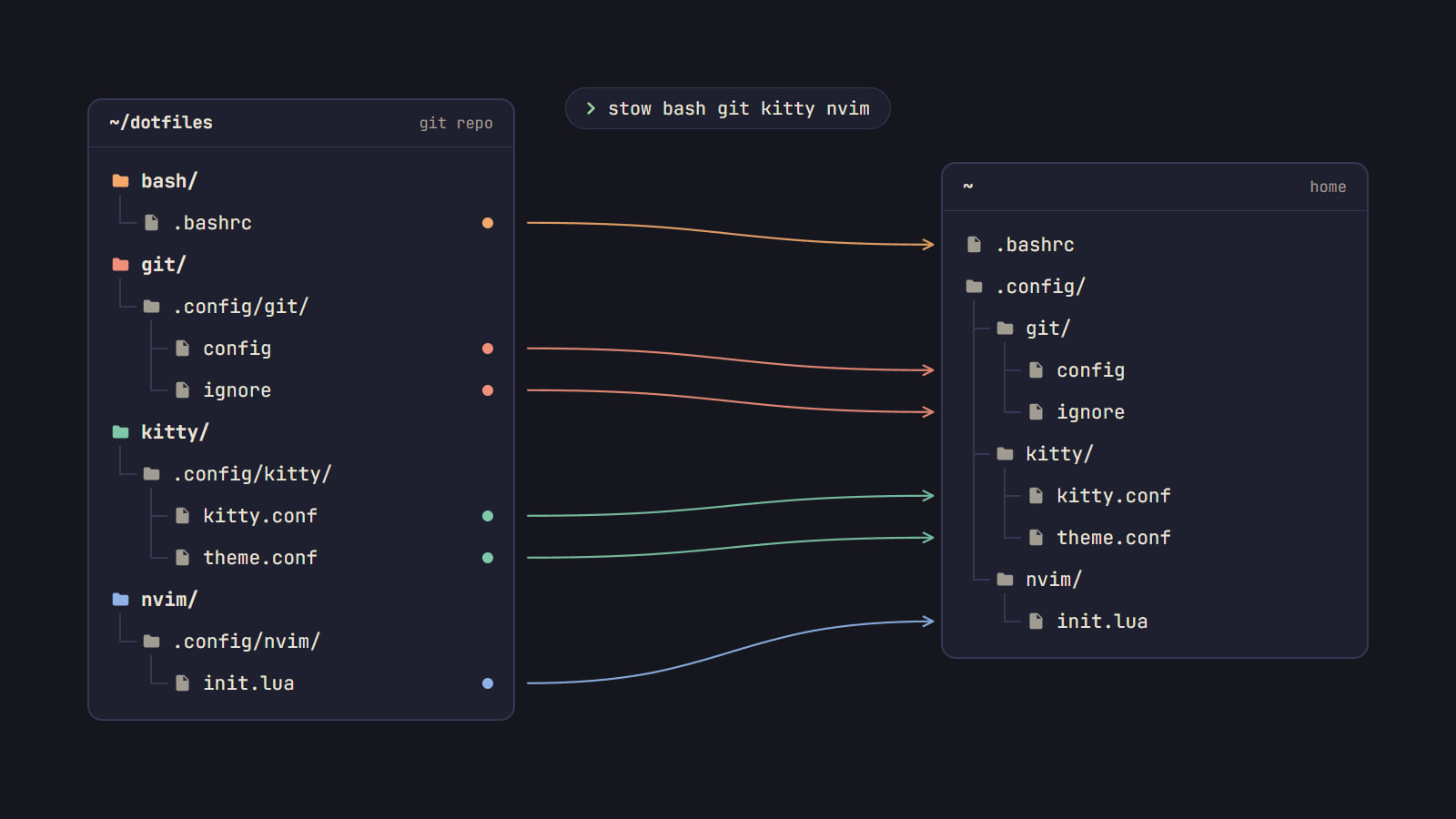
Keep configs in a git repo and let Stow link them into place: dry runs, tree folding, conflicts and --adopt, secrets kept out, and a rebuild on a new machine.
Install gh CLI on your platform with the right package manager, then verify the setup and sign in before bringing GitHub work into your terminal.
Windows XP screen nostalgia starts with the boot animation, Bliss wallpaper, and Luna visuals; see how to preview the look safely in your browser.
Install VLC media player on Ubuntu with APT, Snap, Software, or a PPA, then verify the setup and add codecs to play videos that would not open.