Install gh CLI on Any Platform: Complete Guide
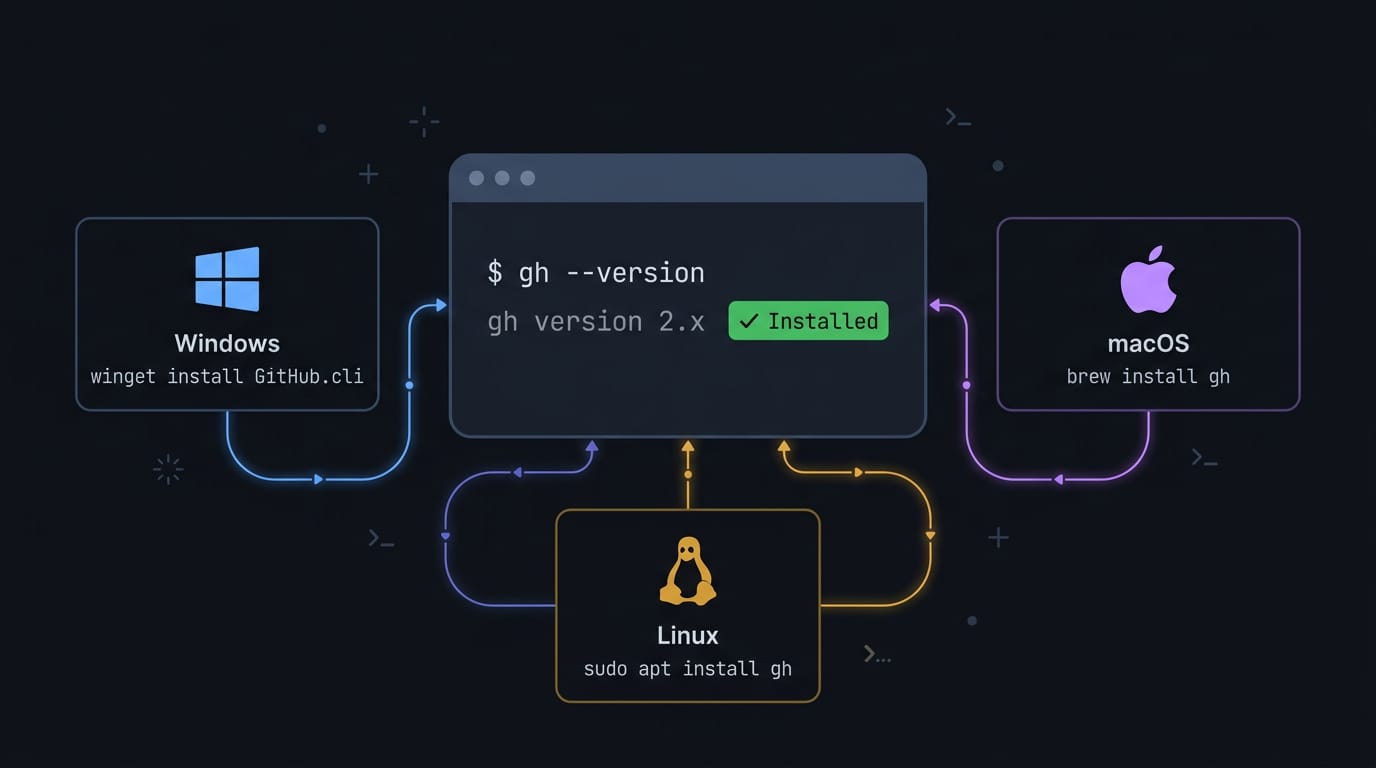
Install gh CLI on your platform with the right package manager, then verify the setup and sign in before bringing GitHub work into your terminal.
Terminal emulators, shells, prompts, multiplexers and command-line tools, for anyone who spends the day at a prompt and wants it to feel like theirs.
7 guides10 topics insideworkspace 2 of 7
Ghostty configuration puts themes, fonts, shortcuts, and shell behavior in one plain-text file. Find it and shape tabs, splits, and window settings.
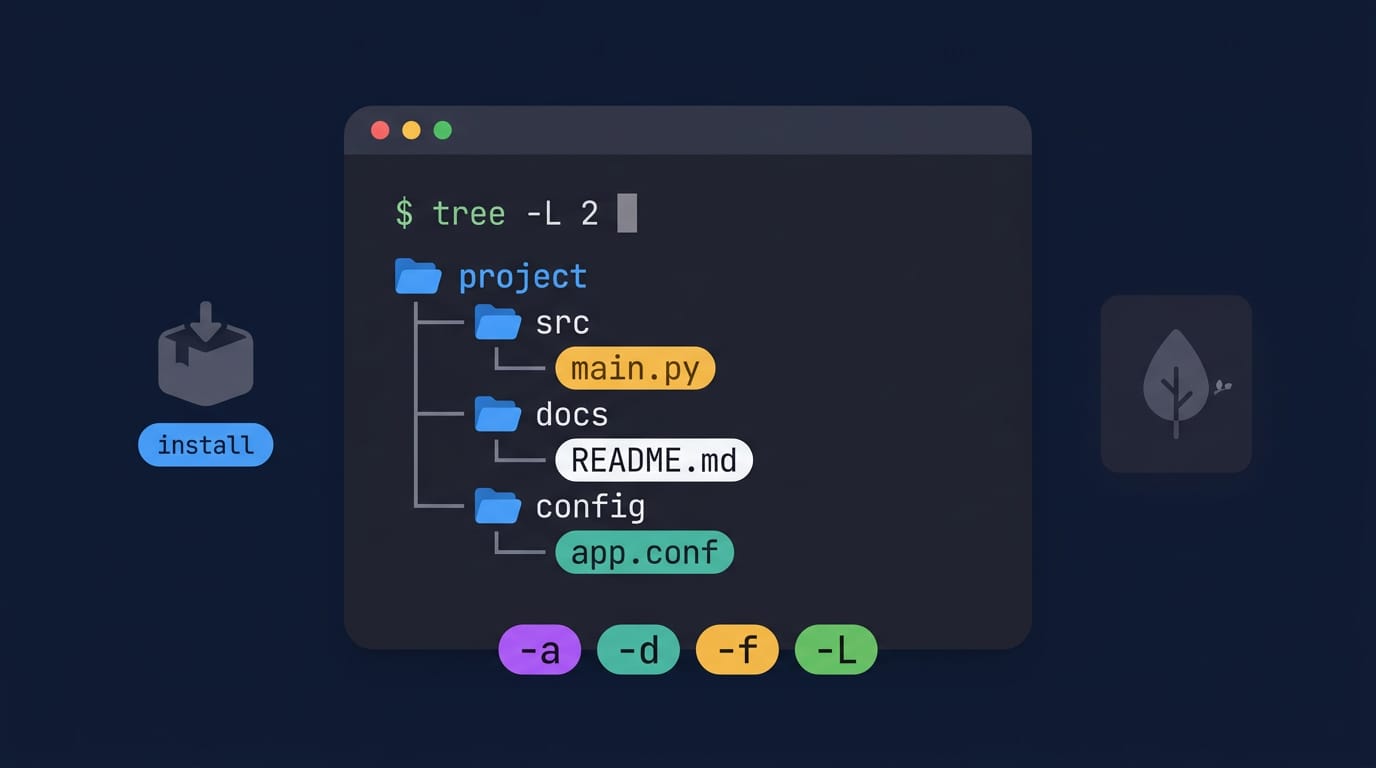
The tree command in Linux turns nested folders into a readable hierarchy. See which flags customize output, target a folder, and compare practical alternatives.
Shell scripting turns repeated commands into a runnable routine. Write your first script, practice core syntax, and schedule recurring tasks with cron.
Mac Terminal commands take you from a blinking cursor through safe basics, customization, admin work, Homebrew, and fun tricks, including macOS quirks.
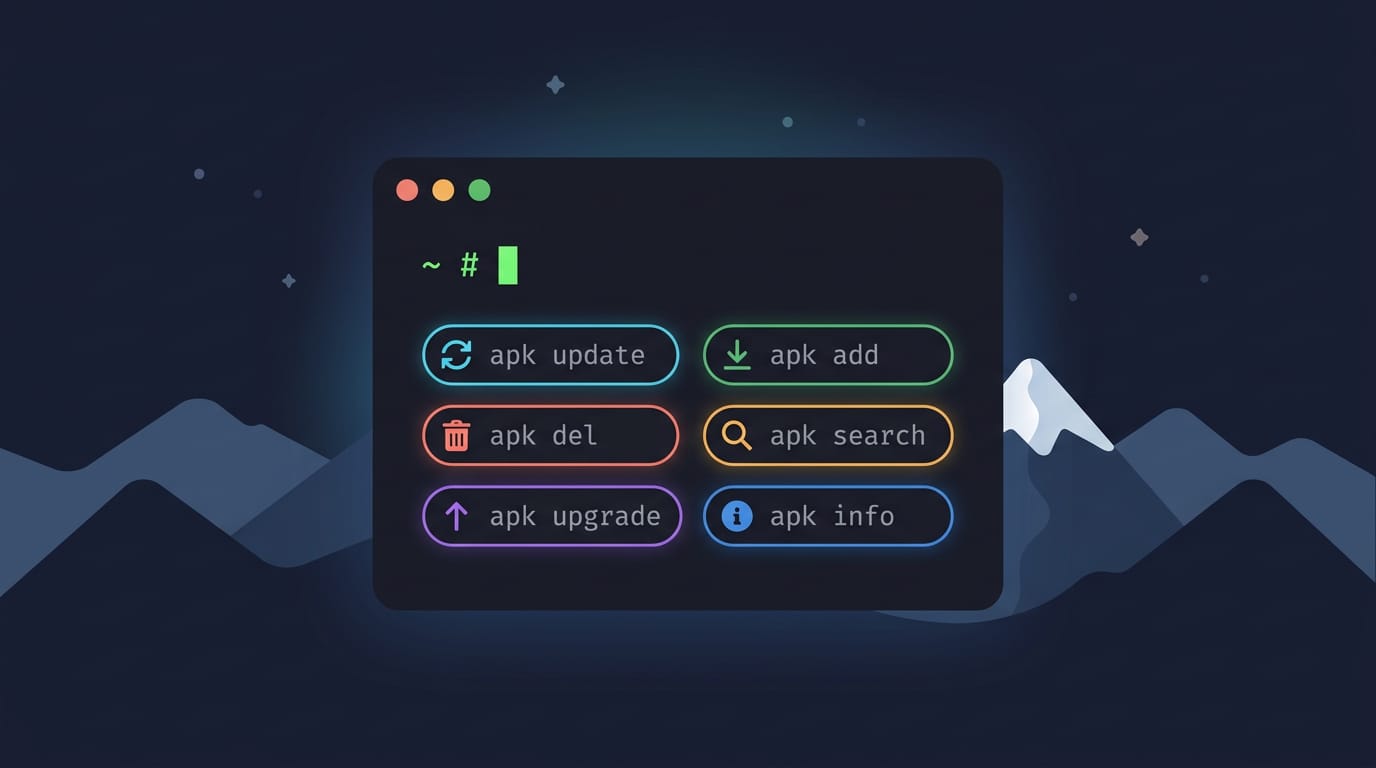
The Alpine Linux package manager, apk, installs and upgrades software. Get daily commands, package sources, version locking, and fixes for common errors.
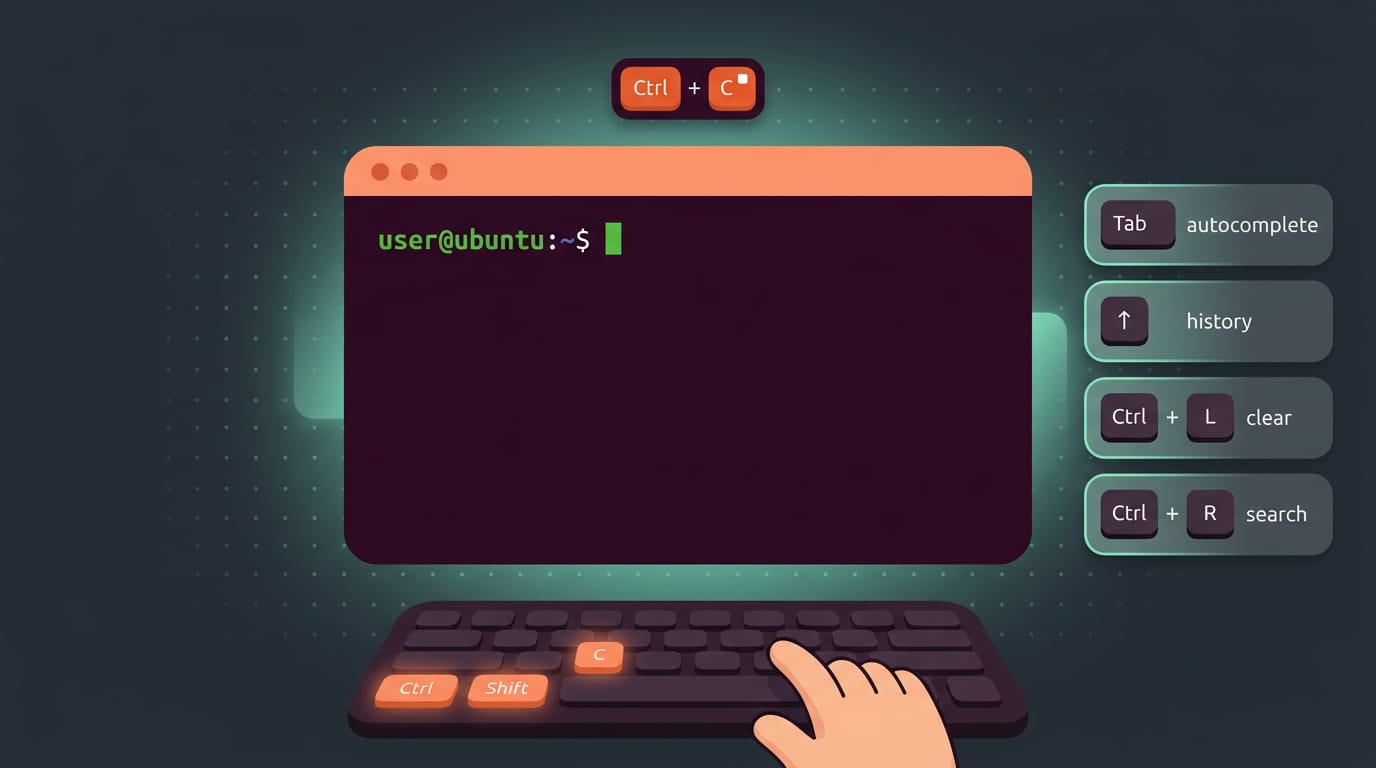
Ubuntu terminal shortcuts help you work mouse-free. Find keys for opening, editing, history, tabs, desktop actions, and fixing custom bindings.
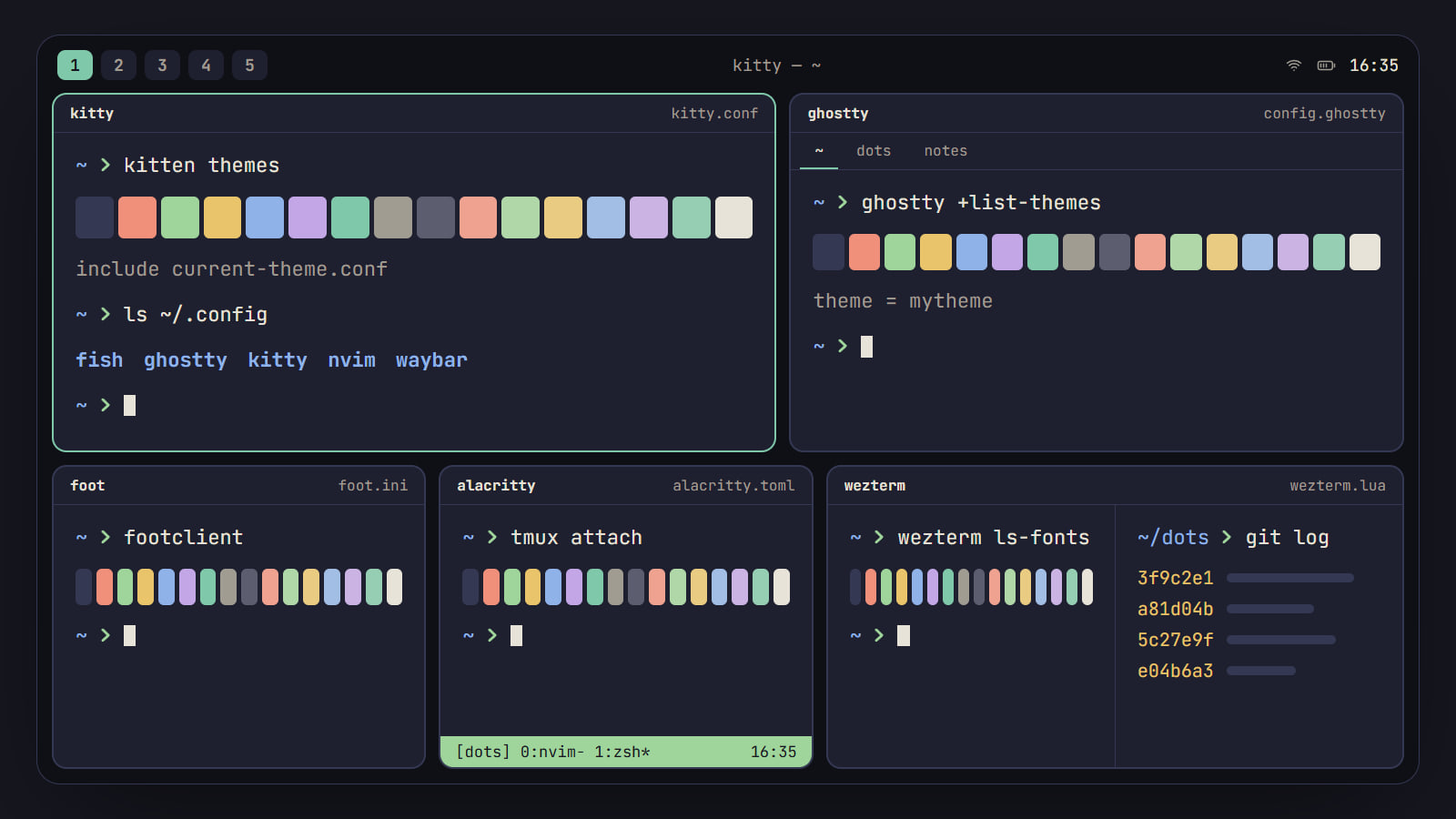
kitty, Ghostty, foot, Alacritty and WezTerm compared on what a rice needs: Wayland, tabs and splits, images, ligatures, config and themes, with a pick by setup.
Install gh CLI on your platform with the right package manager, then verify the setup and sign in before bringing GitHub work into your terminal.
Windows XP screen nostalgia starts with the boot animation, Bliss wallpaper, and Luna visuals; see how to preview the look safely in your browser.
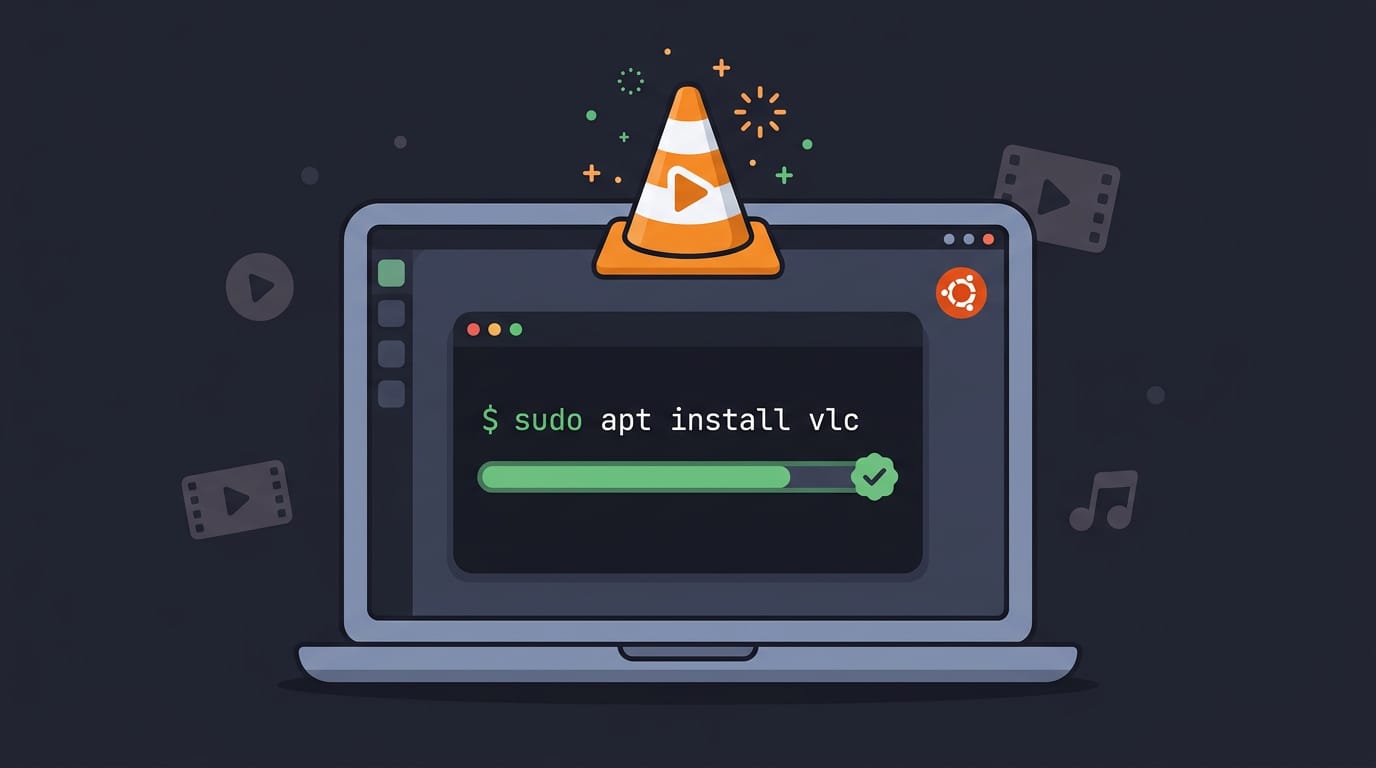
Install VLC media player on Ubuntu with APT, Snap, Software, or a PPA, then verify the setup and add codecs to play videos that would not open.