Best terminal emulator for Linux: kitty, Ghostty and more
kitty, Ghostty, foot, Alacritty and WezTerm compared on what a rice needs: Wayland, tabs and splits, images, ligatures, config and themes, with a pick by setup.
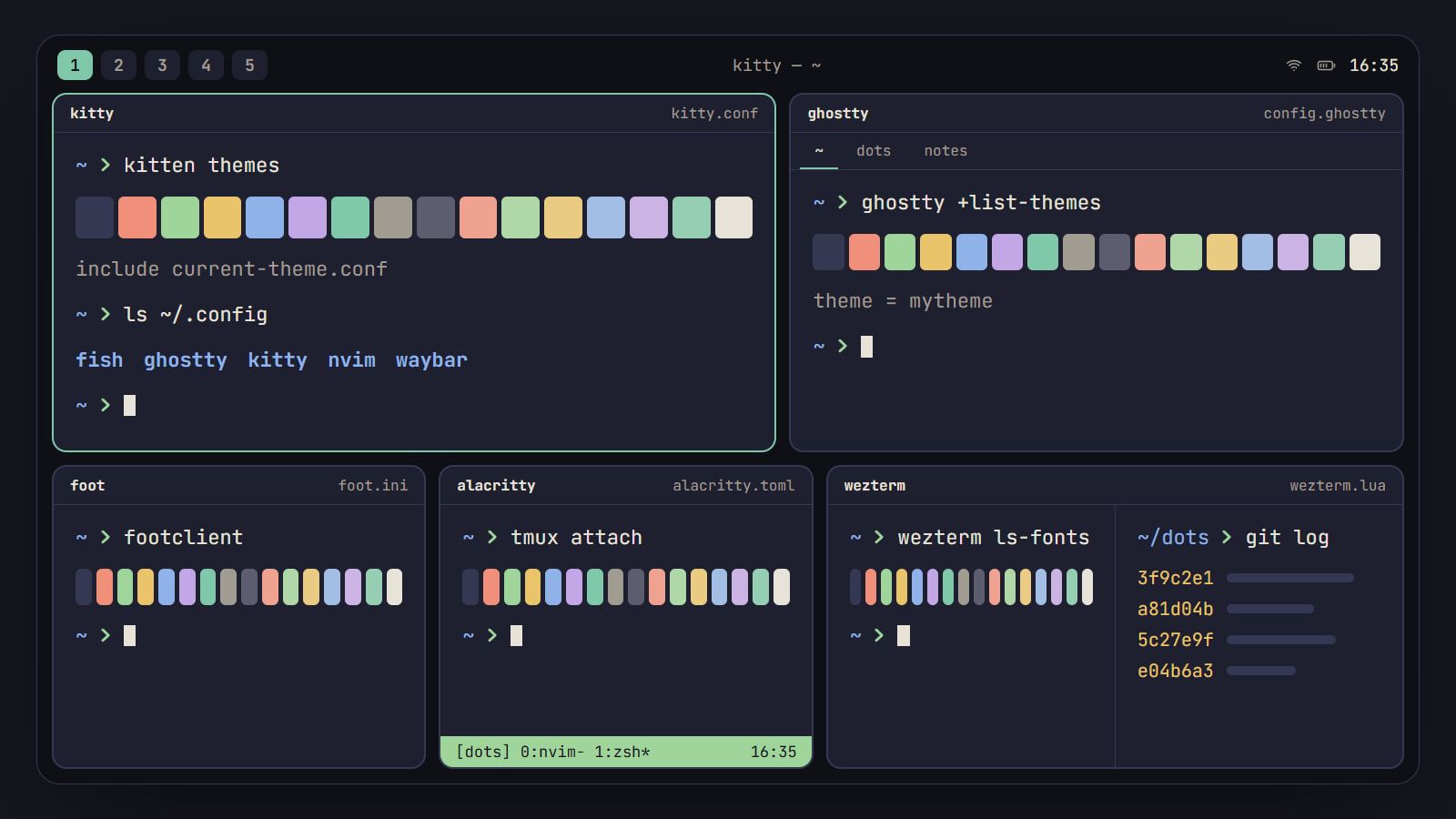
tl;dr the short answer
For most rices, start with kitty or Ghostty: both run natively on Wayland and X11, have tabs and splits, show images and draw ligatures. Pick foot for a small Wayland-only terminal your tiling compositor arranges, Alacritty when tmux already does your tabs and splits, and WezTerm for a Lua config and a built-in multiplexer, knowing its last stable release dates from February 2024.
The five at a glance
| Pick | Display server | Tabs and splits | Images | Ligatures | Config file | Where to get it |
|---|---|---|---|---|---|---|
| kitty | Wayland and X11, native | Tabs, splits and seven layouts | kitty graphics protocol | Yes, on by default | kitty.conf | Visit kitty |
| Ghostty | Wayland and X11, native (GTK 4) | Tabs and splits | kitty graphics protocol | Yes | config.ghostty (key = value) | Visit Ghostty |
| foot | Wayland only | None: one window per terminal | Sixel | No | foot.ini | Visit foot |
| Alacritty | Wayland and X11, native | None, by design | None | No | alacritty.toml | Visit Alacritty |
| WezTerm | Wayland (on by default) and X11 | Tabs, panes and a multiplexer | kitty, iTerm2 and Sixel | Yes | wezterm.lua (Lua) | Visit WezTerm |
There’s no single best terminal for a rice, only the best fit for yours. If you want one app that does tabs, splits, images and ligatures on any Linux desktop, use kitty or Ghostty. If your tiling compositor already arranges your windows and tmux keeps your sessions, foot (on Wayland) or Alacritty stays out of the way. WezTerm suits you if you’d rather configure your terminal in Lua and want a multiplexer built in. All five take a sixteen-color scheme from a file, so your palette comes with you whichever you pick.
Everything here comes from each project’s own docs and release pages, as of kitty 0.49.2, Ghostty 1.3.1, foot 1.28.0, Alacritty 0.17.0 and WezTerm 20240203. We haven’t benchmarked them, so you won’t find speed figures below.
What matters in a terminal for a rice
Leave speed to benchmarks you run on your own machine. These are the questions that shape a riced setup:
- Wayland or X11. On a Wayland compositor, a terminal that speaks Wayland natively stays sharp on a scaled screen and doesn’t go through Xwayland.
- Tabs and splits, or not. Your terminal, your window manager and tmux can all split the screen. Pick one of the three to own the job, and the terminal’s own tabs matter more or less.
- Images. File managers and fetch tools can show pictures, but only through a protocol your terminal speaks: the kitty graphics protocol or Sixel.
- Ligatures. If your coding font has them, some terminals draw them and some show the plain characters.
- The config and how a theme loads. A terminal that loads its colors from a separate file with one line keeps your palette swappable and your dotfiles tidy.
- Fonts and icons. Prompts, bars and file managers draw icons from Nerd Font symbols. Installing a Nerd Font and setting its exact family name is the fix when they show as boxes.
- Platforms and upkeep. If your dotfiles also run on a Mac, or at work on Windows, a terminal that runs there too saves a second config. A recent stable release means fixes reach your distro’s packages.
Side by side
The table at the top covers display servers, tabs and splits, images, ligatures and config files. This one covers where each runs, how it loads a theme and how recent its last stable release is.
| Terminal | Runs on | Loads a theme with | Themes it ships | Last stable release |
|---|---|---|---|---|
| kitty | Linux, macOS, BSDs | include in kitty.conf, or kitten themes |
a browsable collection in kitten themes |
0.49.2, October 1, 2026 |
| Ghostty | Linux, macOS | theme = <name> |
hundreds, built in | 1.3.1, March 13, 2026 |
| foot | Linux (Wayland) | include= in foot.ini |
theme files, usually in /usr/share/foot/themes |
1.28.0, September 2, 2026 |
| Alacritty | Linux, macOS, Windows, BSD | import under [general] |
none; a separate alacritty-theme repository | 0.17.0, April 6, 2026 |
| WezTerm | Linux, macOS, Windows, FreeBSD, NetBSD | config.color_scheme |
over 700, built in | 20240203, February 3, 2024 |
kitty
kitty draws with the GPU and does a lot in one app. Tabs hold windows arranged in seven layouts, from a simple stack to free-form splits, and sessions can open a whole set of tabs and splits from a file. It runs natively on Wayland and X11 (it picks the backend for you), draws ligatures by default and created the kitty graphics protocol that other terminals now use for images; kitten icat shows a picture right in the terminal. Remote control lets scripts change colors, fonts, tabs and windows from the shell, which is handy when your rice switches palettes with the wallpaper.
Everything lives in one kitty.conf. A theme is just another .conf file:
# ~/.config/kitty/kitty.conf
include theme.conf
Relative paths resolve against kitty’s config folder. kitten themes previews themes live and writes your pick to current-theme.conf with its own include line; be aware that it also comments out any color settings already in kitty.conf, so keep your own color tweaks in a separate file included after the theme. kitty also has Nerd Font symbols built in, used for any icon no installed font has. It doesn’t run on Windows.
Ghostty
Ghostty draws with the GPU (OpenGL on Linux, Metal on macOS) and uses each platform’s own interface: on Linux that means GTK 4 and libadwaita, and each release needs recent enough versions of both from your distro. It runs on Wayland and X11, has native tabs and splits, speaks the kitty graphics protocol and draws ligatures.
The config is key = value lines in ~/.config/ghostty/config.ghostty (versions before 1.2.3 used a file named plain config). Themes are where Ghostty stands out: hundreds ship with it, ghostty +list-themes shows them, and one line can follow your system’s light and dark mode:
# ~/.config/ghostty/config.ghostty
theme = dark:Catppuccin Frappe,light:Catppuccin Latte
Your own theme files go in ~/.config/ghostty/themes/ and load by name. Ghostty’s theme docs add a warning worth repeating: a theme is a normal config file and can change any option, so read one from a stranger before you load it. Reload with ctrl+shift+, on Linux. There is no Windows version yet.
foot
foot calls itself “a fast, lightweight and minimalistic Wayland terminal emulator”, and it means each word. It runs on Wayland only, has no tabs or splits (your compositor tiles foot windows like any other), shows Sixel images and does not draw ligatures. Its server mode lets one process host every window: start foot --server from your compositor’s config and open terminals with footclient, which open quickly.
The config is ~/.config/foot/foot.ini. Themes are small files of colors; foot ships a set of them, installed to /usr/share/foot/themes when your distro packages them. Load one with an include line at the top of foot.ini, before any section:
# ~/.config/foot/foot.ini
include=~/.config/foot/theme.ini
The path must be absolute or start with ~/. Watch the section names in older themes: foot 1.26 introduced [colors-dark] and [colors-light], and 1.28 removed the old [colors] and [colors2], so a theme file written for an older foot needs its header renamed. The details are in the changelog in foot’s repository on Codeberg.
Alacritty
Alacritty is an OpenGL terminal with one TOML file and a clear idea of what it isn’t. Its FAQ says you won’t find tabs or splits, which are best left to a window manager or a terminal multiplexer. It doesn’t draw ligatures (the request has been open since the project’s early days) and has no image protocol. What it does have is a vi mode for moving through scrollback, search, regex hints for opening links, live config reload and builds for Linux, macOS, Windows and the BSDs.
The config is ~/.config/alacritty/alacritty.toml. A theme is another TOML file you import:
# ~/.config/alacritty/alacritty.toml
[general]
import = ["~/.config/alacritty/theme.toml"]
Imports load in order, with your own file last, so anything you set yourself wins. Two changes break old guides: Alacritty moved from YAML to TOML in 0.13, and 0.14 moved import under [general]. alacritty migrate converts an older config for you.
WezTerm
WezTerm is the one to pick if you want your terminal to be programmable. The config is Lua, it reloads as you save, and it ships a multiplexer of its own: tabs, panes and windows, locally or on a remote host over SSH. It speaks the kitty graphics protocol, the iTerm2 image protocol and Sixel, draws ligatures, uses Wayland by default and runs on Linux, macOS, Windows, FreeBSD and NetBSD. More than 700 color schemes come with it:
-- ~/.config/wezterm/wezterm.lua
local wezterm = require 'wezterm'
local config = wezterm.config_builder()
config.color_scheme = 'Catppuccin Mocha'
return config
Your own schemes go in ~/.config/wezterm/colors/ as TOML files. The honest limit: the last stable release is 20240203, from February 2024. Development carries on in the repository, and WezTerm’s install docs offer nightly builds beside the 2024 one, so on WezTerm you choose between a 2024 build and a nightly.
The terminal your desktop came with
If you’re on Plasma or GNOME and the built-in terminal does what you need, keep it. Plasma’s Konsole has tabs and split views, and kitty’s docs list it among the terminals that support the kitty graphics protocol. Fedora Workstation and Ubuntu, since 25.10, ship Ptyxis, which has tabs and opens new ones in the container you were working in, from toolbox or distrobox. Both take color schemes and fonts from their settings, which is most of what makes a terminal feel riced. Reach for one of the five above when you want the whole config in a text file in your dotfiles.
Which one to pick
- You want one terminal that does everything, on Linux and a Mac: kitty, or Ghostty if you’d rather have a short config and native tabs.
- You switch schemes often or follow light and dark mode: Ghostty, for its built-in themes and its one-line light and dark pair.
- You run a tiling Wayland compositor and tmux, and want the terminal to be small: foot, in server mode.
- You live in tmux and also work on Windows: Alacritty, with one TOML file everywhere.
- You want to script your terminal or skip tmux for a built-in multiplexer: WezTerm, if a 2024 stable build or a nightly suits you.
Whichever you choose, the colors are the part you’ll tune most. Making your own terminal color scheme walks through what each of the sixteen colors is for, and the Generator writes kitty, Alacritty and Ghostty theme files from a wallpaper, each loaded with one line. kitty, Ghostty, Alacritty and foot, with a shell and a prompt to go with them, are in the Toolkit, and more on shells, prompts and multiplexers is in Terminal.
Questions
Which terminal emulator is the fastest?
It depends on what you measure, and we haven’t measured, so we won’t name one. Projects publish their own benchmarks: Alacritty runs vtebench, and its own FAQ says benchmarking terminals is complicated and that you should test against your own use. If speed matters for your work, run the same test on your machine, in each terminal, with your font and your shell.
Do I need tabs and splits if I use tmux?
No. tmux already gives you windows, panes and sessions that survive closing the terminal or losing an SSH connection, so a terminal without tabs, like Alacritty or foot, pairs well with it. Using a terminal’s splits and tmux’s together means two sets of keybinds for the same job, so pick one layer and stick to it.
Which terminals can show images?
kitty, Ghostty and WezTerm speak the kitty graphics protocol, which kitty created and other terminals have taken up; foot and WezTerm also show Sixel images. Alacritty shows none. Image previews in a file manager or a fetch tool appear only when the tool supports a protocol your terminal speaks.
How do I change my terminal’s color scheme?
Keep the colors in their own file and load it with one line: include in kitty, theme in Ghostty, include= in foot, import in Alacritty and color_scheme in WezTerm. Popular schemes have a port for each, and kitty, Ghostty and WezTerm each have a large collection to choose from. Change the file, not your main config, and switching schemes stays a one-line edit.
Sources
- kitty: overview, kitty
- Ghostty features, Ghostty
- foot: README and changelog, Codeberg
- WezTerm features, WezTerm