Wayland vs X11 for ricing: what changes and what to use
Where GNOME, Plasma, Xfce and Cinnamon stand now, which X11 tools a rice swaps on Wayland, from picom to xdotool, and the cases where X11 still fits.
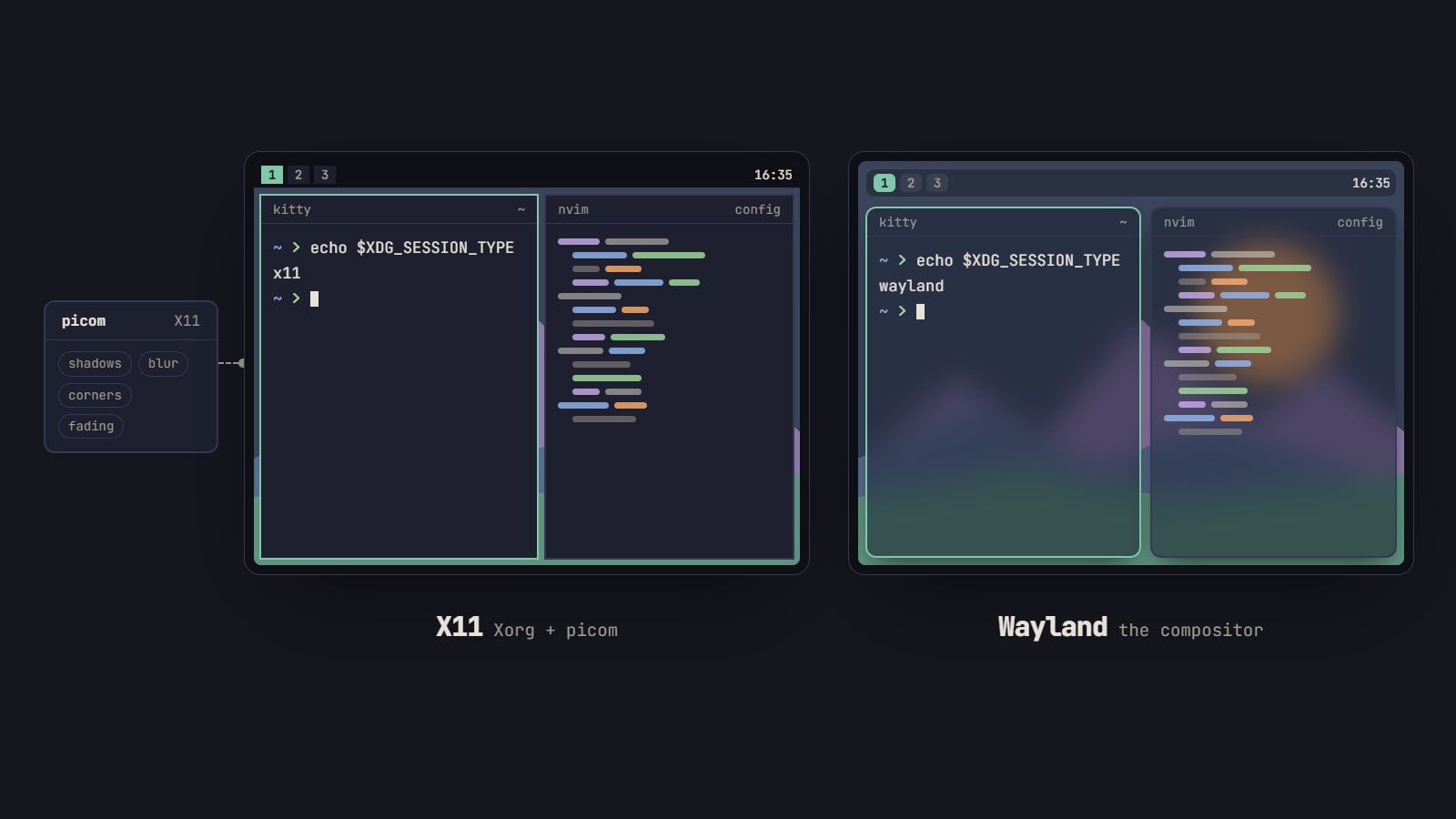
tl;dr the short answer
Build a new rice on Wayland: GNOME 50 and Plasma 6.8 ship Wayland sessions only, as do Hyprland, sway and niri, and Xwayland still runs the X11 apps you keep. The look carries over while the tools change: effects move from picom into the compositor, polybar gives way to Waybar, xrandr to output lines and kanshi, maim to grim and slurp, xclip to wl-clipboard and xdotool to wtype or ydotool.
Build a new rice on Wayland. GNOME 50 and Plasma 6.8 no longer ship an X11 session, the tiling compositors we cover most (Hyprland, sway and niri) are Wayland-only, and Xwayland runs the X11 apps you still need. What changes is the toolbox, not the look: a handful of X11 programs have Wayland counterparts, and a few jobs move into the compositor itself. Stay on X11 if your setup is built on i3, bspwm or another X11 window manager you don’t want to give up, or if a tool you depend on has no Wayland version yet.
This explainer was written against GNOME 50, Plasma 6.8, sway 1.12 and niri 26.04. Each project’s own docs have the final word on anything newer.
What actually changes for a rice
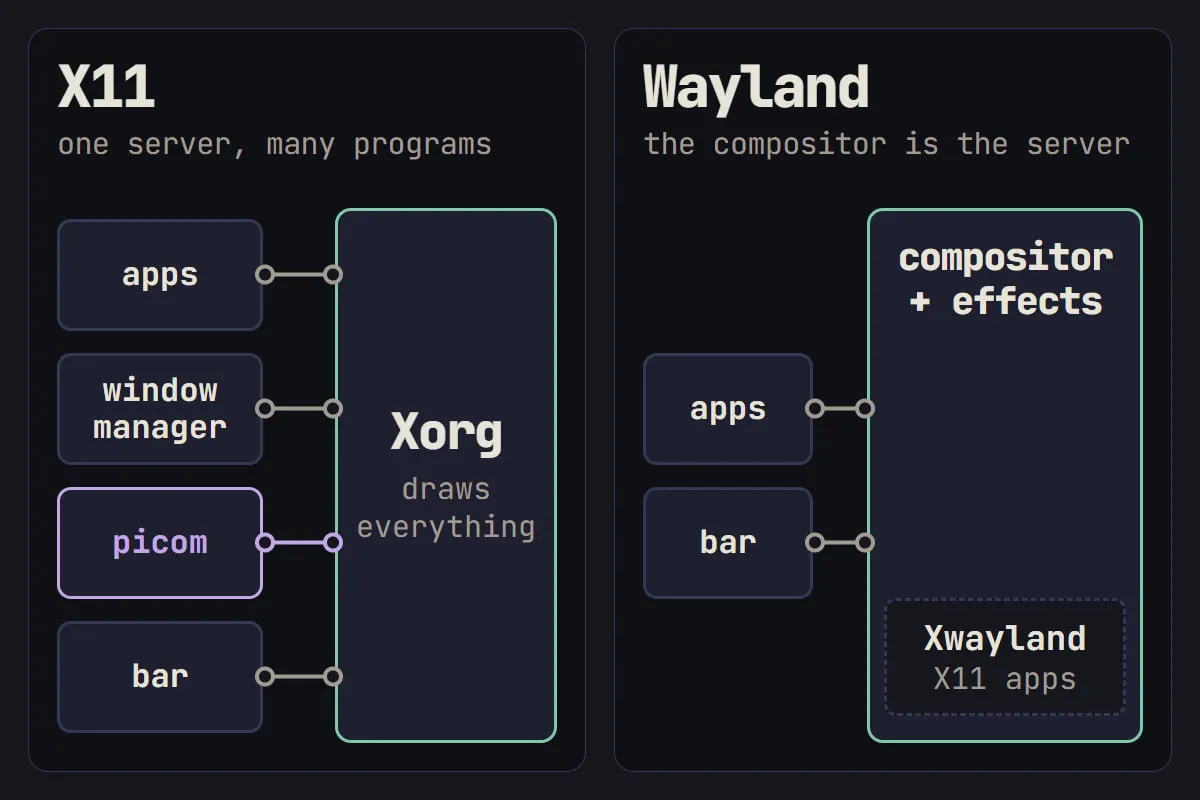
On X11, one server, Xorg, draws everything. The window manager, the compositor (picom, usually) and the bar are separate programs that all talk to it, and any program can read the screen, the keyboard and other windows.
On Wayland, the compositor is the display server and the window manager in one, and it draws the effects too: Hyprland, sway, niri, KWin on Plasma and Mutter on GNOME. That one change explains most of what you’ll notice:
- Effects belong to the compositor. Blur, shadows, rounded corners and animations come with the compositor you choose, not from a program you add.
- Settings move into its config. Screen layout, keyboard options and often the wallpaper go in the compositor’s config instead of
xrandr,setxkbmapandfehlines in a startup script. - Apps can’t reach into each other. A program can’t read another window’s contents or keystrokes. Screenshots, automation and screen sharing go through protocols the compositor offers, so a tool may work on one compositor and not on another.
Where each desktop stands
| Desktop or window manager | Session in October 2026 | What to know |
|---|---|---|
| GNOME | Wayland only | X11 session off by default in GNOME 49, removed in GNOME 50 |
| KDE Plasma | Wayland only from 6.8 | Plasma 6.7 keeps an X11 session, supported into early 2027 |
| Xfce | X11, Wayland in progress | Its own Wayland compositor, xfwl4, is in preview |
| Cinnamon | X11 and Wayland | Linux Mint plans full support for both in its next release |
| Hyprland, sway, niri | Wayland only | Run X11 apps through Xwayland |
| i3, bspwm, awesome, dwm | X11 only | Run on Xorg wherever your distro packages it |
KDE’s Plasma 6.8 announcement says X11 apps keep working through Xwayland and KDE’s own apps keep supporting X11 for the foreseeable future. GNOME’s plan, set out in a developer’s write-up of the X11 session removal, left Xwayland untouched too. Xfce added preliminary Wayland support in 4.20 but keeps its window manager, xfwm4, X11-only, and Linux Mint’s lead has said the next Cinnamon, due with Mint 23 at the end of 2026, fully supports both sessions.
The tool swaps, side by side
Most of a rice survives the move: your terminal, your editor, your shell, your fonts and your palette don’t care which display server is underneath. These are the jobs where the X11 tool has to change.
| Job | On X11 | On Wayland |
|---|---|---|
| Effects | picom | the compositor itself |
| Bar | polybar | Waybar |
| Launcher | rofi, dmenu | rofi 2.0, fuzzel, wmenu |
| Notifications | dunst | dunst, mako |
| Screen layout | xrandr, arandr, autorandr | output lines in the compositor config, wlr-randr, wdisplays, kanshi |
| Wallpaper | feh, nitrogen | swaybg, hyprpaper, or the compositor’s own setting |
| Screenshots | maim, scrot | grim and slurp |
| Clipboard | xclip, xsel | wl-clipboard (wl-copy, wl-paste) |
| Typing and clicking | xdotool | wtype, ydotool |
| Window control from scripts | xdotool, wmctrl | the compositor’s IPC: swaymsg, hyprctl, niri msg |
| Lock screen | i3lock, slock | swaylock, hyprlock |
| Night light | redshift | gammastep, wlsunset, hyprsunset |
| Keyboard options | setxkbmap, xmodmap | xkb options in the compositor’s input config |
A few of these need a word more:
- polybar has no native Wayland support, so its job goes to Waybar: a JSON config, CSS for the look, and modules that know the workspaces of sway, Hyprland and niri.
- rofi 2.0 added official Wayland support, so a rofi theme you’ve spent evenings on can come with you.
- Screen layout moves into the compositor’s config. On sway that means
outputlines, worked through in our guide to multiple monitors in sway, with kanshi switching layouts when you dock. - wtype and wlr-randr rely on protocols that wlroots compositors like sway implement and GNOME does not. ydotool works anywhere, through the kernel’s uinput, but needs its
ydotoolddaemon running with access to/dev/uinput. - GNOME and Plasma have their own screenshot, display and night light tools, so on those desktops you mostly use their settings instead.
sway’s i3 migration guide keeps a longer list of X11 programs and their Wayland counterparts, down to xev and xprop. The bars, launchers and notification daemons above that we’d start with are in the Toolkit, each linked to its project page.
Your colors are the easy part. The Generator writes theme files for Polybar and Waybar, rofi and fuzzel, and i3, sway and Hyprland from one palette, so the move from an X11 rice to a Wayland one keeps the same colors.
Effects without picom
On X11, picom gave you shadows, fading, transparency, blur, rounded corners and, in recent versions, animations. On Wayland each of those is a setting in the compositor, and the compositors differ a lot:
- Hyprland has blur, shadows, rounded corners, per-window opacity and animations built in: the pick if you want motion.
- KWin, on Plasma, has blur and a long list of desktop effects you switch on in System Settings.
- niri draws rounded corners, shadows and animations, and since 26.04 it blurs behind windows that ask for it through the
ext-background-effectprotocol, or behind any window you name in a window rule. - sway stays deliberately plain: no blur, shadows or rounded corners. SwayFX, a fork, adds blur, rounded corners, shadows and dimmed unfocused windows on top of sway’s config.
- GNOME animates on its own; blur and most other effects come from shell extensions.
Tip: the classic transparent terminal is two settings now, not one program. Give the terminal some transparency in its own config, then let the compositor blur what shows through.
If the effects decide it for you, our comparison of Hyprland, sway, niri and i3 sets out how each one tiles, what it draws and how it’s configured.
Xwayland and the apps that still need X11
Xwayland is an X server that runs inside your Wayland session, so X11 apps open in it like any other window. sway, Hyprland, KWin and Mutter start it for you. niri, since 25.08, starts xwayland-satellite the moment an X11 app connects, as long as version 0.7 or later is installed.
What still goes through it is shrinking but real: Electron apps built before Electron 38.2, most Java apps (OpenJDK has no native Wayland support yet, though JetBrains IDEs ship their own), many games and older apps nobody has ported. To see which ones you’re running:
xlsclients -llists every client connected to Xwayland.- In sway,
swaymsg -t get_treemarks each window’s"shell"asxdg_shellorxwayland. - In Hyprland,
hyprctl clientsshowsxwayland: 1for X11 windows. xeyesworks anywhere: the eyes follow the pointer only over X11 windows.
Three things behave differently for those apps:
- Scaling. On a scaled screen, X11 apps draw at scale 1 and the compositor stretches them, so they look blurry. sway doesn’t support HiDPI for Xwayland at all; Hyprland’s
force_zero_scalingoption and Plasma’s display setting for legacy X11 apps let them draw at full resolution instead, small but sharp. - Global hotkeys. An X11 app only sees keys pressed while an X11 window has focus, so a push-to-talk key in an X11 chat app goes quiet when your terminal is focused. Bind the key in your compositor, or use a native Wayland build that supports the desktop portal’s global shortcuts.
- Screen capture. An X11 recorder only sees other X11 windows. Native Wayland apps share the screen through PipeWire and
xdg-desktop-portal, which needs your compositor’s backend installed:xdg-desktop-portal-wlrfor sway and other wlroots compositors,xdg-desktop-portal-hyprlandfor Hyprland. GNOME and Plasma ship their own. A black screen or no window picker in a video call usually means the backend is missing.
When X11 is still the right call
Wayland is the default for a new rice, not a rule. X11 still makes sense when:
- Your window manager is X11-only and you love it. sway reads most of an i3 config, but bspwm, awesome and dwm have no drop-in Wayland twin. Compositors inspired by them, such as river-classic and dwl, are a rebuild, not a migration.
- A script or tool you rely on has no Wayland counterpart. xdotool scripts that find, move or inspect other apps’ windows are the usual one: wtype only types, and the compositor’s IPC only knows its own commands.
- Your GPU is on an old driver. NVIDIA drivers before 470 don’t accelerate Xwayland at all, and a card dropped from NVIDIA’s current driver is better served by Xorg or nouveau.
- You want the X11 Plasma you have for a while longer. Plasma 6.7’s X11 session is supported into early 2027, and KDE itself points to long-term distributions like AlmaLinux 9, which ships the Plasma X11 session until 2032.
None of that is a reason to rush. An i3 rice that works keeps working on Xorg; you can try sway beside it from the login screen and move over when it suits you.
Check which one you’re running
-
Open a terminal and run:
echo $XDG_SESSION_TYPEIt prints
waylandorx11. -
If it prints
tty, you started the compositor from a console login. Check the Wayland socket instead:echo $WAYLAND_DISPLAYA value starting with
wayland-means you’re on Wayland. -
List the apps still going through Xwayland with
xlsclients -l(it ships in a package calledxorg-xlsclientsorx11-utils, depending on the distro).
Once you know where you stand, the rest of the system under the rice, from distributions to drivers, is in Linux.
Questions
How do I check if I’m on Wayland or X11?
Run echo $XDG_SESSION_TYPE in a terminal: it prints wayland or x11. If you started your compositor from a console login it may print tty instead, so check $WAYLAND_DISPLAY, which is set and starts with wayland- in a Wayland session. Then xlsclients -l lists the apps still running through Xwayland.
Does NVIDIA work on Wayland?
On cards NVIDIA still supports, mostly yes: KDE says they “work just fine nowadays” in its Wayland session. Use a current driver and make sure its kernel mode setting is on (nvidia-drm.modeset=1), which Wayland compositors need. sway’s developers don’t officially support the proprietary driver; since sway 1.12 it starts on it with a notice instead of refusing. For very old cards, KDE points to the open source nouveau driver.
Is X11 going away?
The X11 session is going away on the big desktops: GNOME removed it in GNOME 50, and Plasma 6.8 dropped it, with Plasma 6.7’s X11 session supported into early 2027. X11 apps are not going away, since Xwayland runs them inside a Wayland session. X11 window managers like i3 and bspwm still run on Xorg wherever your distro packages it, and Xfce keeps its X11 window manager while its own Wayland compositor is in preview.
Why are some apps blurry on Wayland?
They are usually X11 apps running through Xwayland on a scaled screen: they draw at scale 1 and the compositor stretches them. Look for a Wayland-native build first; Electron apps use Wayland by default from Electron 38.2, and older ones accept --ozone-platform=wayland. Hyprland’s force_zero_scaling option and Plasma’s setting for legacy X11 apps let them draw unscaled instead, sharp but small.
Sources
- KDE Plasma 6.8, KDE,
- Going all-in on a Wayland future, KDE Blogs,
- The X11 session removal, GNOME Blogs,
- i3 Migration Guide, sway wiki
Read next.
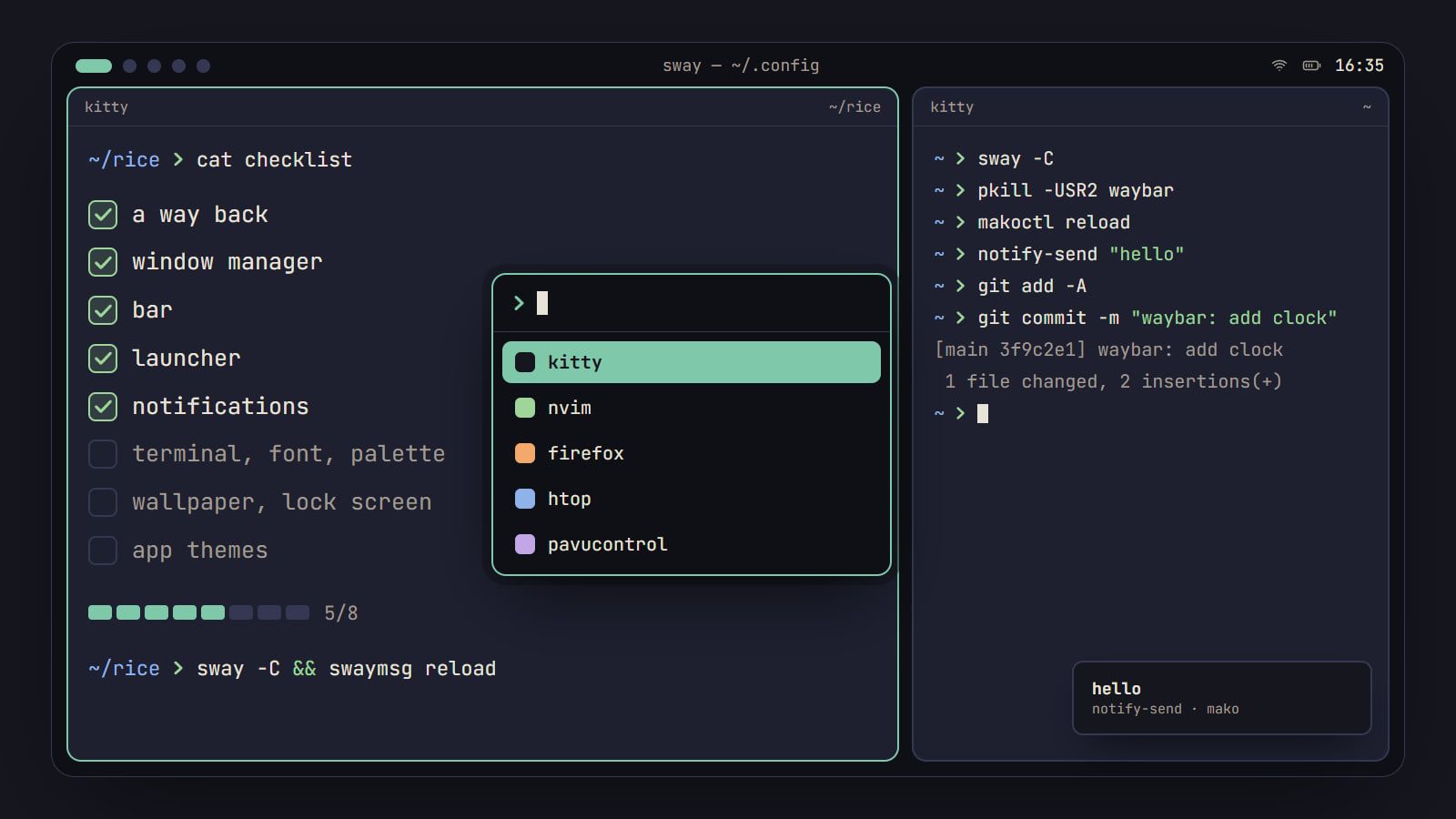
How to rice Linux: a first-rice checklist
The order to rice a Linux desktop without breaking it: a way back first, then each piece from window manager to lock screen, with its config file and a check.
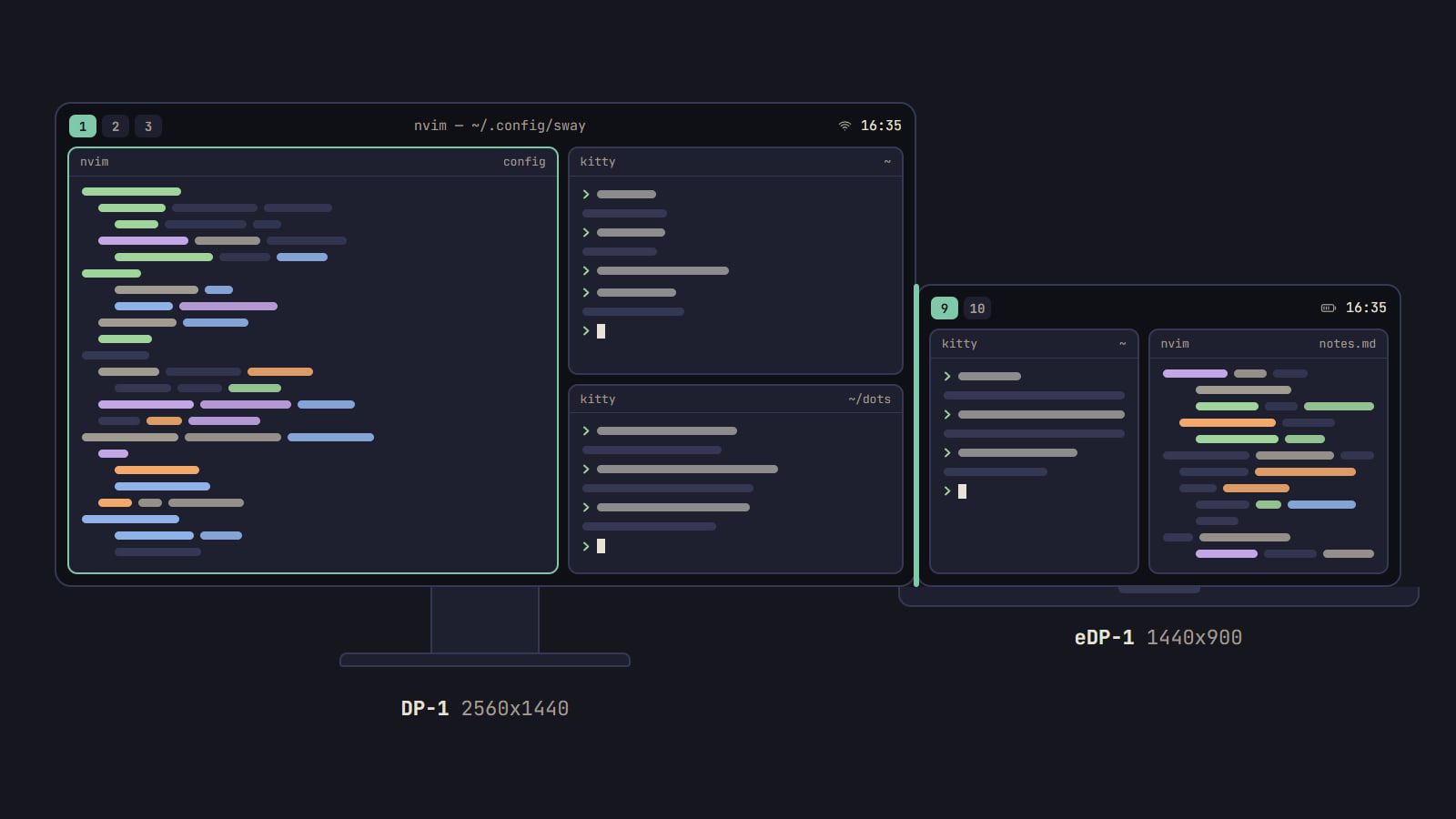
How to set up multiple monitors in sway
Find the name sway gives each screen, place it in logical pixels, pin workspaces to it and let kanshi switch layouts when you dock a laptop.