Guides.
page 4 of 5
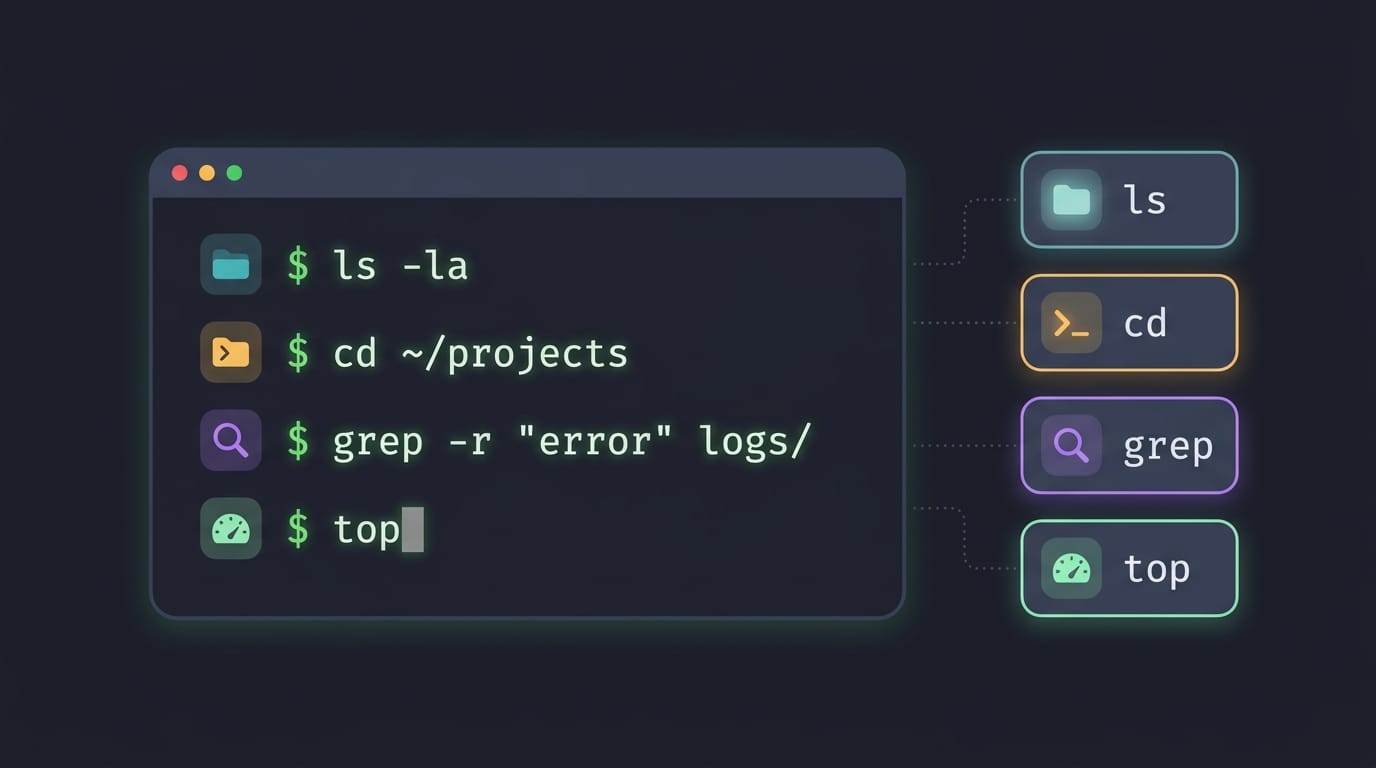
OS Commands in Linux: A Practical Guide
OS commands in Linux help you find files, move through folders, manage permissions, and customize your desktop without clicking through windows.
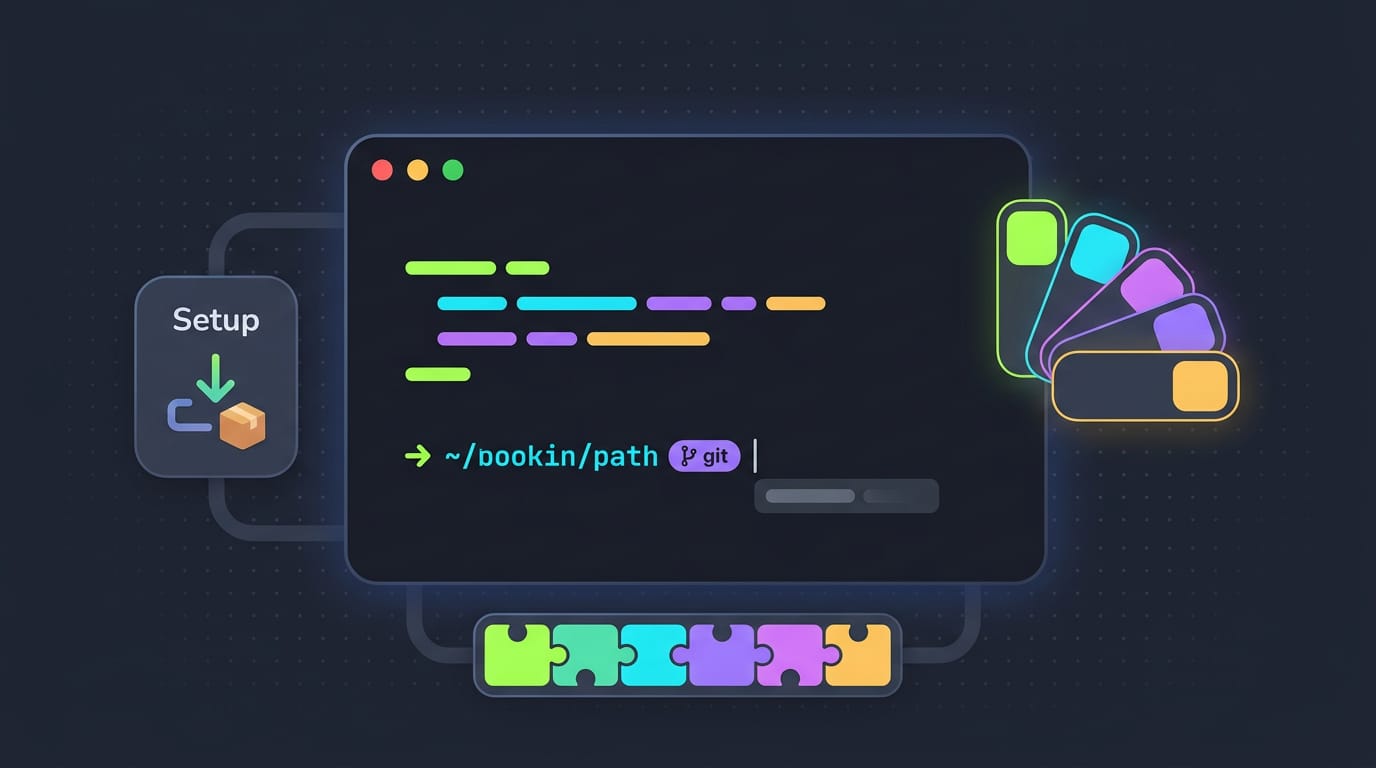
Install Oh My Zsh: Setup, Themes, and Plugins Explained
Install Oh My Zsh and turn a bare prompt into your own workspace: check Zsh prerequisites, choose a theme, add plugins, and fix common setup issues.
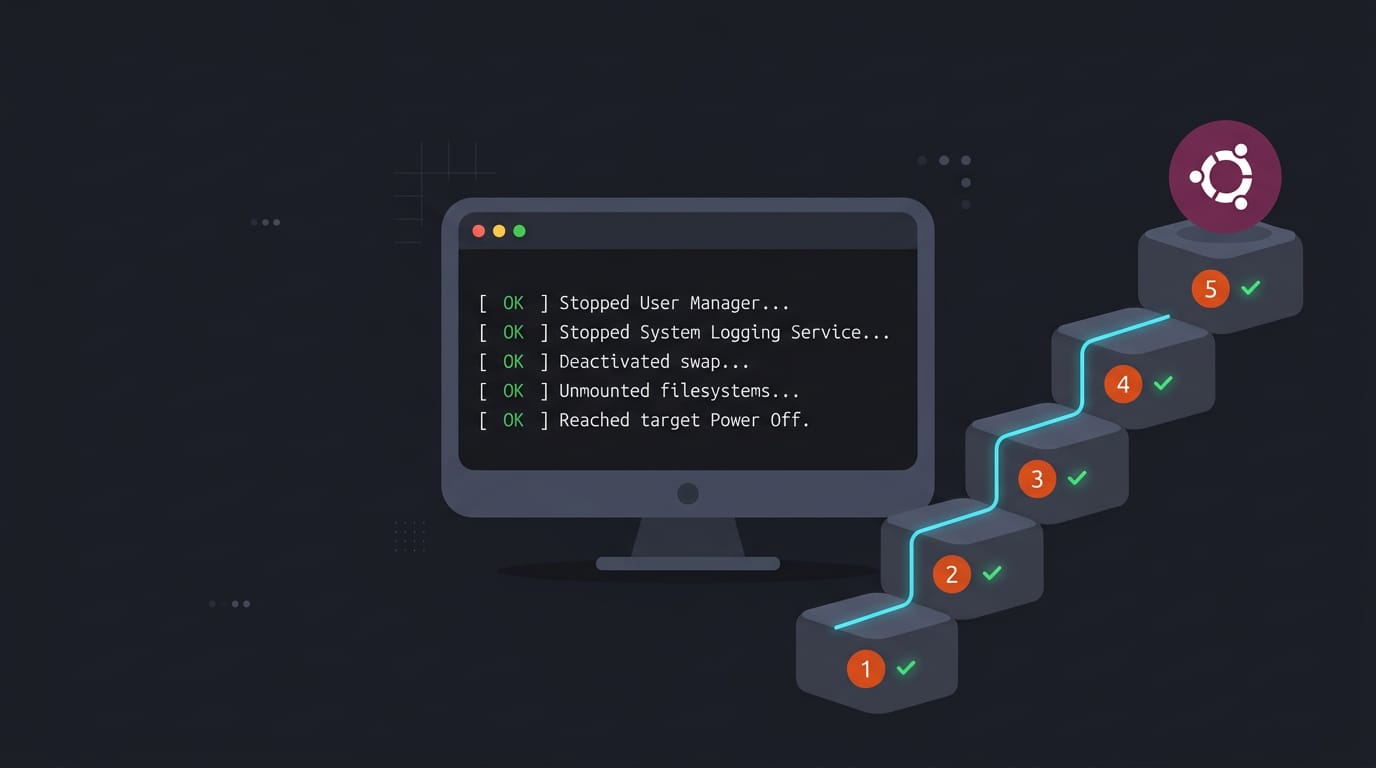
Ubuntu Shutdown Screen Explained, Step by Step
Ubuntu shutdown screen delays can reveal stuck apps or services. See how logind handles power events and force an immediate terminal shutdown when needed.
Windows animations explained: how to turn them on or off
Windows animations can be enabled, disabled, or customized with Windhawk; compare the options to choose the motion effects that fit your desktop best.
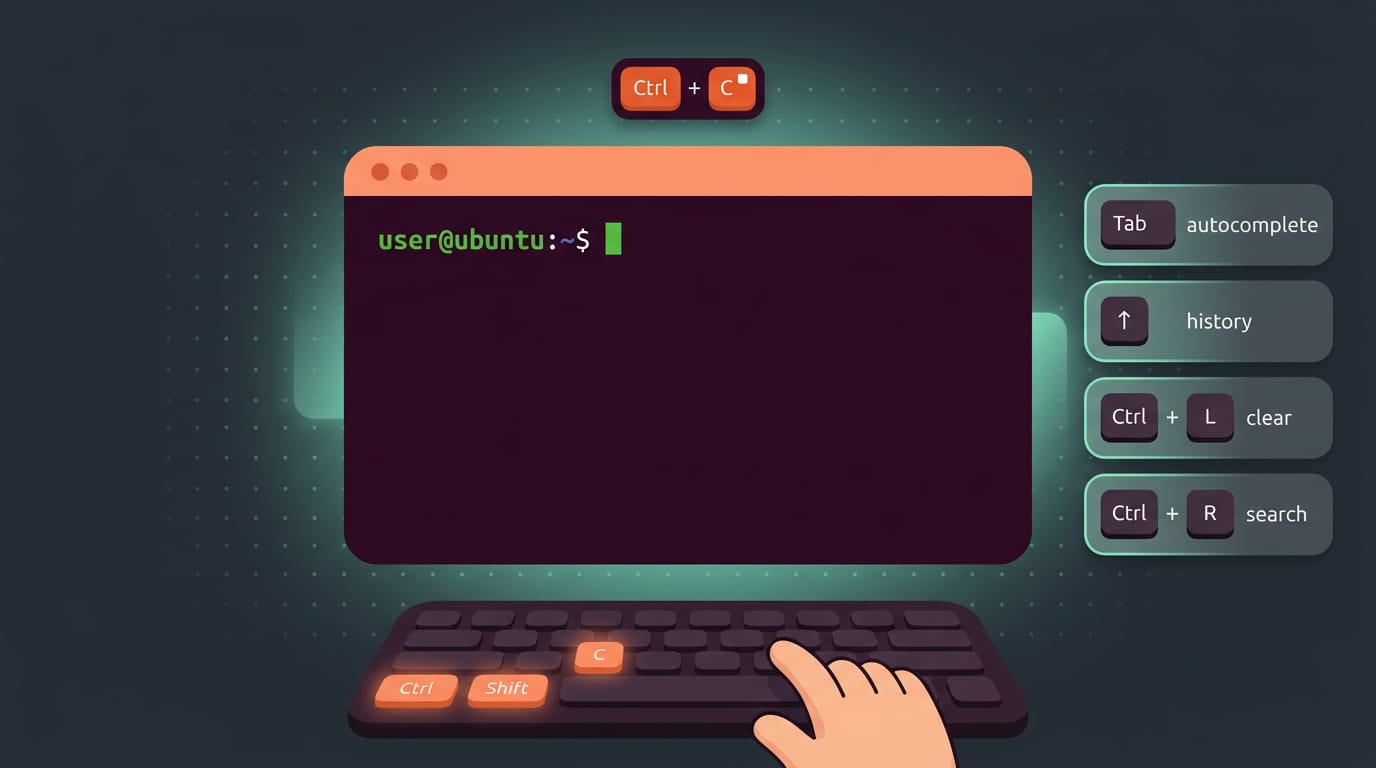
Ubuntu Terminal Shortcut Keys, Explained Simply
Ubuntu terminal shortcuts help you work mouse-free. Find keys for opening, editing, history, tabs, desktop actions, and fixing custom bindings.
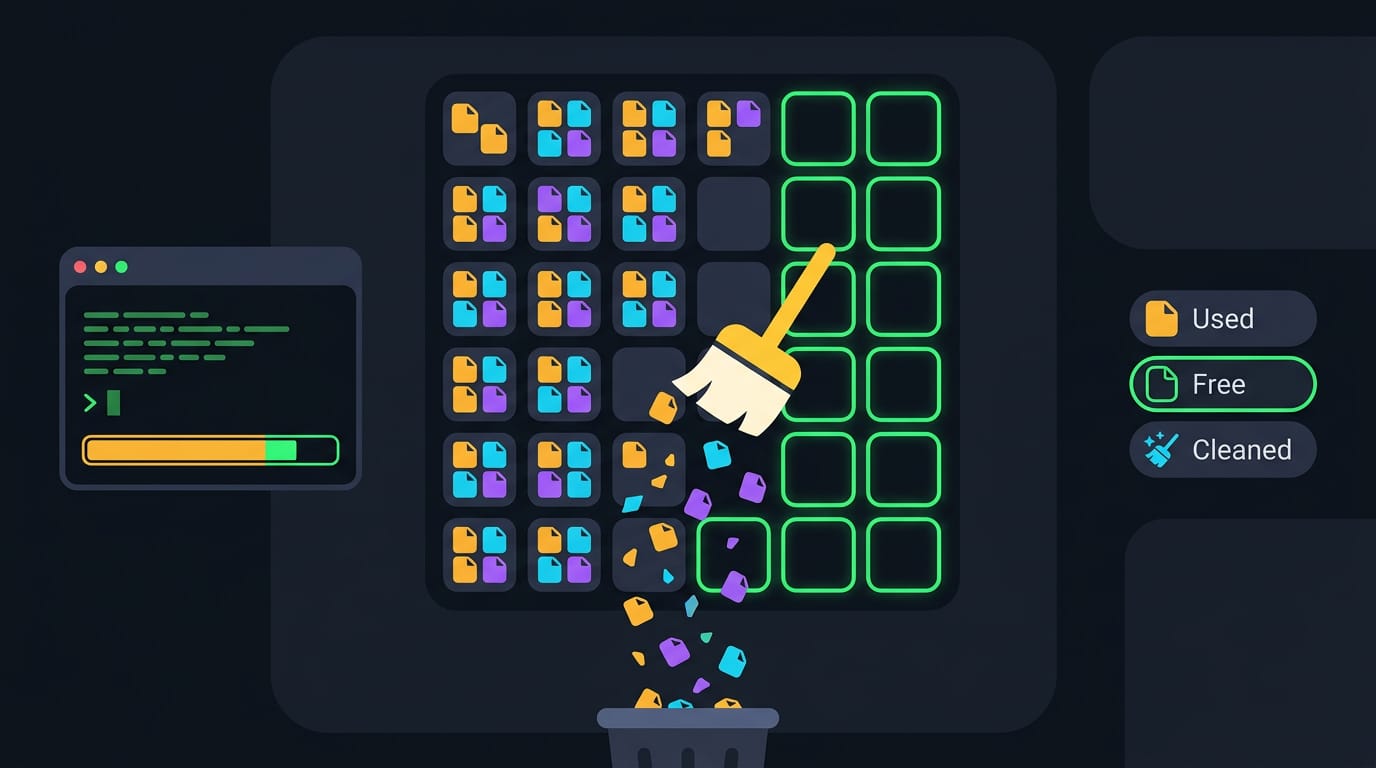
Ubuntu Clean Files and Blocks Explained
Ubuntu clean file and block counts: understand the boot message, fix a stall on the clean line, and free disk space without risking saved configs.
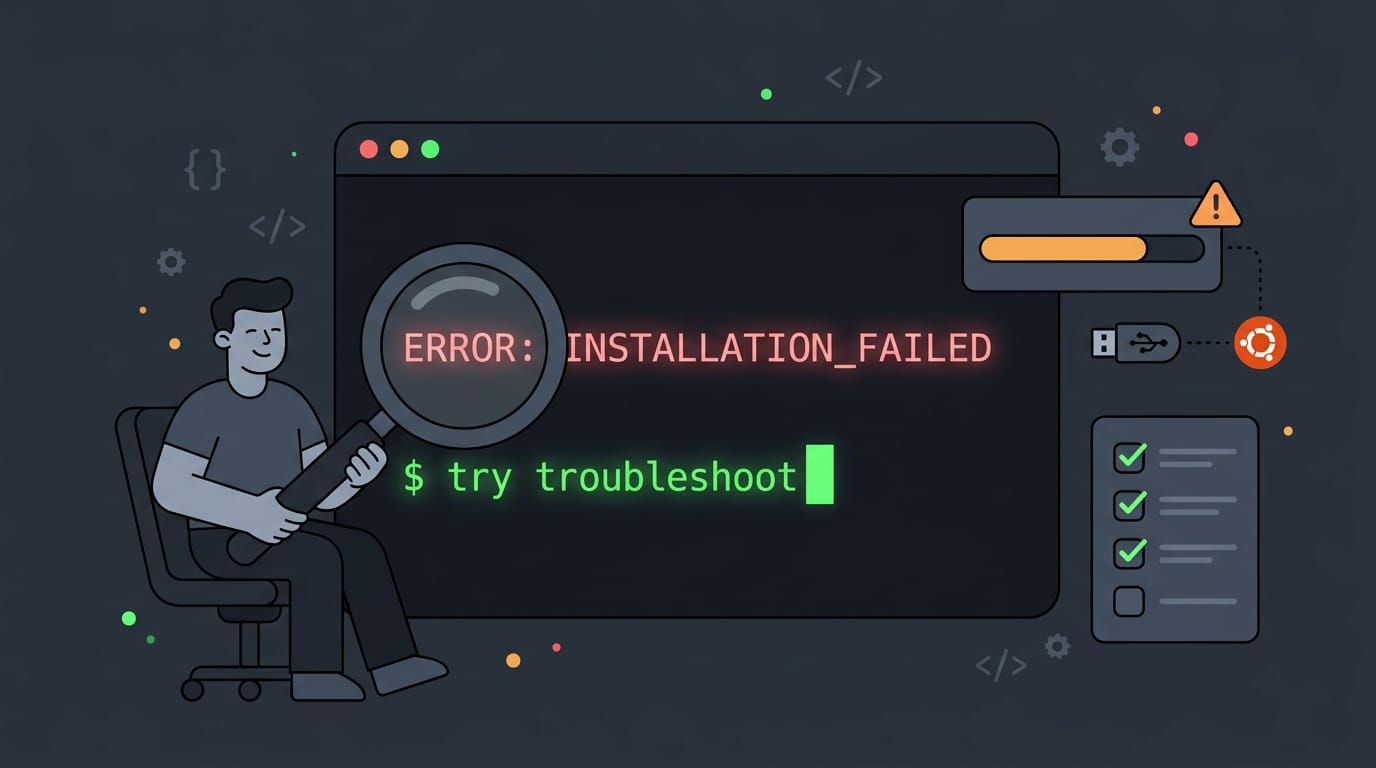
Ubuntu Install Errors: A Complete Troubleshooting Guide
Ubuntu install errors often start with USB media or partitioning mistakes. Fix boot, UEFI, Secure Boot, and GRUB problems with practical troubleshooting steps.
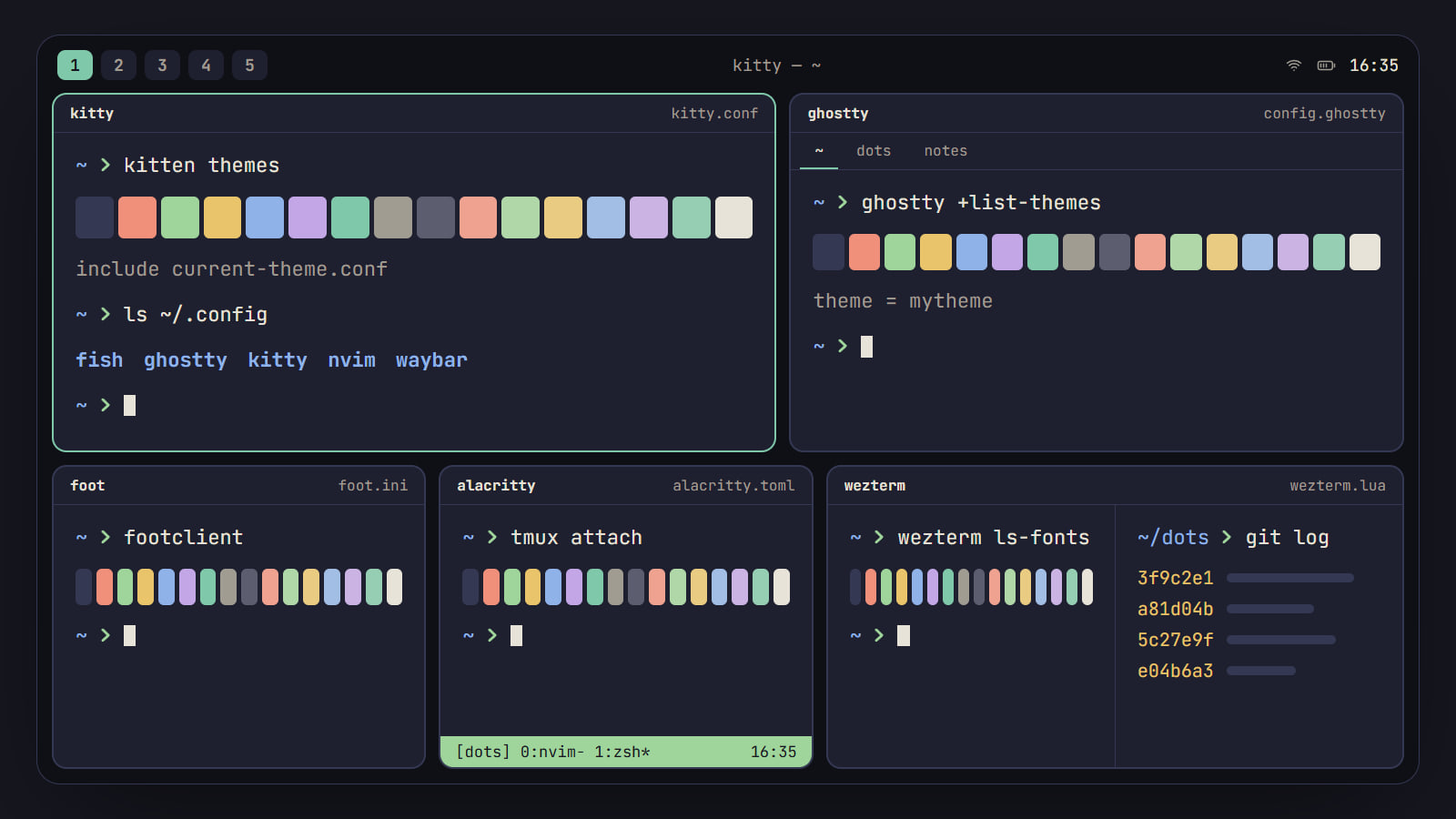
Best terminal emulator for Linux: kitty, Ghostty and more
kitty, Ghostty, foot, Alacritty and WezTerm compared on what a rice needs: Wayland, tabs and splits, images, ligatures, config and themes, with a pick by setup.
Color scheme from wallpaper: pywal, wallust and matugen
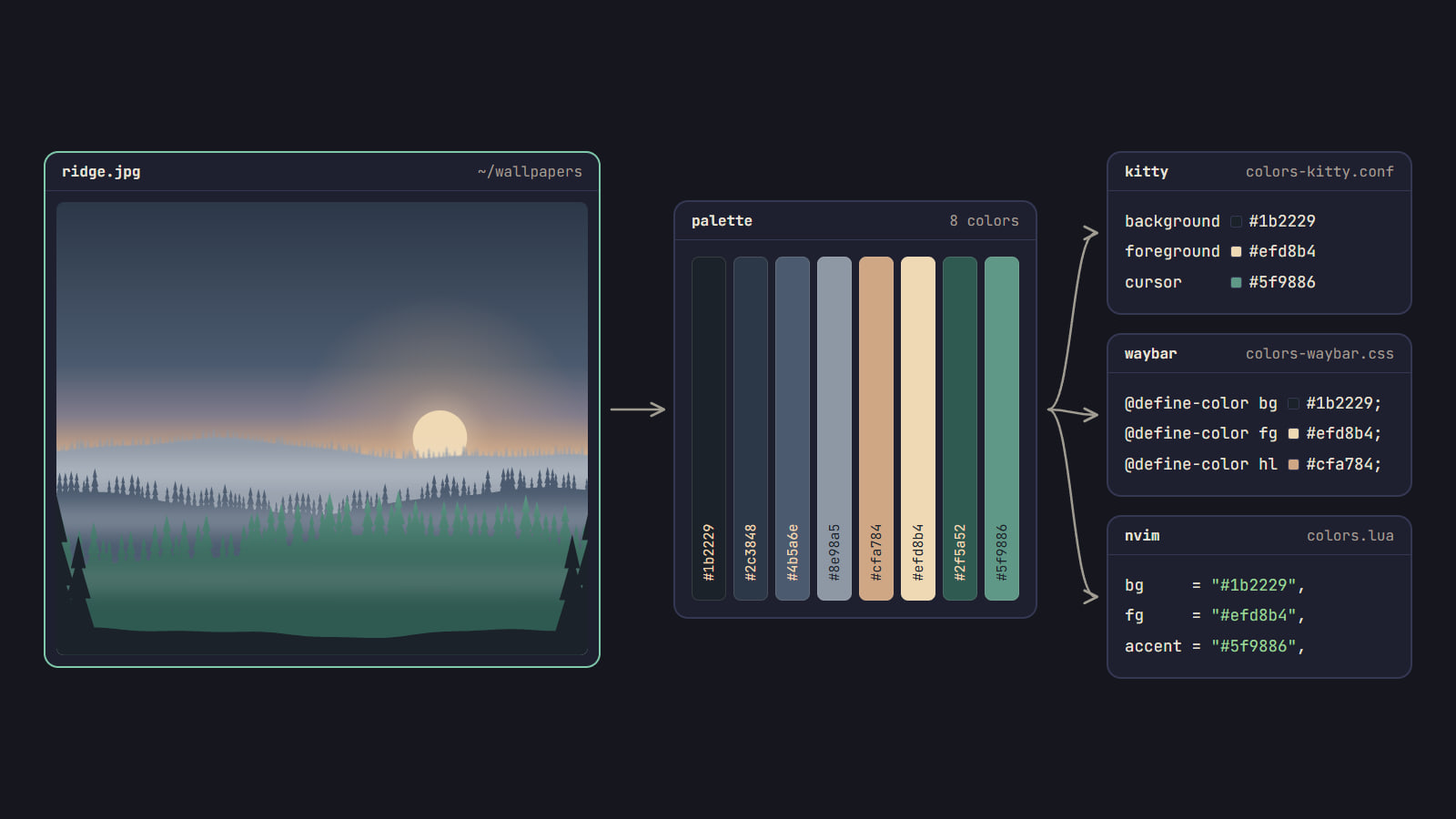
How pywal16, wallust and matugen turn a wallpaper into a color scheme, which fits your rice, how to wire it into your apps, and when a fixed palette is better.
How to change the colorscheme in Neovim
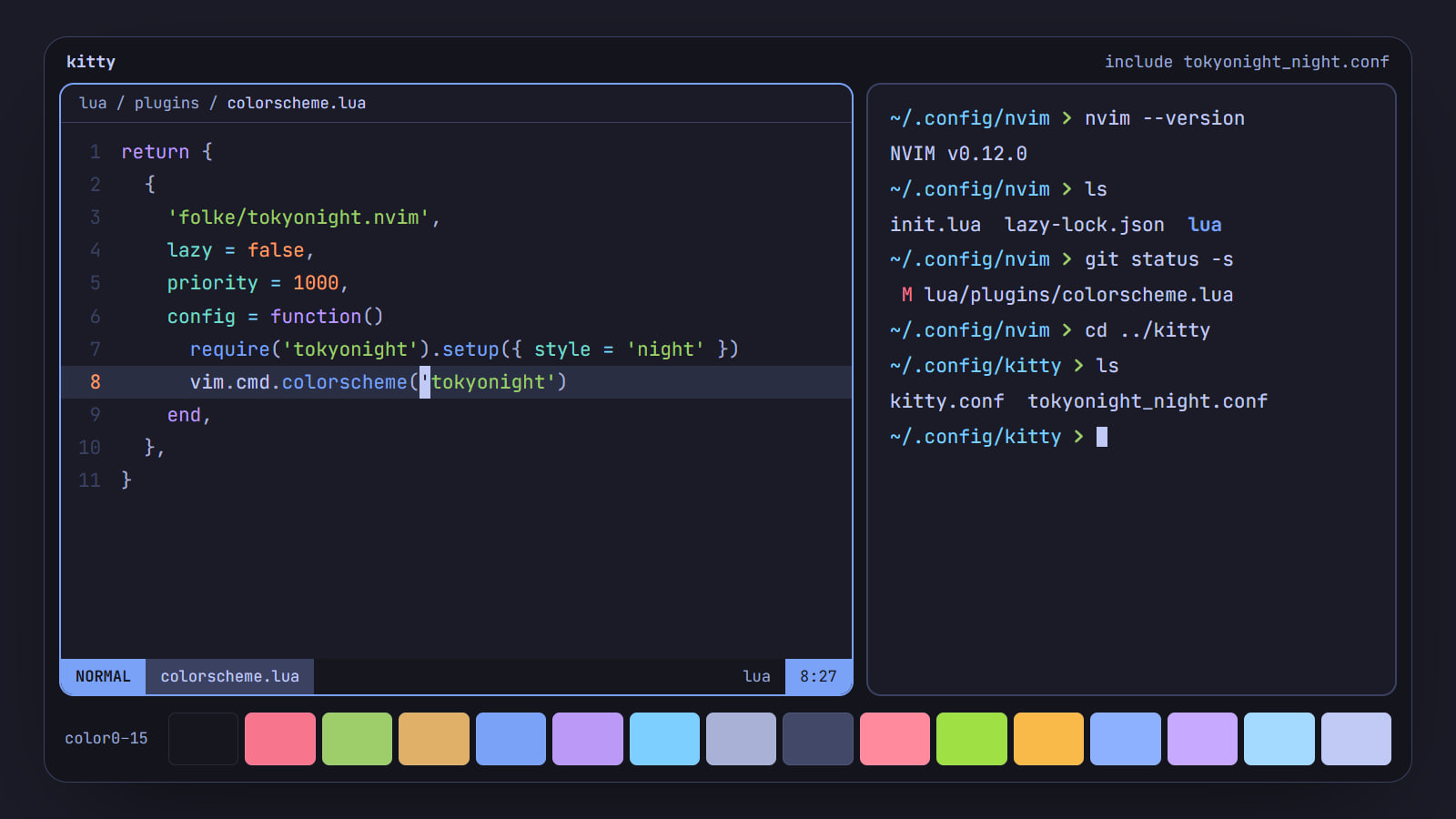
Try a scheme with :colorscheme, install it with vim.pack, lazy.nvim or LazyVim, make it stick in init.lua, and match Neovim to the palette of your terminal.
grep: no match
No guide on this page matches that yet.
Try one word, like cat command linux or color schemes, or open a section above.