Guides.
page 2 of 5
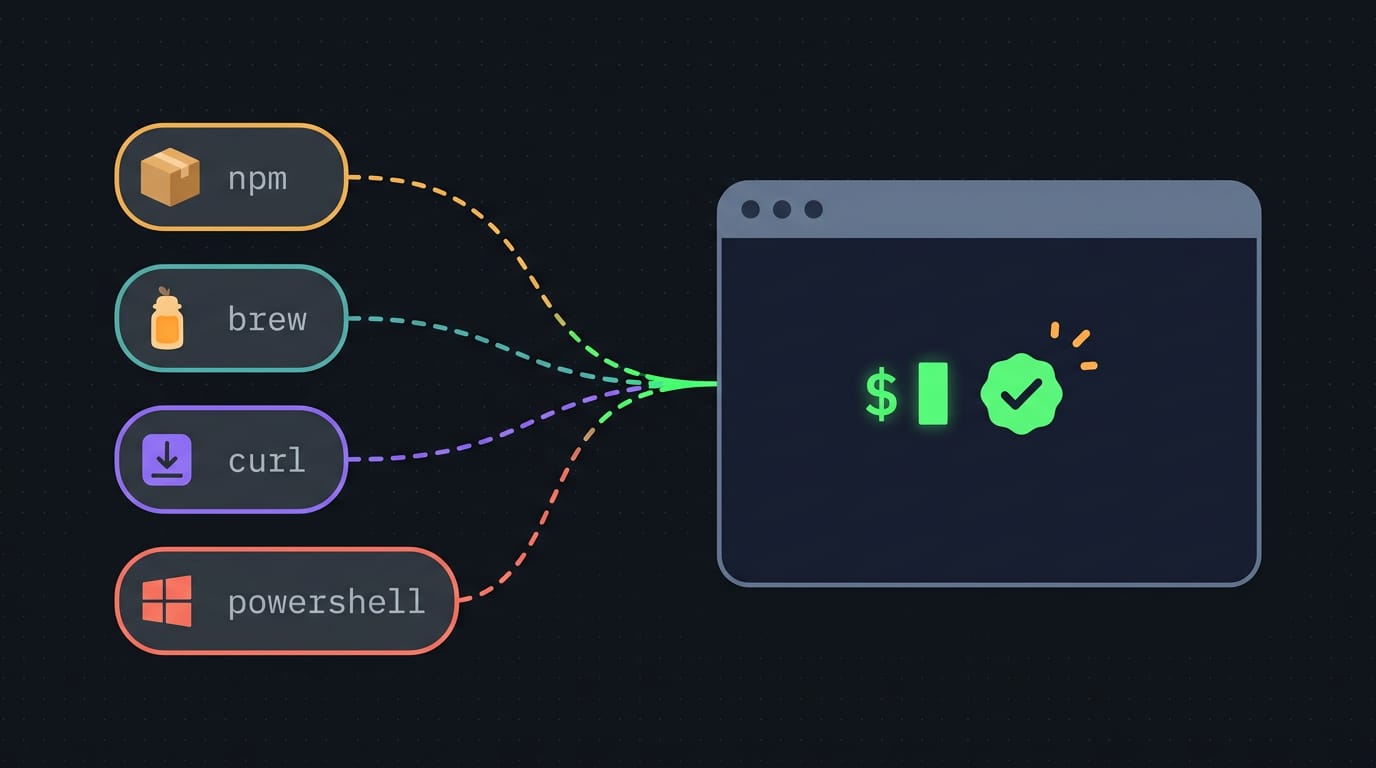
Claude Code Install Guide: Every Method Explained
Claude Code install can fail when Linux Node.js or shell PATH settings don't match. Check Node.js, PATH, and login requirements, even on headless servers.
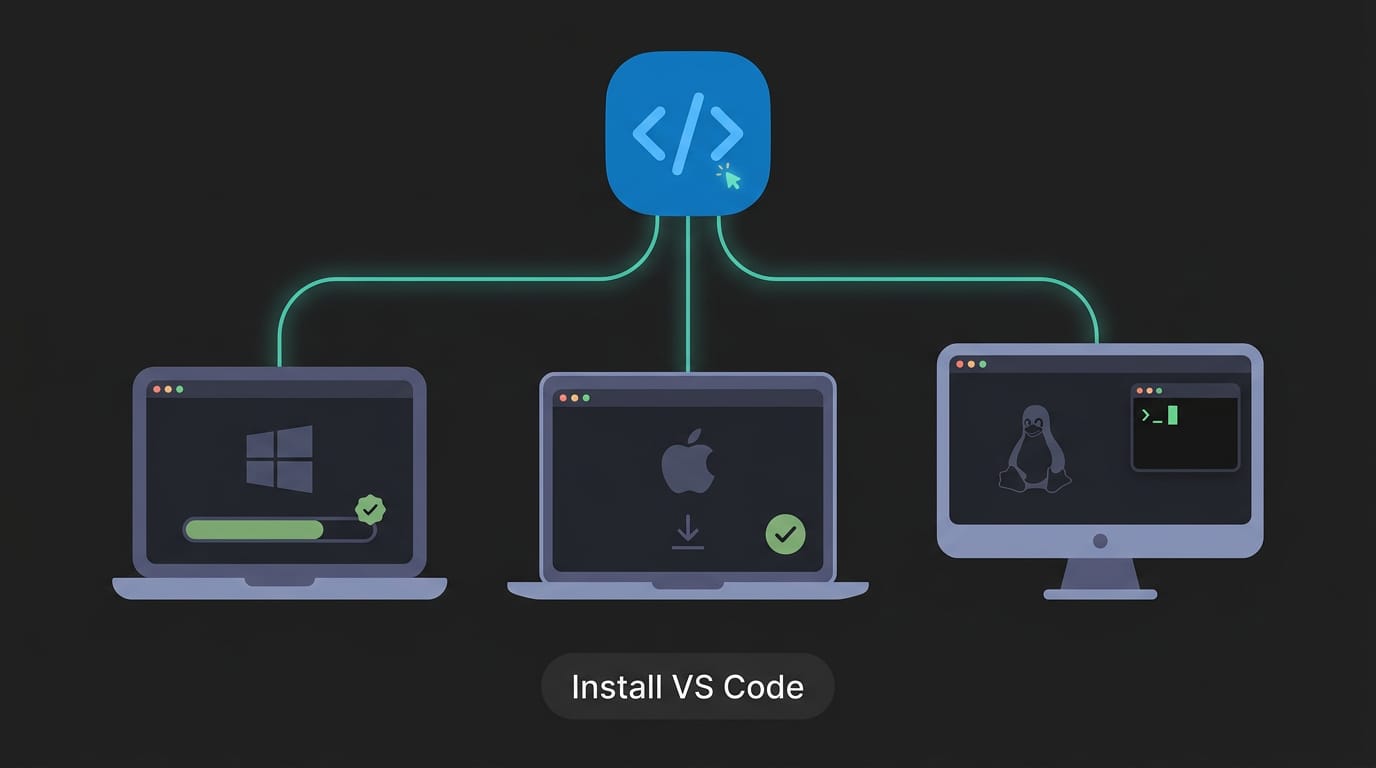
Vscode Install Guide for Windows, macOS, and Linux
VS Code install takes minutes; choose the right method for Windows, macOS, or Linux, verify your first launch, then add extensions and source control.
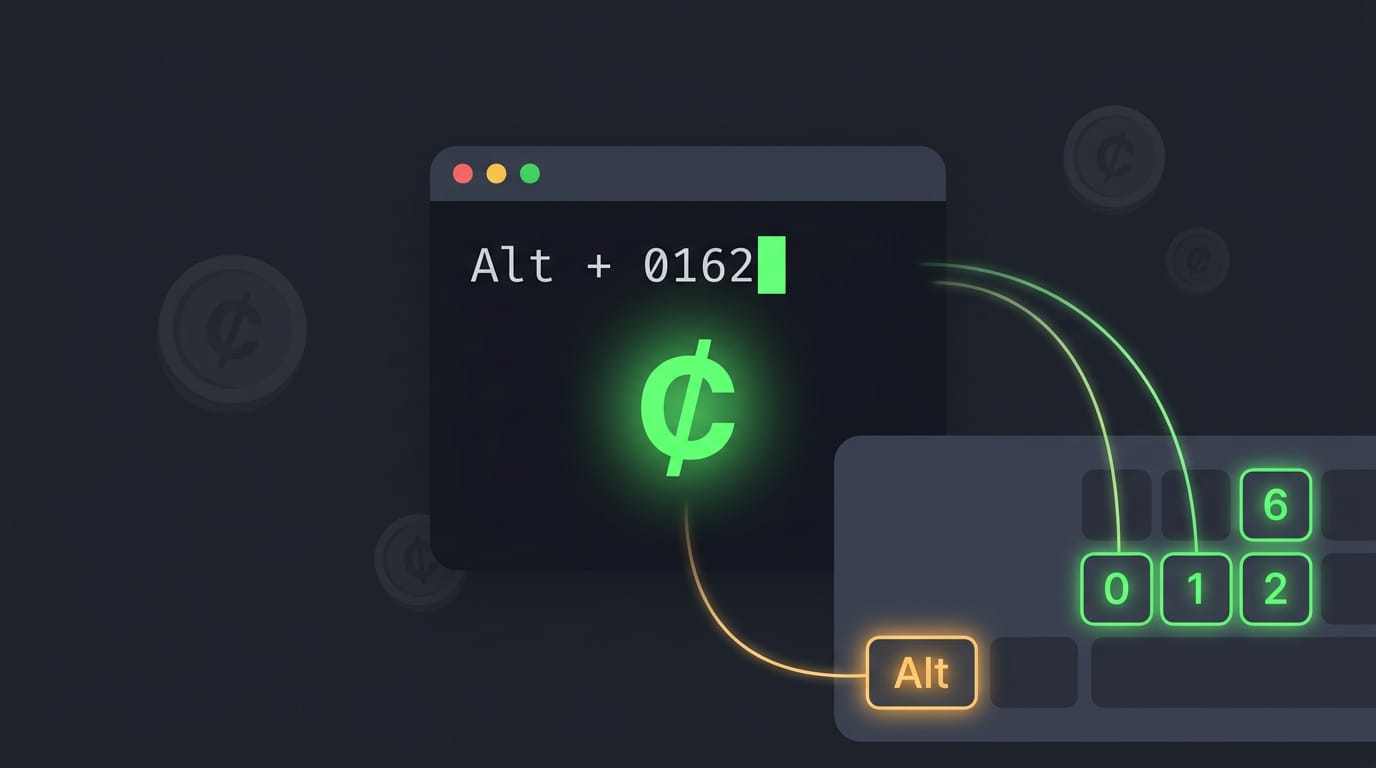
Cent Symbol on PC Keyboard: Alt Codes and Shortcuts
Need the cent symbol on a PC keyboard? Find Windows Alt codes, Mac and Word methods, phone options, and fixes for when the sign won't appear.
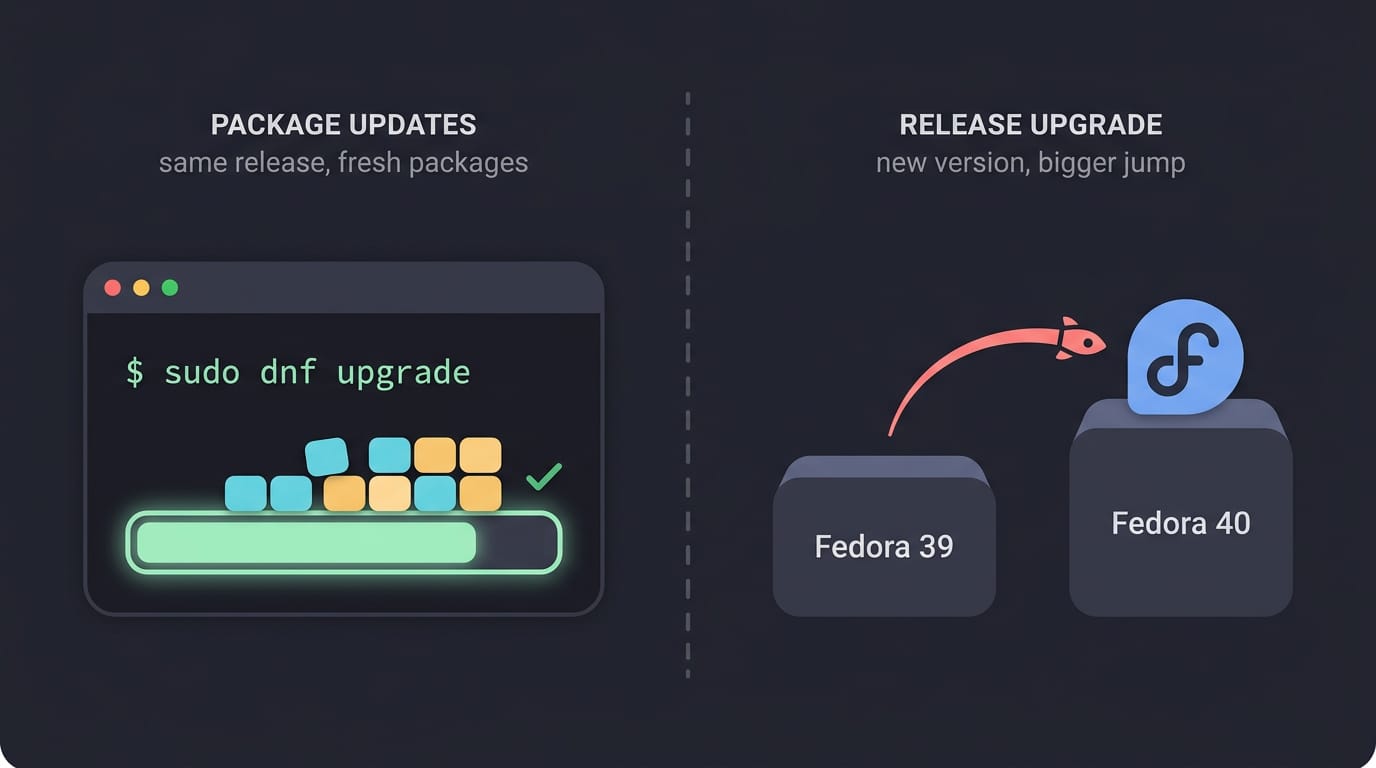
Update Fedora: Packages and Release Upgrades Explained
Update Fedora packages or move to Fedora 41 from the terminal or graphical interface, then check broken drivers and learn how to undo an upgrade.
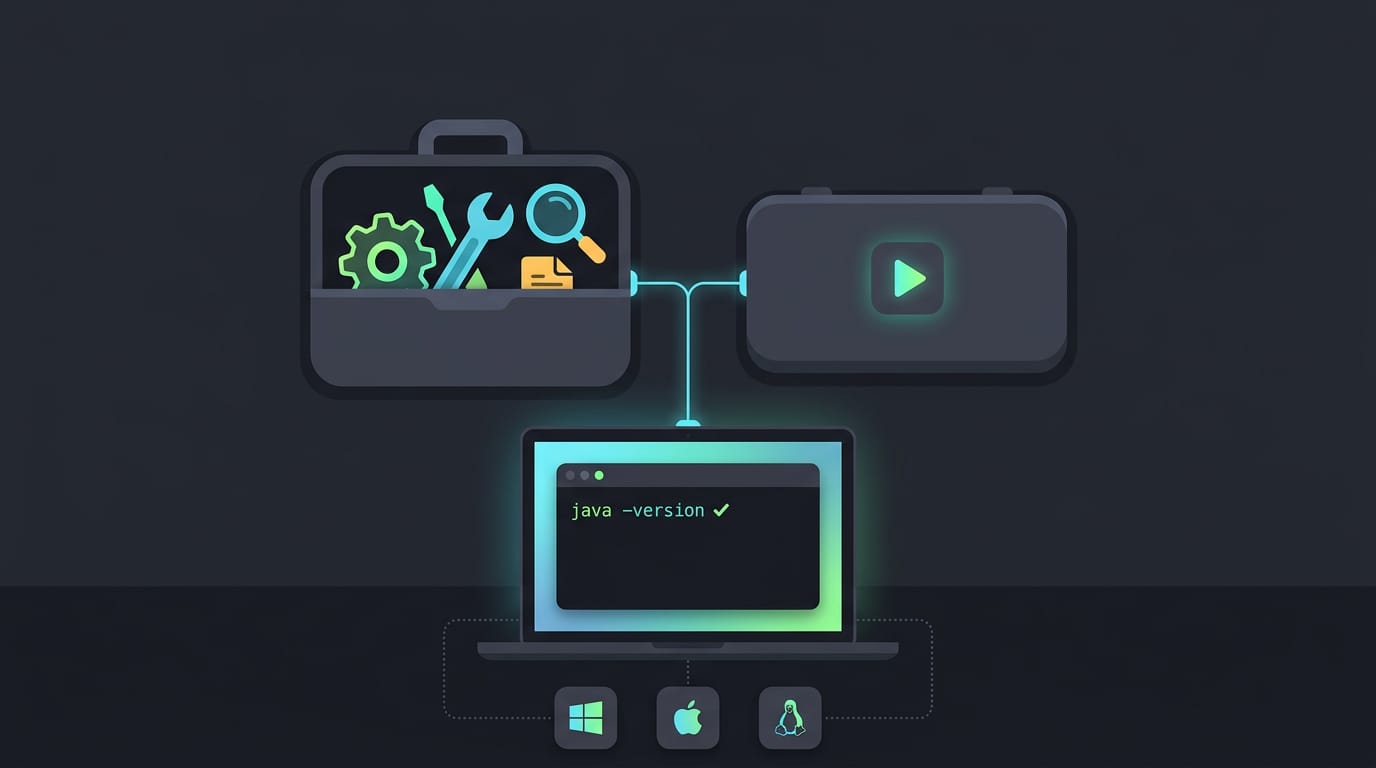
Install Java: JDK vs JRE and Setup on Any OS
Install Java on Windows, macOS, or Linux with the right JDK or JRE, platform-specific commands, and JAVAHOME setup, then test your installation.
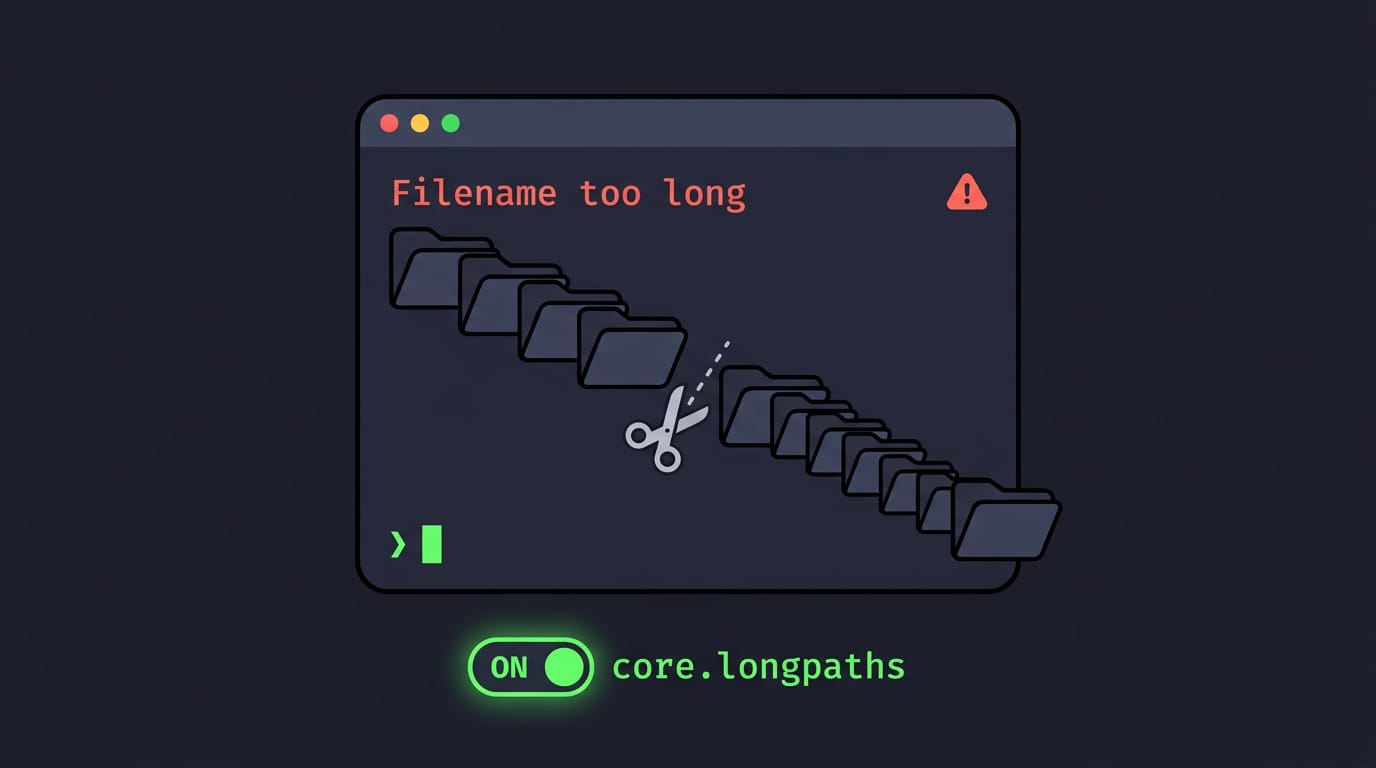
GitHub filename too long: causes and every fix
The GitHub filename too long error can stop a clone cold. Fix it with Windows long-path settings, plus WSL and dotfiles cases many guides miss.
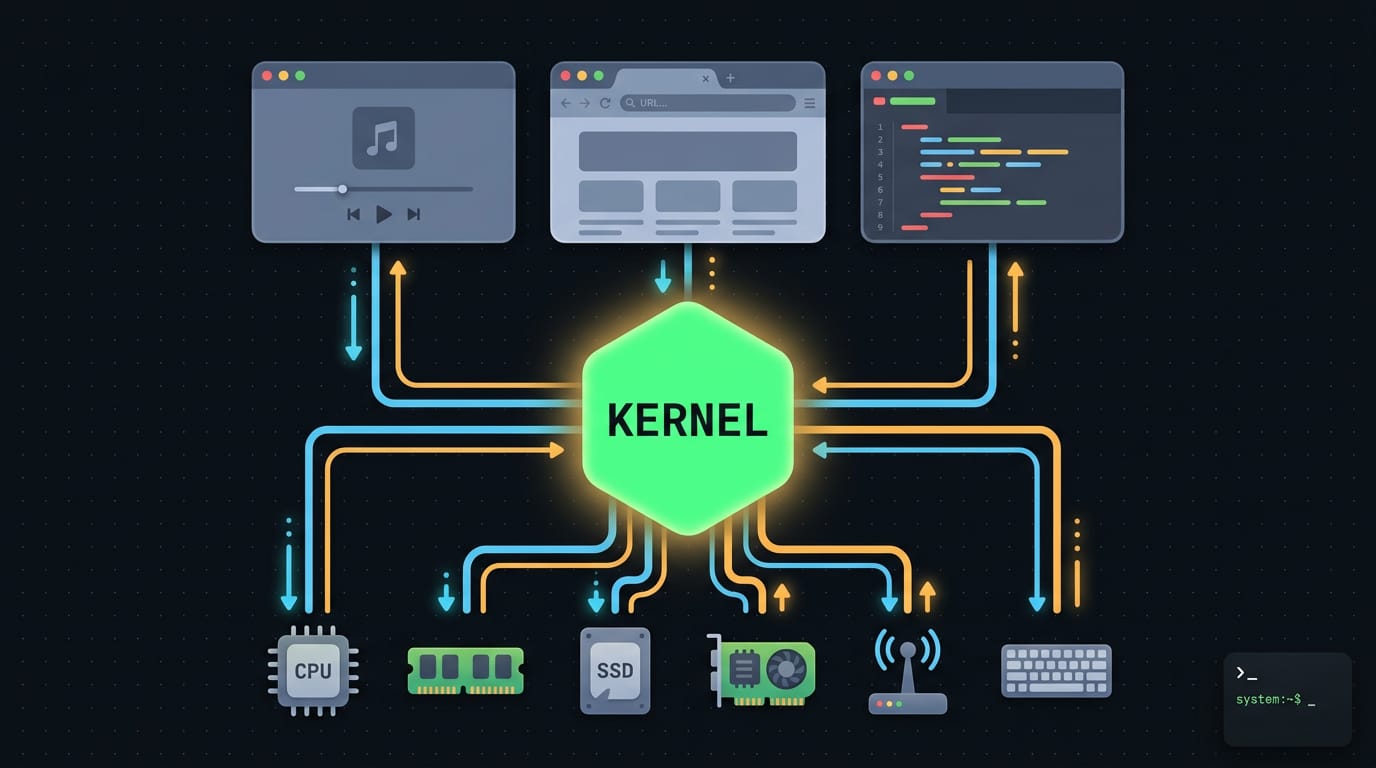
What Is Linux and How Its Kernel Runs Your PC
What is Linux? See how its kernel, distributions, desktops, and Wayland fit together, plus where Linux runs and how its software gets managed securely.
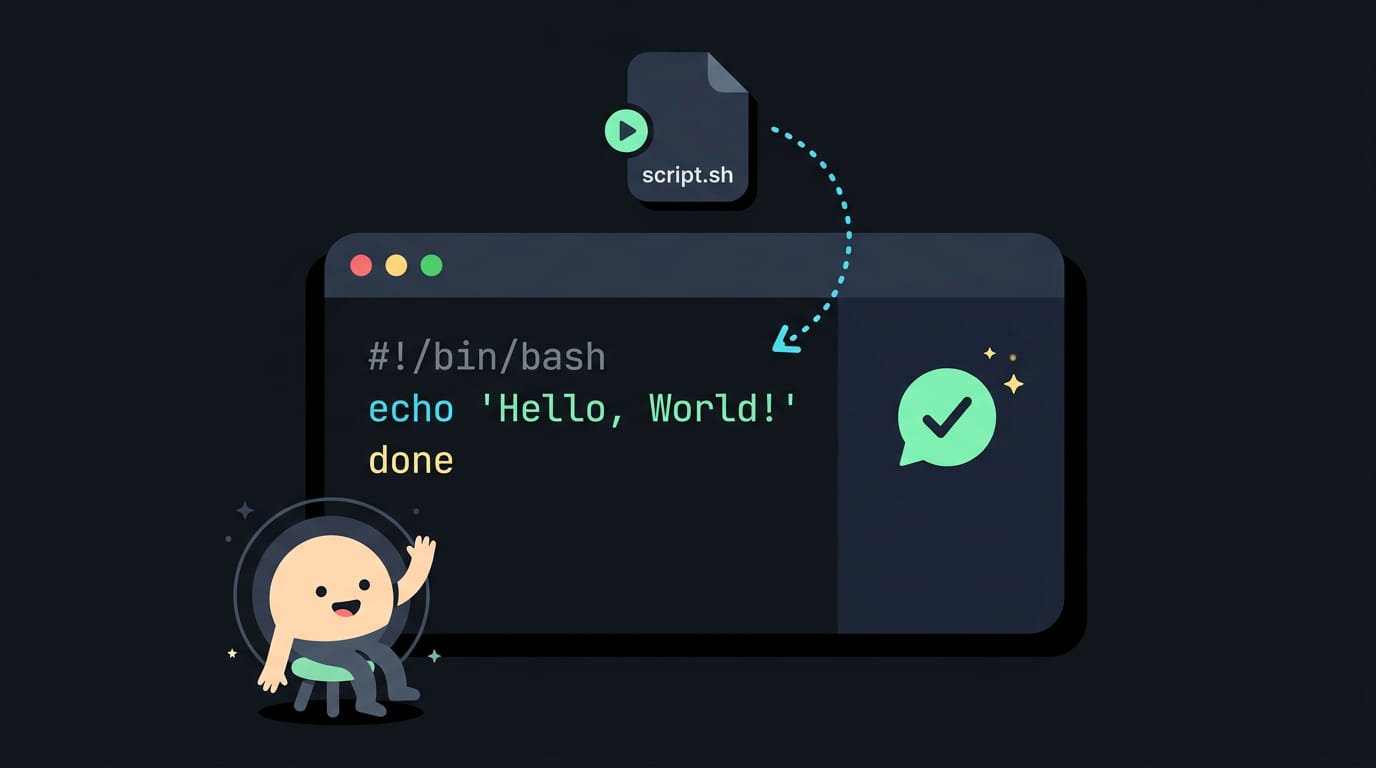
Shell Scripting Explained: Write Your First Script
Shell scripting turns repeated commands into a runnable routine. Write your first script, practice core syntax, and schedule recurring tasks with cron.
Install Homebrew on macOS and Linux: Complete Guide
Install Homebrew on macOS or Linux, then set the right PATH and verify commands work before adding tools, updating packages, or fixing setup issues.
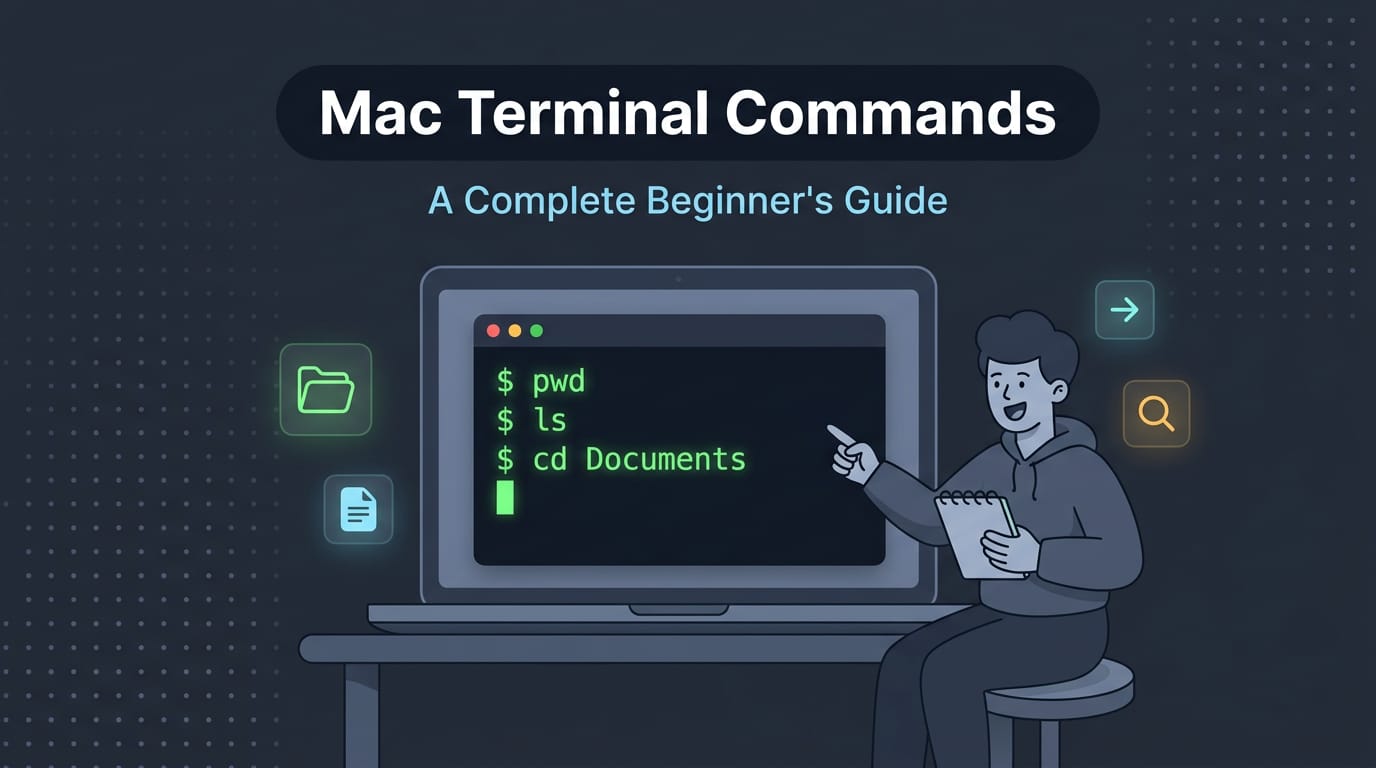
Mac Terminal Commands: A Complete Beginner's Guide
Mac Terminal commands take you from a blinking cursor through safe basics, customization, admin work, Homebrew, and fun tricks, including macOS quirks.
grep: no match
No guide on this page matches that yet.
Try one word, like bash terminal or brew vscode, or open a section above.