Install curl on Ubuntu: Check, Verify, and Fix Errors
Install curl on Ubuntu, verify it works, and fix common errors. Compare apt with snap, check how updates work, and learn when curl | sh is safe.
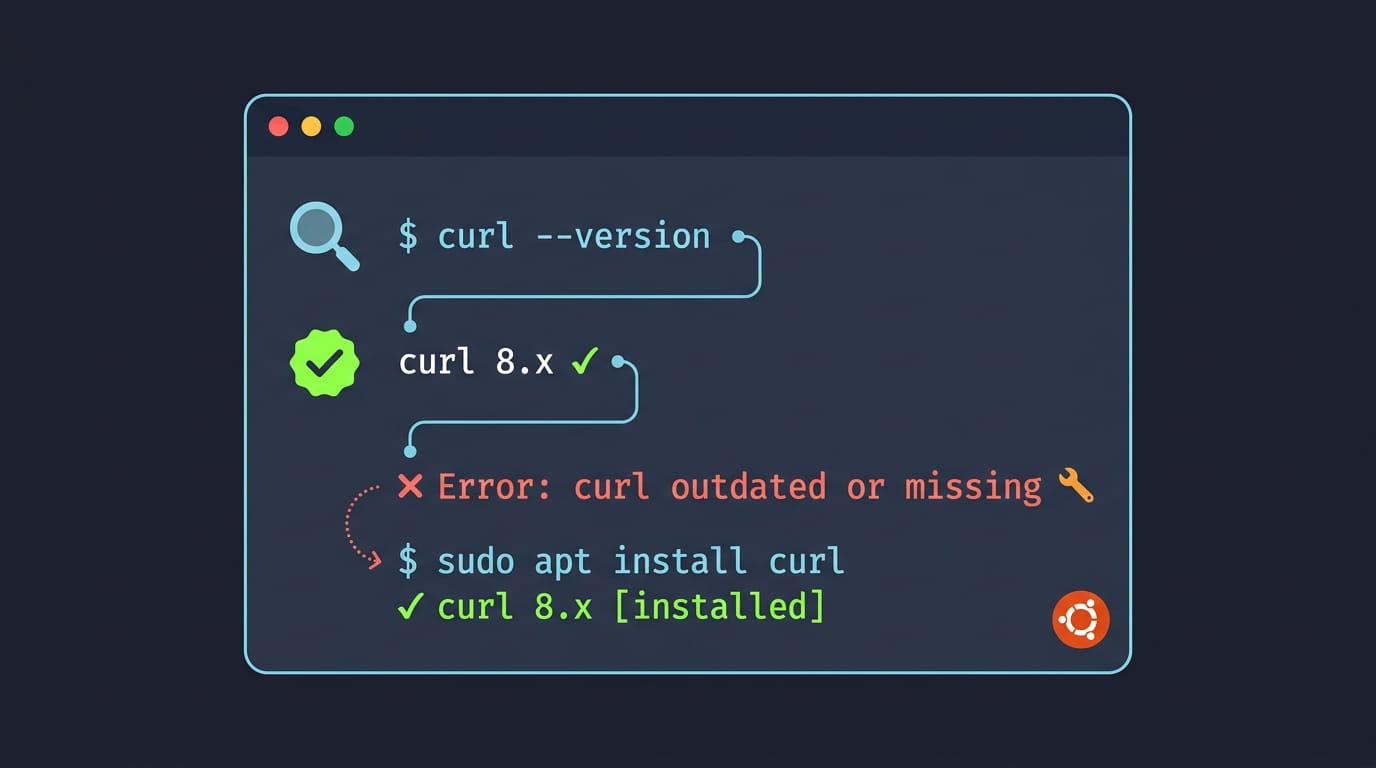
tl;dr the short answer
Curl is a command-line tool for downloading and uploading data and making requests to web addresses without opening a browser. Check whether it is installed with `command -v curl`; if it is missing, install it on Ubuntu with apt, then run `curl --version` to confirm. Ubuntu may patch curl without changing its displayed version, so check your release’s security updates, and read scripts before piping them into a shell.
Ever reached for a tool in the junk drawer only to find it missing? That’s how many people discover their tools are gone right when an install guide needs them.
Meet curl, a command-line tool for downloading files and talking to web addresses straight from your terminal.
In this post, we’ll check whether it’s already on your Ubuntu system, install it, verify the version, and fix the errors that trip people up. We’ll also cover the details most guides skip, like snap versus apt and safely running a curl | sh command.
What Curl Does on Ubuntu
Curl is a command-line tool for sending and receiving data over a network. On Ubuntu, it’s a quick way to grab a file or check a web response without opening a browser.
What curl can do for you
Curl supports multiple network protocols, including:
- HTTP (Hypertext Transfer Protocol)
- HTTPS (its encrypted form)
- FTP (File Transfer Protocol)
It handles downloads and uploads (including FTP uploads), helps with debugging by showing what a server sends back, and makes authenticated downloads when a site requires a login. Curl doesn’t draw pages like a browser.
It requests the data and hands it to you. And as a free and open tool, it costs nothing to use.
Common ways people use curl
Here’s where you’ll see it most:
- Web crawling and scraping: pulling a page’s raw HTML so you can search it or pick out what you need.
- Testing RESTful APIs: sending requests to a RESTful API (an application programming interface that runs over ordinary web requests) and checking the replies.
- Downloading files from the command line: grabbing a file on a server without leaving your terminal.
- Caution with curl | bash installers: piping a script straight into bash runs it before you’ve read a line of it. Read it first.
- Dotfile and theme bootstrap downloads: fetching a setup script that restores your dotfiles and theme on a fresh install.
A student who just reinstalled Ubuntu on an old laptop runs one curl command, and their shell, colors, and aliases are back before the coffee cools.
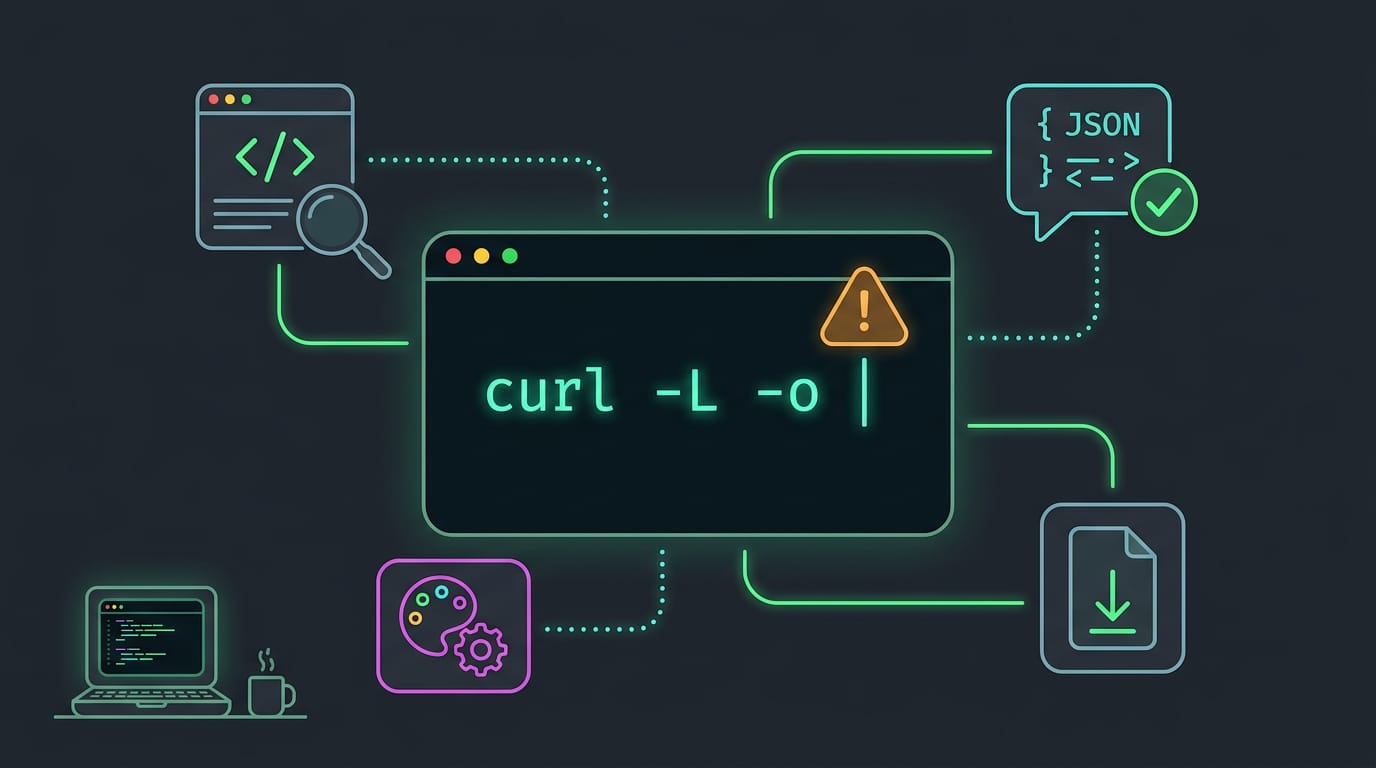
Three flags cover most downloads. -L follows redirects when a link has moved, -o saves the file under a name you choose, and -O keeps the name the server gives it.
Is Curl Installed by Default?
Wondering whether you need to install curl at all? Before we dig in, let’s check your system, then look at the tool people usually mention alongside it.
Whether Ubuntu ships with curl
Some systems ship curl and some don’t, so it’s worth checking instead of assuming. Run command -v curl in a terminal. If it prints a path, curl is already there and you can skip ahead.
Forum threads have debated whether curl should be included by default, so don’t count on it either way. Plenty of other software needs curl just to get installed, so it often shows up as a requirement.
Consider a developer setting up a fresh Ubuntu machine for a side project. They paste an install script from a tutorial, and it stops with a “command not found” error. A quick check shows curl is missing.
Once they install it, the setup finishes without another error. Check first. It takes seconds.
How curl compares to wget
The usual alternative is wget. Here’s what the two have in common:
- Both make HTTP (Hypertext Transfer Protocol) requests, the messages that ask a web server for a page or some data, straight from the terminal.
- Both get used for scraping (pulling data out of web pages) and API (application programming interface) testing.
They overlap a lot, so the real question is often which one your script expects.
Installing Curl on Ubuntu
Getting curl onto Ubuntu takes just a couple of commands. Below, you’ll find the standard route, a few alternatives, and prerequisites.
Install it using apt
apt is the package manager that ships with Ubuntu, and it’s the quickest path. Open a terminal and run these two commands in order:
sudo apt updatesudo apt -y install curl
The first command refreshes your list of available packages, and the second installs curl. The -y flag answers yes for you, so the install doesn’t pause.
Both commands need root or sudo access. If you’re working in a container, run the update step first. Picture a student on a ten-year-old ThinkPad who needs curl for a class script. Two commands and a password later, it’s ready.

Other ways to get curl
Apt isn’t your only option. Here are the others:
- Source download: grab the source from curl.se if you want to build it yourself.
- Binary packages: ready-built packages are available too.
- libcurl: it installs alongside curl, and other programs use it to make their own transfers.
- Snap: you can also install curl via snap. Snap is a separate package system from apt, so stick with one method.
The curl site also has guides for Linux, Windows, macOS, and containers.
What you need before starting
- Ubuntu Linux system: the steps above target Ubuntu.
- Privileged access: you’ll need root or sudo rights to install anything system-wide.
- Root vs. regular user prompts: a
#at the end of your prompt means you’re root, so skip sudo. A$means you’re a regular user, so addsudoto the commands above.
Check Your Install and Fix Problems
Before you troubleshoot anything, we’ll confirm what’s actually on your machine and what to do when something looks off.
Checking which version you have
Run these three commands to see what you’re working with:
lsb_release -rshows your Ubuntu version.dpkg --list curlshows the installed package version.curl --versionshows the version of the curl command itself.
If you see curl: command not found, curl is missing, not broken. Install it with sudo apt install curl, then run curl --version again to confirm. If the message names something other than a missing package, Ubuntu install errors may be the real problem.
Picture a tmux-and-ssh homelabber who just reinstalled Ubuntu on a spare box. Ten seconds with curl --version confirms the tools are ready before a setup script fails halfway through.
Why PCI scanners flag curl by mistake
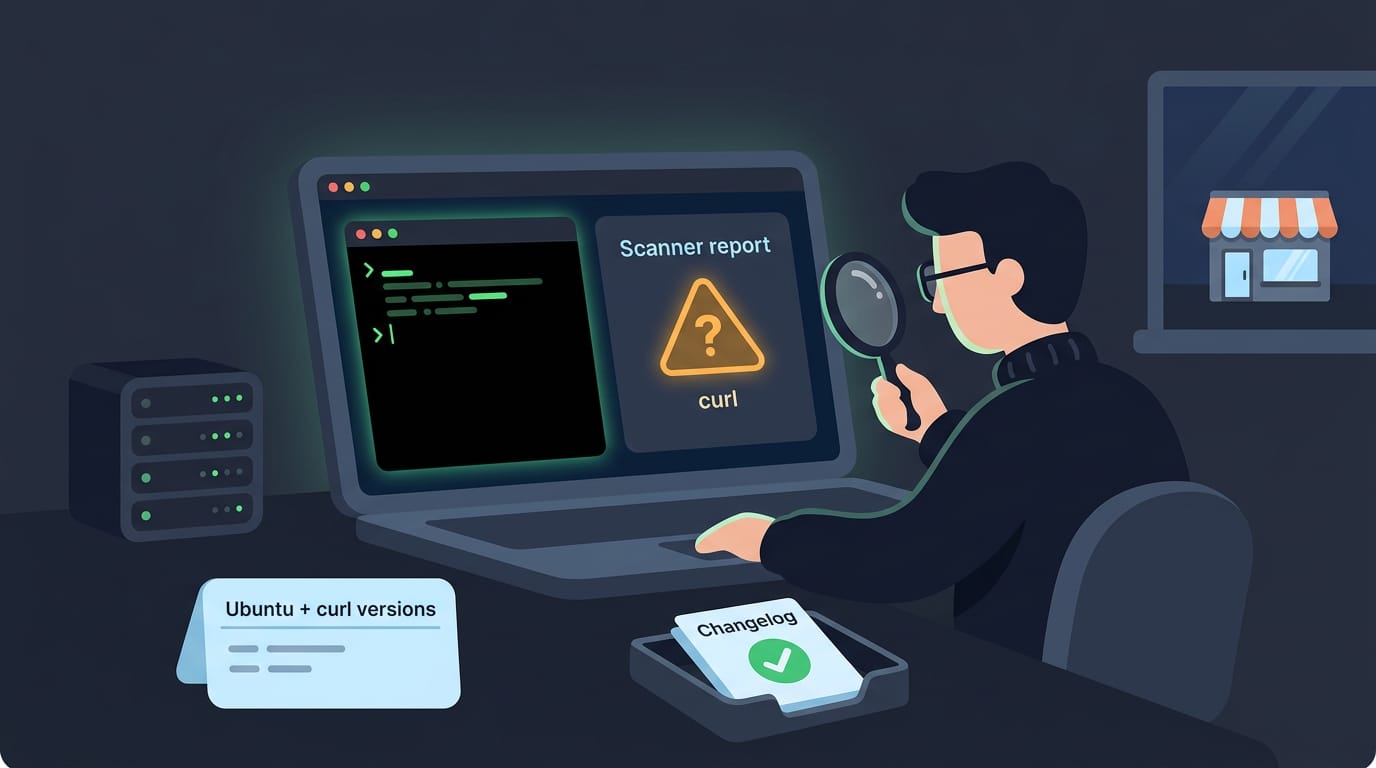
If a PCI (Payment Card Industry) security scanner checks your server, it may flag curl in its report. Scanner warnings are usually false positives, meaning the tool reports a problem that isn’t really there.
A warning is a reason to look, not proof that something is wrong.
Don’t change your server to clear the warning. Instead, report your Ubuntu and curl versions to whoever runs the scan, and point them to the curl changelog for your version so they can check whether the flagged issue applies to you.
Consider a sysadmin who gets a report flagging curl on a small shop’s web server. Sending the versions along turns a vague alarm into a quick check. Facts beat panic.
Where to go next
To see every option curl supports, run man curl to open the man page, the manual built into your system. For hands-on examples, check out our guide to downloading files with curl.
How Curl Updates Work on Ubuntu
Ubuntu doesn’t hand you a new curl with every update. Here’s how the copy on your machine gets its fixes, and what that means for the version number you see.
Which curl version each release has
Ubuntu’s post on curl vulnerability fixes covers releases from 14.04 through 26.04 and links to a changelog for each one.
Its table lists the fixed version for CVE-2026-92392, a Common Vulnerabilities and Exposures (CVE) identifier. The first three rows look like this:
| Release | Package | Fixed in |
|---|---|---|
| Trusty (14.04) | curl | 7.35.0-1ubuntu2.20+esm24 |
| Xenial (16.04) | curl | 7.47.0-1ubuntu2.19+esm21 |
| Bionic (18.04) | curl | 7.58.0-2ubuntu3.24+esm15 |
The +esm tag marks Extended Security Maintenance (ESM) builds, Ubuntu’s extended patch stream for older releases. Check the post for your release’s row to see which build carries the fix.
How security fixes get backported
A release gets the newest curl only when it ships. After that, Ubuntu doesn’t move you to a newer upstream version. Instead, maintainers copy each security fix into the version you already have, a practice called backporting.
The result is a curl that gets patched rather than upgraded, with no breaking changes to the behavior your scripts rely on. Same version, newer fixes.
Each release keeps receiving these patches until it reaches end of life, the point where Ubuntu stops supporting it.
Getting newer curl by upgrading Ubuntu
If you need a newer curl than your release ships, the way forward is to upgrade the Ubuntu release itself. Take a student on a ten-year-old ThinkPad still running Xenial (16.04).
They can compare their machine’s fixed version with the post’s table, then decide whether a full release upgrade, backups and all, is worth the newer curl it brings.
You now know how to check for curl, install it with apt, confirm the version, and fix the errors that usually show up. You also know why snap and apt copies can differ and why a script deserves a read before it goes into your shell.
Keep these checks handy, especially on fresh installs and minimal containers where you can’t assume curl is waiting for you.
A quick curl —version after any change tells you exactly what you’re running, and a two-minute check now saves you an hour of guessing later.
References
- Fixes available for CVE-2026-92392 and other curl vulnerabilities — ubuntu.com (2026)
Sources
Read next.

VLC Media Player Install Guide for Ubuntu
Install VLC media player on Ubuntu with APT, Snap, Software, or a PPA, then verify the setup and add codecs to play videos that would not open.
Ubuntu Install Errors: A Complete Troubleshooting Guide
Ubuntu install errors often start with USB media or partitioning mistakes. Fix boot, UEFI, Secure Boot, and GRUB problems with practical troubleshooting steps.
Cursor Install Guide for Windows, macOS, and Linux
Cursor install is easier when you pick the right file for your OS. Set up Linux AppImage launchers, handle first launch, and keep Cursor updated with ease.