GitHub Max File Size: Limits and How to Fix Them
GitHub max file size can block a whole push over one oversized file. See how Git LFS and media hosts keep big files out of your repo history.
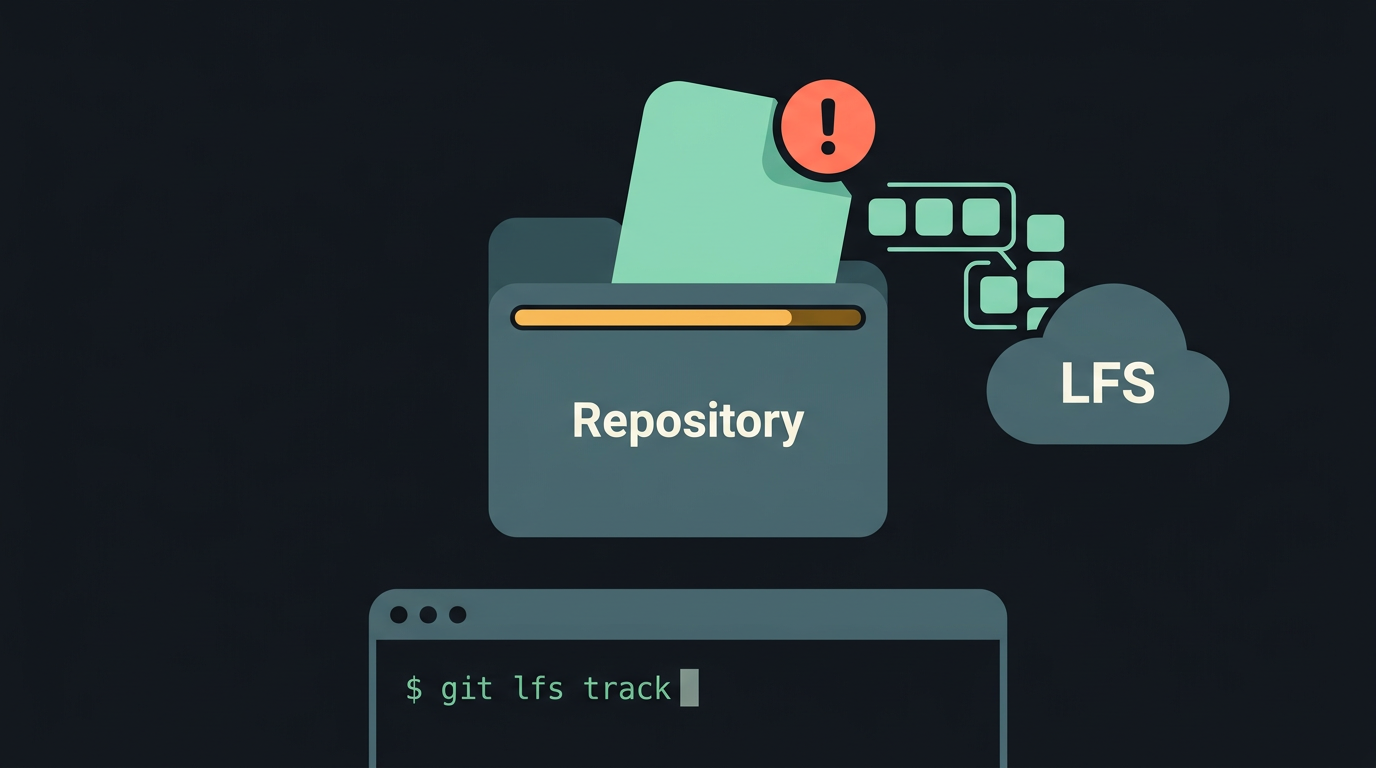
tl;dr the short answer
GitHub’s file-size limits control what you can upload in a file, a push, or a repository, with normal Git pushes blocked for individual files over 100 MB. Keep repositories focused on code, configuration, and small text files; use Git LFS for large assets you need versioned, or object storage for media you only need to download. This keeps cloning and builds faster and helps prevent blocked pushes.
Ever tried to squeeze a packed suitcase into an overhead bin? Your closet holds it all just fine, but the bin has its own limits.
GitHub works the same way: it happily holds your dotfiles, but it enforces size limits on files, repos, pushes, and Git Large File Storage (LFS), an add-on that stores big files outside your main history.
The limit that catches people off guard is the one on individual files, since a single oversized wallpaper can block an entire push.
Here’s what each limit means, how to fix a blocked push, and how to keep wallpapers, fonts, and binaries out of your repo for good.
Why GitHub’s Max File Size Excludes Media
If a folder of wallpapers has ever made your dotfiles repo push back, this is why.
What GitHub is actually built for
GitHub is built around version control, which means tracking every change to your files. Git works best on text like code and config files, where a small edit makes a small change. GitHub is less a place to store files and more a place to track changes.
It’s also not a general CDN (content delivery network), so it isn’t built to serve big downloads to visitors.
Finally, the Acceptable Use Policy sets rules for what you can host, and large binaries (compiled programs) that don’t tie back to source code can get flagged under it.
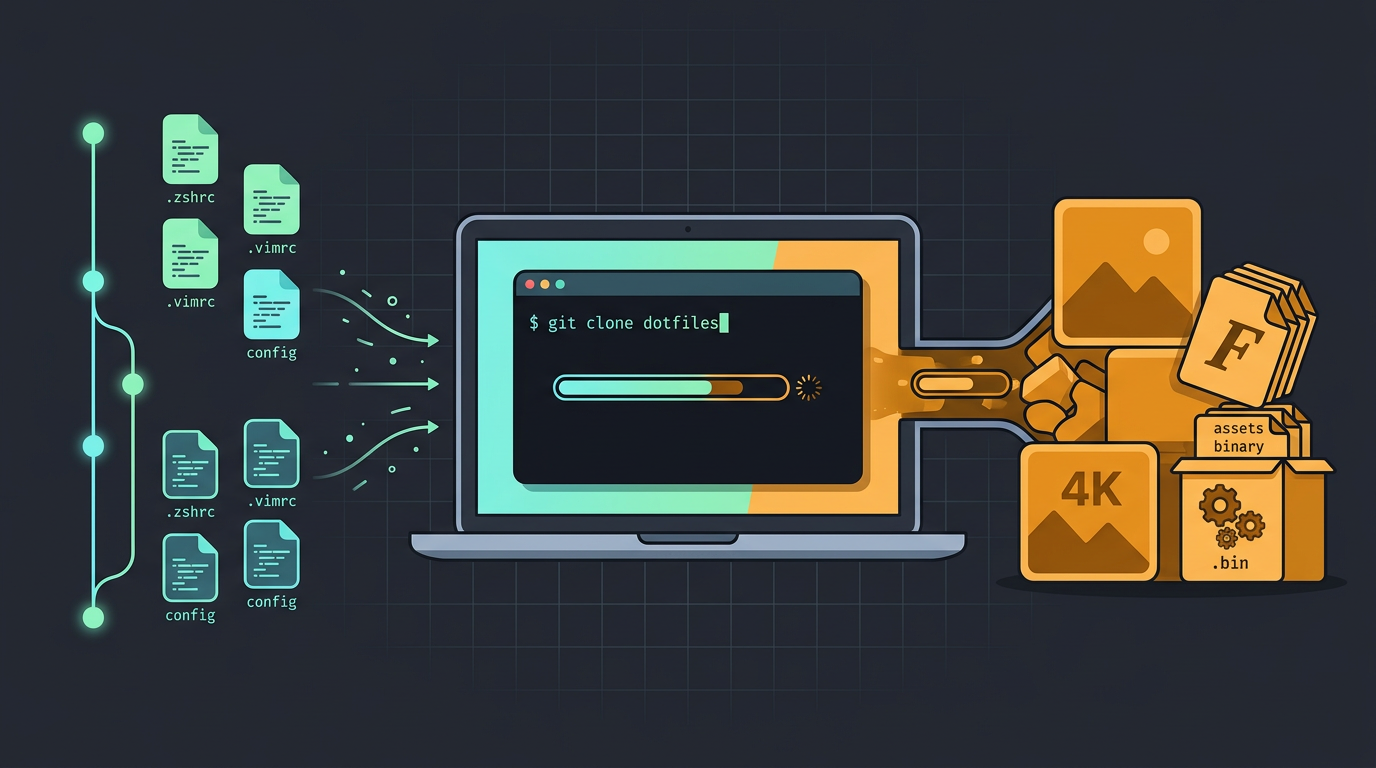
Think of a Linux user whose whole setup lives in one dotfiles repo (a Git repository of config files). Alongside the configs sit 4K wallpapers, patched fonts, and a status bar program.
Every new laptop means copying all of it down, and most of the wait comes from those files.
How large repos slow down your work
Even when a big file gets through, it costs you in three places:
- Slower clone and fetch. A clone copies a whole repository, history and all, to a new machine, and a fetch pulls in new changes. Every old version of a big file rides along.
- Slower CI/CD pipelines. Continuous integration and continuous delivery (CI/CD) tools clone the repo on every run, so bloat costs you each time.
- Lower developer productivity. Each slow pull is a small pause, and they stack up fast when you’re rebuilding at 1am.
The problem is less the file itself and more how often it gets copied. Keep the heavy stuff elsewhere, and we’ll show you where. Lean repos stay fast.
How Big GitHub Files and Repos Can Get
GitHub limits each file, repo, and push, and we’ll walk through all three. Knowing them up front keeps a commit from stalling.
Can I upload a 1GB file to GitHub?
Not with a normal push. Each file has limits:
- 50 MB warning: GitHub warns about files over 50 MB when you push.
- 100 MB hard block: A Zoom developer forum thread shows a 108.62 MB file rejected for exceeding GitHub’s 100.00 MB limit.
- 25 MB in the browser: Web uploads cap each file at 25 MB, according to a GitHub community discussion.
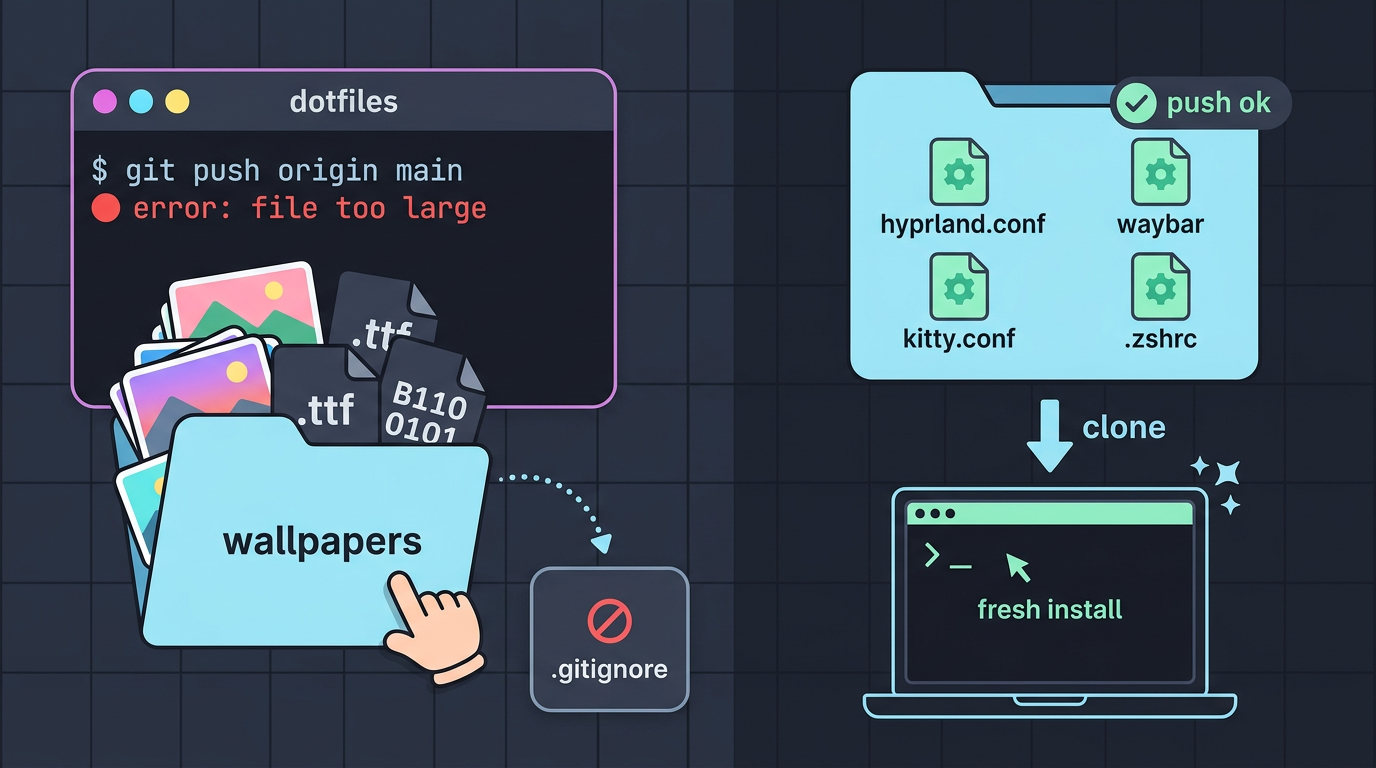
For fonts, wallpapers, and binaries, list their folders in your .gitignore file, which tells Git what to skip.
Picture a hyprland user whose dotfiles push fails with ‘file too large’ because a wallpaper folder slipped into the commit. Pull that folder out and add it to .gitignore, and the push goes through with a repo small enough to clone on a fresh install.
Your dotfiles should be config, not a gallery.
How big your repo should stay
Keep your repo under 1 GB, the recommended size. Once you’re near a soft cap around 5 GB, a guideline rather than a hard block, GitHub support may reach out. Stay lean.
How much one push can carry
GitHub enforces a 2 GB hard limit per push, as a GitHub docs issue on a Russian translation confirms. The limit targets each push, not your repo as a whole.
For more than 100 files, these limits measure size, not count, so the 100 in 100 MB isn’t a file-count limit. Split a big batch into several commits so each push stays under 2 GB.
Storing Big Files with Git LFS
Wallpapers, fonts, and binaries can bloat a dotfiles repo fast. Git Large File Storage (LFS) keeps them out of your repo’s core history.
How Git LFS works
Git LFS swaps each big file for a small pointer file in your repo, while the actual content sits on a separate server. Your repo stays lean instead of bloated.
To set it up, install the Git LFS extension and run git lfs track on the file types you want, such as *.png. LFS records those patterns in a .gitattributes file, so commit that too.
Picture a hyprland user with 4K wallpapers and a Nerd Font in their dotfiles repo. Tracking those types keeps a fresh clone quick on a new laptop.
Already committed a big binary by accident? git lfs migrate can move it into LFS, but it rewrites history, so coordinate with collaborators first.
Free LFS storage limits and overage fees
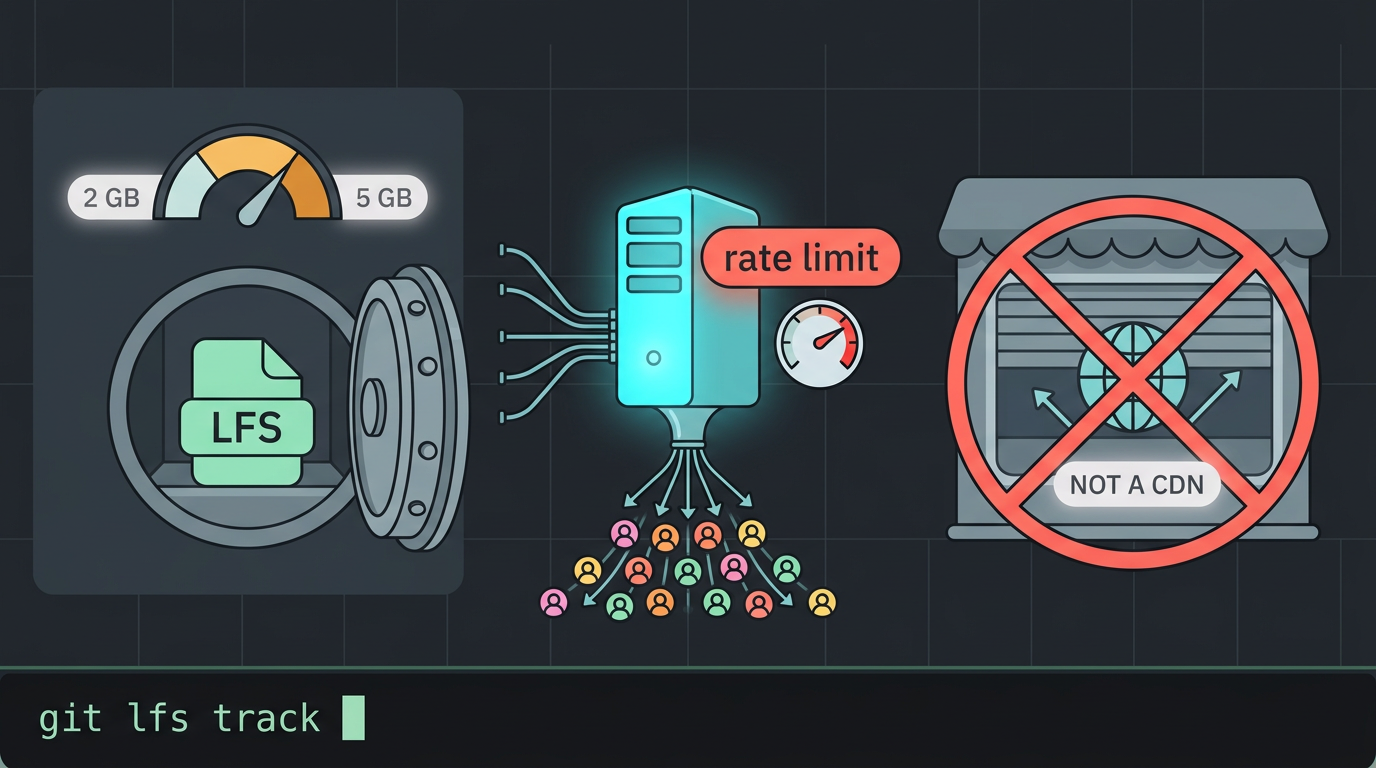
Free and Pro accounts get 10 GiB (gibibytes) of LFS storage and bandwidth, while Team and Enterprise plans get 250 GiB. Go past those allowances and overage charges apply, so check your usage first.
LFS file caps and the risks involved
Each file is also capped at 2 GB to 5 GB, depending on your plan. If you’re asking how to add a file bigger than 25 MB, track it with LFS before you commit it, so it goes to LFS storage instead of your regular history.
The sharper risks are bandwidth and rate limits, which a popular repo can hit when many people clone or download the same files.
Using LFS as a long-term CDN (a content delivery network, which serves files to visitors) is risky. Use it for storage, not hosting.
Better Places to Host Large Media
When a file is too big for GitHub, the fix usually isn’t a bigger repo. It’s a better home for it. Your dotfiles can keep a link to the file instead of the file itself.
Cloud storage services for big media
Big files belong in object storage, a service built to hold large files and serve them by URL. A few providers offer it:
- Cloudflare R2: the one with zero egress fees, covered below.
- AWS S3: Amazon Web Services’ object storage service.
- Backblaze B2: another object storage service worth comparing.
Zero egress fees with R2
Egress is data leaving storage, which happens every time something downloads a file from it. Cloudflare’s changelog spells out R2’s policy: “R2 does not charge for egress, so there is no additional data transfer cost.”
For a dotfiles setup that pulls wallpapers and fonts onto every new machine, that’s a real perk.
Store links in your repo, not files
Keep wallpapers out of your dotfiles by storing the link instead of the file. It comes down to three moves:
- Host files in object storage. Upload wallpapers, fonts, and binaries to a bucket once.
- Store playlist.json in repo. Commit a small JSON file that lists each item and its storage URL.
- Bot streams from storage URLs. A bot or script reads that list and pulls each file straight from its URL.
Consider a Hyprland user with forty wallpapers and a handful of font files. They’ll upload everything to a bucket, commit a playlist.json with the URLs, and their bootstrap script pulls the files down on a fresh install.
Their dotfiles repo stays light, and it doesn’t carry a single binary.
GitHub’s size limits exist for good reasons, and once you know where they sit, they’re easy to plan around. Keep your repo for configs, scripts, and small text files, and check big files before you stage them so a blocked push never catches you off guard.
Your dotfiles should describe your setup, not hoard every wallpaper and font you’ve ever installed. Keep the heavy stuff elsewhere, and your desktop can look like you while your repo stays light enough to clone anywhere.
References
- rus translate mistake · Issue #43271 — github.com (2026)
- Billing is now enabled for R2 SQL — developers.cloudflare.com (2026)
- Attachement size limit · community · Discussion #46513 — github.com
- GitHub’s file size limit - Meeting SDK / Android — devforum.zoom.us
Questions
What is Git LFS used for?
Git LFS stores large files outside a Git repository’s normal history. It leaves small pointer files in the repo, helping keep clones and fetches faster.
What is the maximum file size limit on GitHub?
GitHub warns when a file exceeds 50 MB and blocks normal Git pushes for files over 100 MB. Browser uploads have a lower limit of 25 MB per file.
How can I add a file bigger than 25 MB to GitHub?
Track the file with Git LFS before committing it, so Git stores a pointer in the repository and the file content in LFS storage. Install Git LFS, run `git lfs track` for the file or its type, and commit the resulting `.gitattributes` file as well.
How to fix file size too large?
Remove the oversized file from the normal Git commit and add it to `.gitignore` if it should stay out of the repository. If you need to version it, track it with Git LFS before committing; for a file already committed, `git lfs migrate` can move it, but this rewrites history.
How to use GitHub LFS?
Install the Git LFS extension, then run `git lfs track` for the files or patterns you want to store there, such as `*.png`. Commit the generated `.gitattributes` file and the tracked files; LFS keeps their contents outside the repository’s normal history.
Why are people moving away from GitHub?
People may move away from GitHub when they want different hosting, pricing, privacy, governance, or control over their repositories. Some also prefer self-hosted platforms or services better suited to large downloads, since GitHub is designed for version control rather than serving large media as a CDN.
Can I upload a 1GB file to GitHub?
A 1 GB file cannot be added with a normal Git push because GitHub blocks individual files over 100 MB. Git LFS supports files up to 2 GB to 5 GB depending on the plan, so a 1 GB file may fit if your plan allows it and you have sufficient LFS storage and bandwidth.
Is git large file storage free?
Git LFS includes 10 GiB of storage and bandwidth on Free and Pro accounts, and 250 GiB on Team and Enterprise plans. Usage beyond those allowances can incur overage charges.
Sources
- GitHub's file size limit - Meeting SDK / Android - Zoom Developer Forum, devforum.zoom.us
- Attachement size limit · community · Discussion #46513 · GitHub, github.com
- rus translate mistake · Issue #43271 · github/docs, github.com,
- Billing is now enabled for R2 SQL · Changelog, developers.cloudflare.com,
Read next.
Ubuntu Clean Files and Blocks Explained
Ubuntu clean file and block counts: understand the boot message, fix a stall on the clean line, and free disk space without risking saved configs.
How to manage dotfiles with GNU Stow
Keep configs in a git repo and let Stow link them into place: dry runs, tree folding, conflicts and --adopt, secrets kept out, and a rebuild on a new machine.