How to Run GitHub Code, Explained From Clone to Launch
How to run GitHub code online or locally with VS Code or a terminal, then prepare your repo so others can launch it without guessing setup steps.
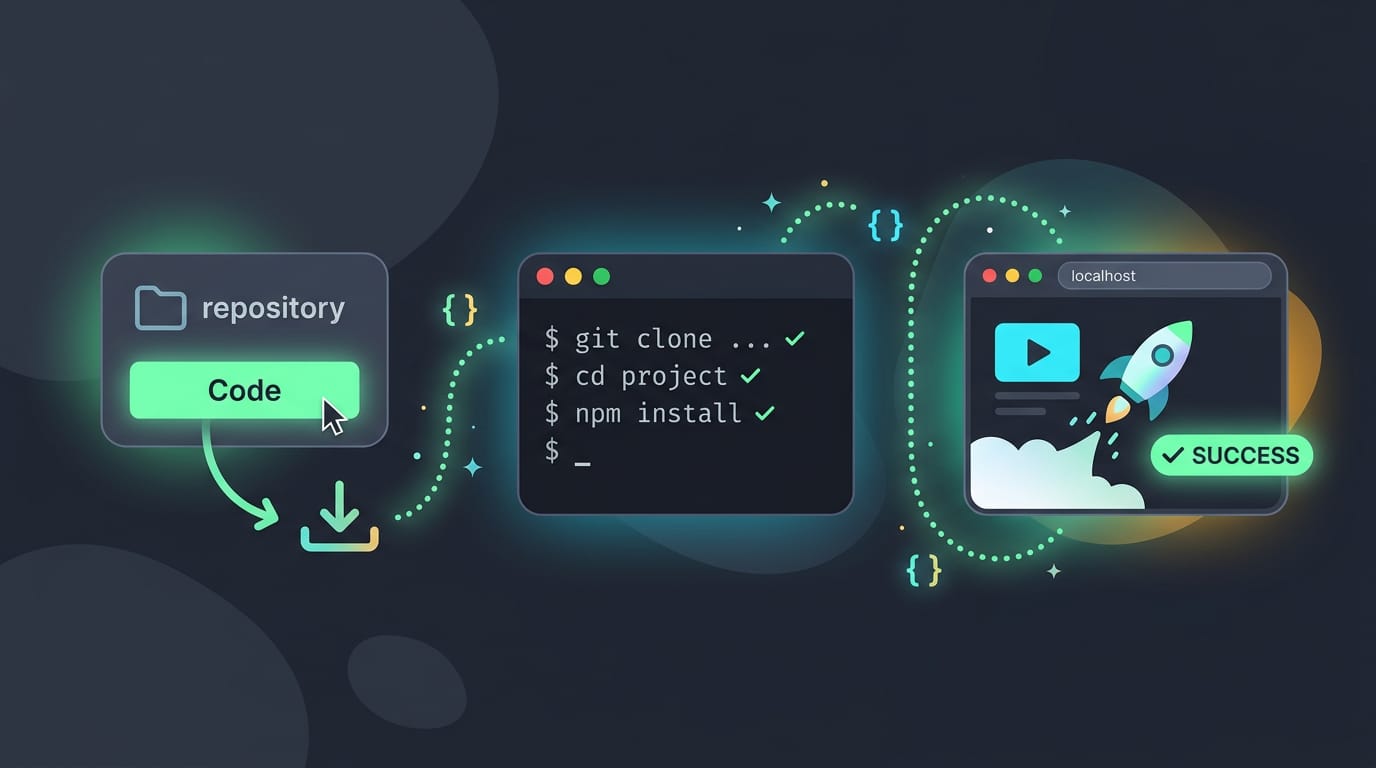
tl;dr the short answer
Running GitHub code means opening a project from a repository and starting it in a cloud workspace or on your own computer. Locally, clone the repository, read its README, install the listed dependencies, and follow the build and start commands; before running unfamiliar code, inspect its scripts and check its license before reusing it. Clear setup instructions and a start script make projects easier to launch, while careful checks help protect your computer.
Ever found a GitHub project that looks exactly like the setup you want, then wondered how to get it running yourself? It’s a lot like finding a recipe online: the ingredients are listed, but you still need the steps.
Most repos follow the same pattern: you clone the code to your computer, install its dependencies (the extra libraries it relies on), and start it up. Or you can skip the local setup and launch it in the cloud.
We’ll cover both routes with VS Code and the terminal, then show Linux users how to run repos safely and natively.
How to Run GitHub Code Online
Here’s how to run a repo in the cloud. We’ll also cover the local route for when you’d rather keep it on your own machine.
Why the cloud makes running repos easy
GitHub works as a collaboration hub, so many projects already live there. Cloud tools make opening them easy. The job shifts from installing to running, keeping setup fast and light.
Yes, GitHub can run code itself through GitHub Actions, which executes commands on GitHub’s servers when a workflow runs. On your own machine, you run commands in a terminal after cloning with git.
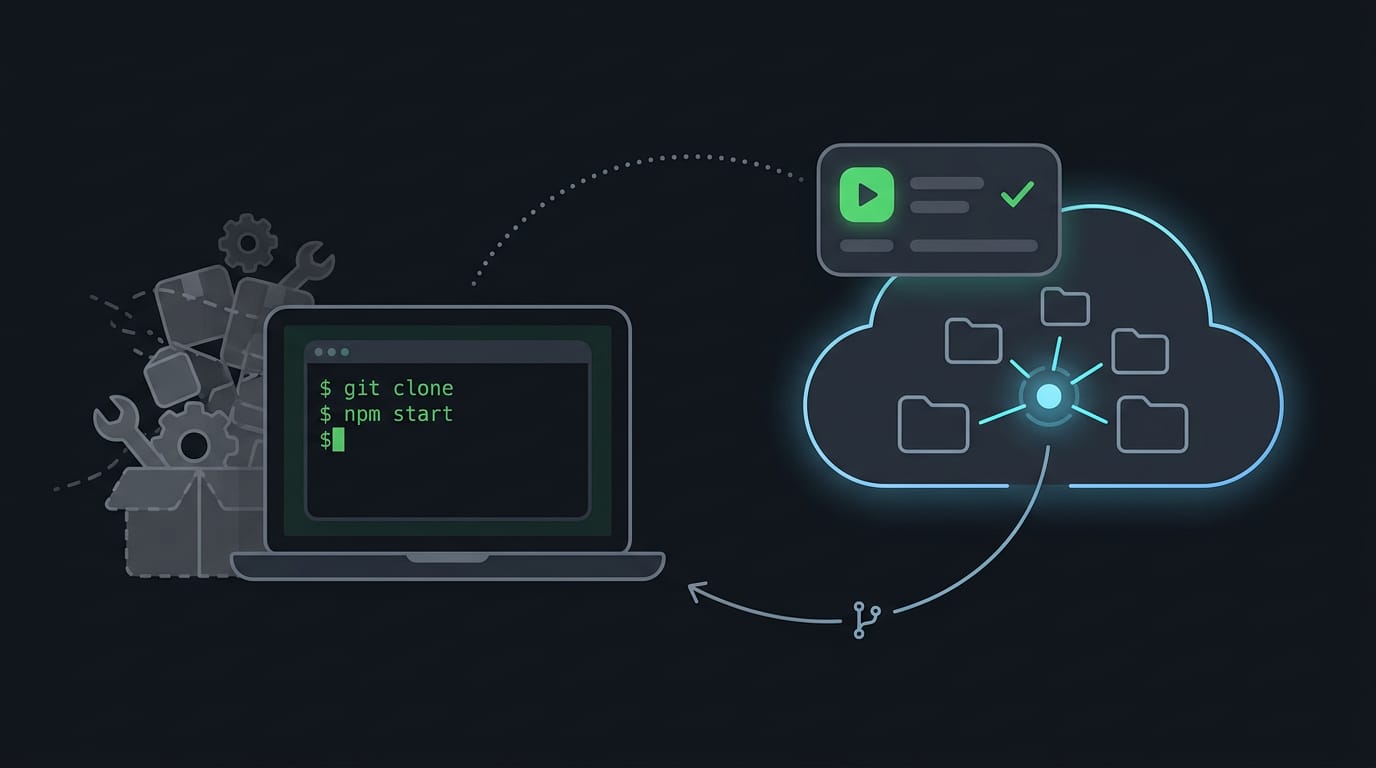
Setting up a cloud workspace with Gitpod
Gitpod is a platform that gives you a cloud workspace for configuring your developer environment. Think of a Linux user trying a friend’s project without cluttering their own system.
They open it in Gitpod, and they’re running it without installing anything locally. Their own system stays clean.
Going local takes four steps:
- Install git with your distro’s package manager.
- Clone the repo with
git clone, then move into its folder. - Read the README, then install the dependencies and build.
- Open the folder in VS Code and run it from the built-in terminal.
How do I launch a project from GitHub?
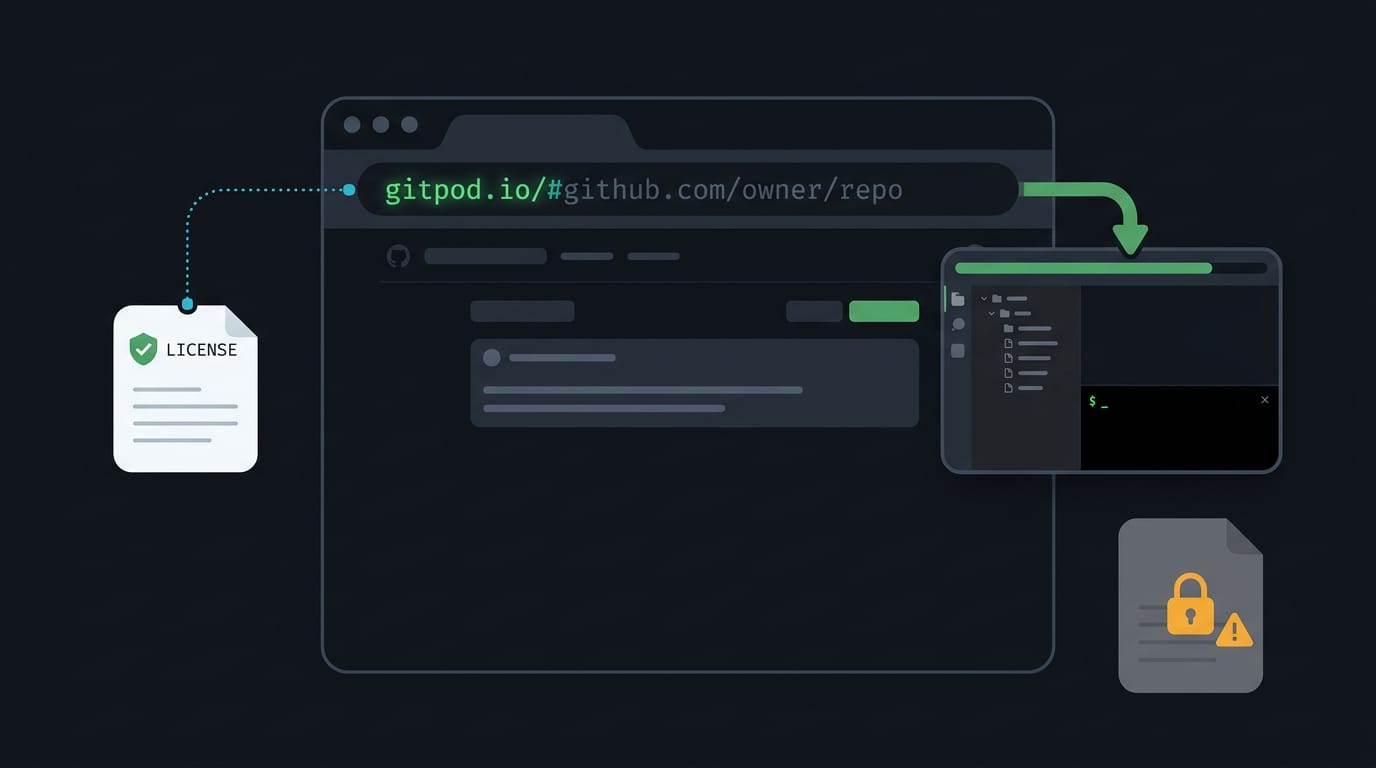
Three different methods exist for launching a project from GitHub, and the simplest is to prefix the repo URL with Gitpod’s address. That opens existing repositories instantly. Using GitHub code comes down to its license.
Check the license before reusing anything, since it spells out what you’re allowed to do. A repo with no license doesn’t automatically give you permission to reuse it.
Prepare Your Repo for Others to Launch
Making your repo easy to launch means a new developer can go from clone to running app without guessing. The work happens in your files, so set these up before you share it.
Letting other developers launch your repo
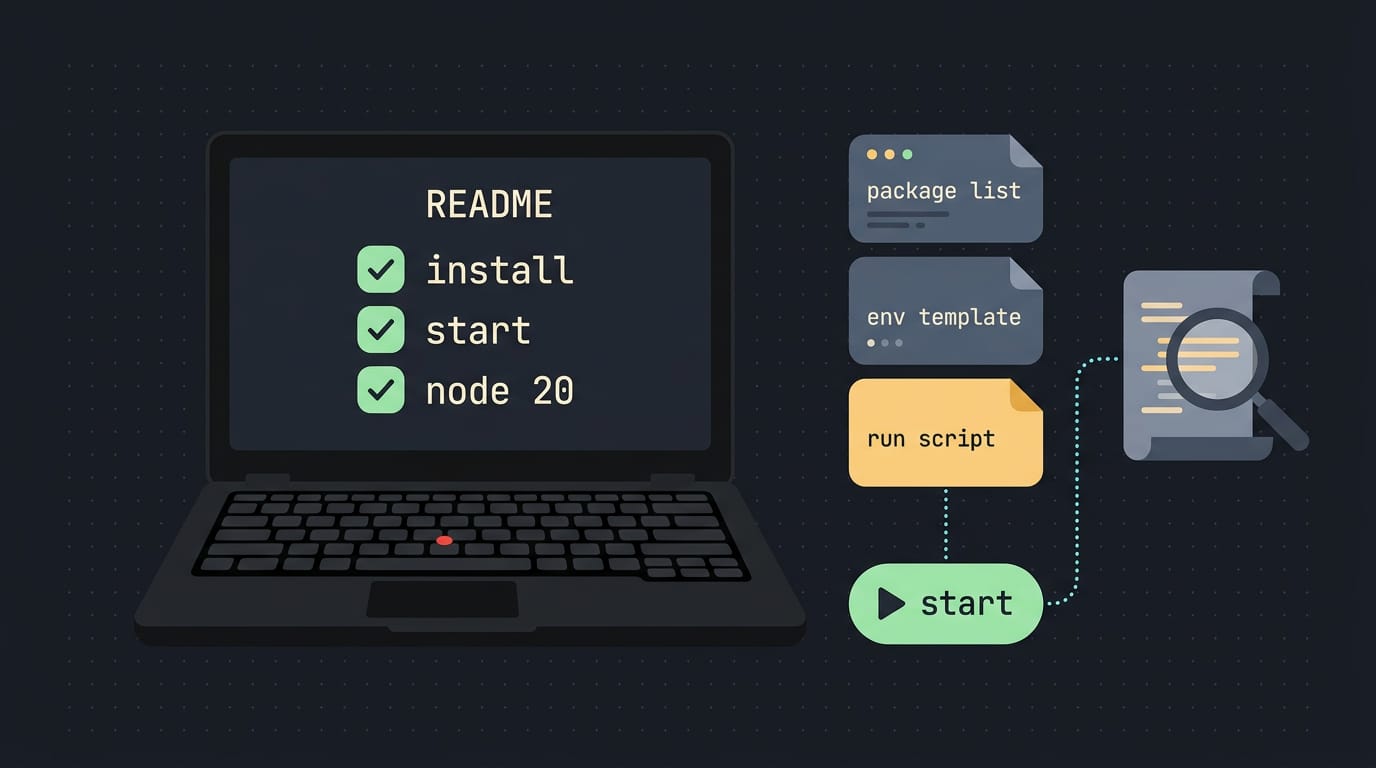
Easy launch for other developers starts with a README that reads like a checklist. Picture a Linux user cloning a friend’s project onto a ten-year-old ThinkPad.
If the README gives the exact install command, the start command, and the runtime version the project expects, they’re running it in one sitting. If it doesn’t, they spend the evening guessing.
Repo configuration means putting everything the project needs into files, not into your head. Keep these in the repo:
- Dependency list: every package and its version, plus a lockfile if your tooling creates one.
- Environment template: an example env file with placeholder values, so nobody has to ask which settings to fill in.
- Run steps: the exact commands, in order, tested from a clean folder.
Fast, one-click style execution is the payoff. Wrap the start steps in a single start script so the whole launch is one command instead of a page of steps. Fewer steps means fewer places to break.
Launching works both ways, too. Before you run a repo you didn’t write, open its install and start scripts and read what they actually do. Look for anything that downloads and runs files you don’t recognize, and check that the README matches the project.
Reading before you run beats cleaning up after.
Running GitHub code gets a lot less mysterious once you know the rhythm: clone, install, run, and check the README for anything special. Whether you launch in the cloud or on your own machine, those same habits keep things smooth.
For Linux users, running repos natively means you stay in control of your own system. Read the code before you run it, and stick to projects you trust, so your desktop stays yours.
Your next favorite tool is only one clone away.
Questions
How can I use GitHub code?
Check the repository’s license before reusing its code, since the license sets the terms for use and a repository without a license does not automatically grant permission. To run it, clone the repository, read its README, install the listed dependencies, and follow its build and start commands.
How to run GitHub on VS Code?
Clone the repository to your computer, open its folder in VS Code, and read the README for setup instructions. Install the required dependencies, then run the project’s commands in VS Code’s built-in terminal.
How to run command in GitHub?
To run a command on your computer, clone the repository, open its folder in a terminal, and enter the command specified by the README. GitHub Actions can also execute commands on GitHub’s servers when a workflow runs.
How do I launch a project from GitHub?
You can open a repository in a cloud workspace such as Gitpod, or run it locally by cloning it, installing its dependencies, and following its README instructions. Before running a project, check its license and review its install and start scripts, especially if you do not know or trust the source.
Read next.
Vscode Install Guide for Windows, macOS, and Linux
VS Code install takes minutes; choose the right method for Windows, macOS, or Linux, verify your first launch, then add extensions and source control.
Set Environment Variables on Mac: Every Method Explained
Set environment variables on Mac for lasting access across sessions, then choose between persistent zsh settings, launchctl, and PowerShell 7.
Linux Mint Theme Guide: Change Your Desktop Look
Linux Mint themes reshape windows, menus, icons, and pointers. Compare Cinnamon styles, install them, and see what customization can’t change.